These steps describe the current Tracker interface. To follow along, start a free account; it takes a few minutes.
Start with the dashboard
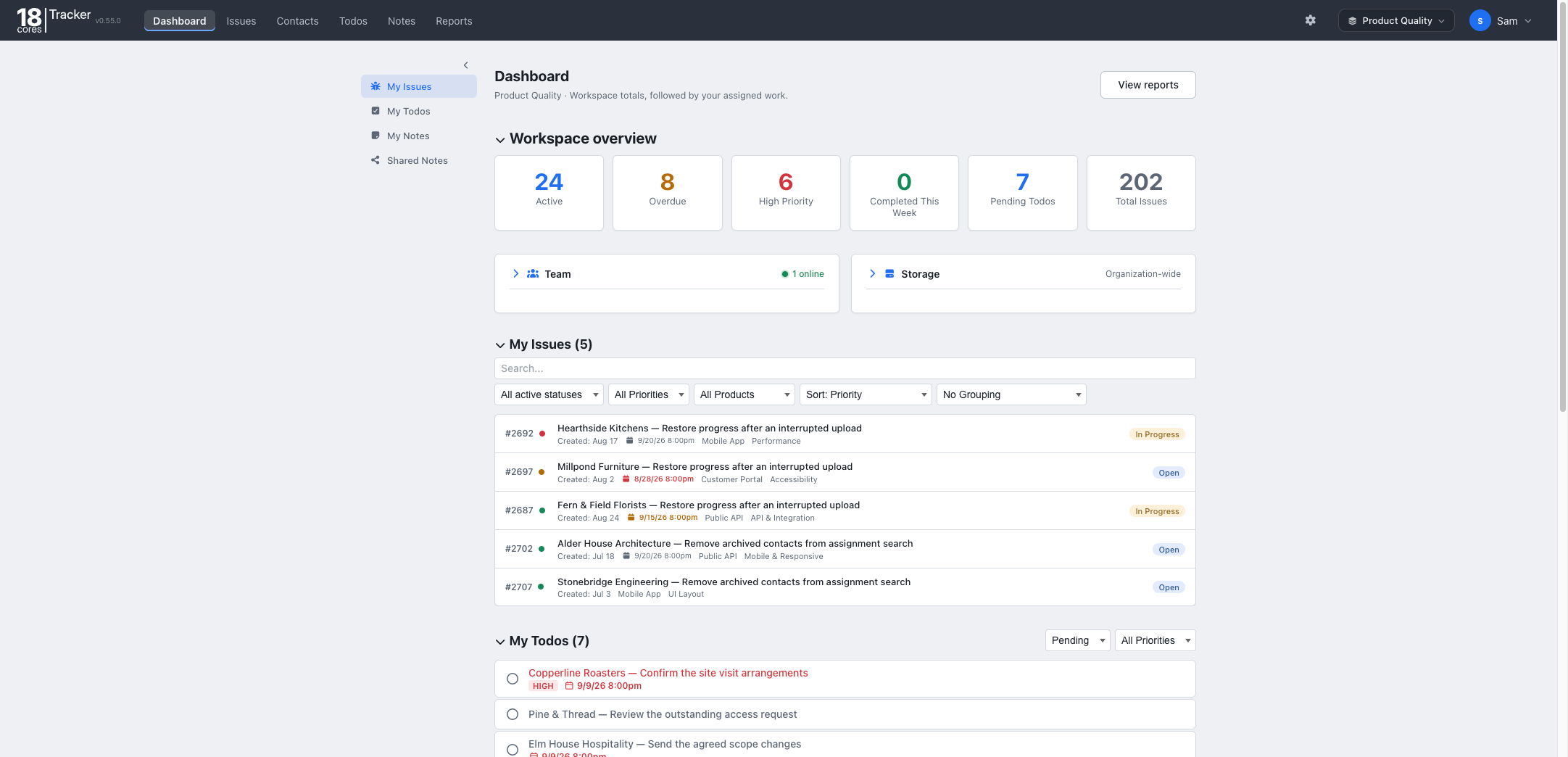
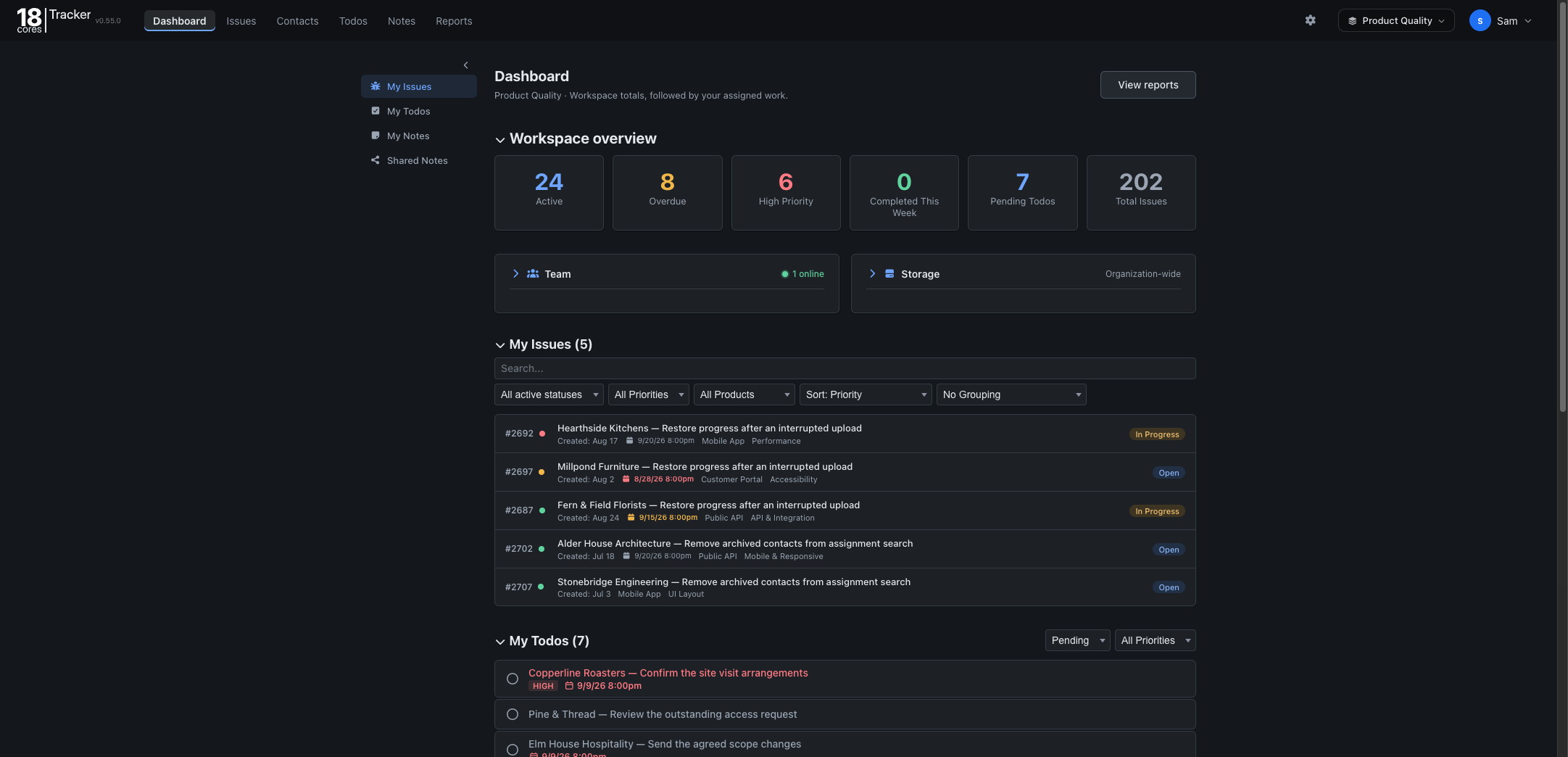
The dashboard brings workspace totals, assigned issues, team activity, storage, and personal todos together. Use it as a starting point for the work that needs your attention.
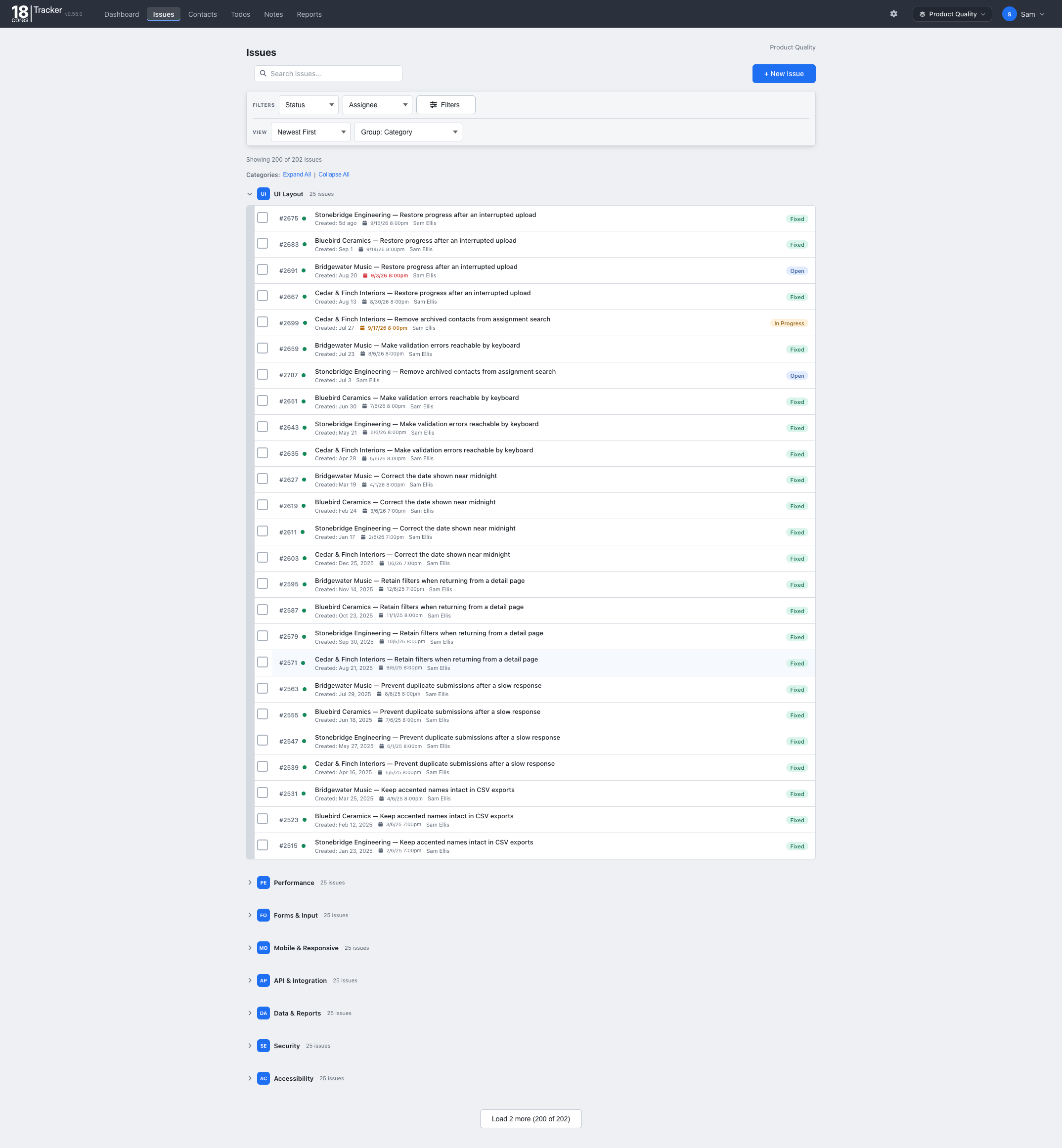
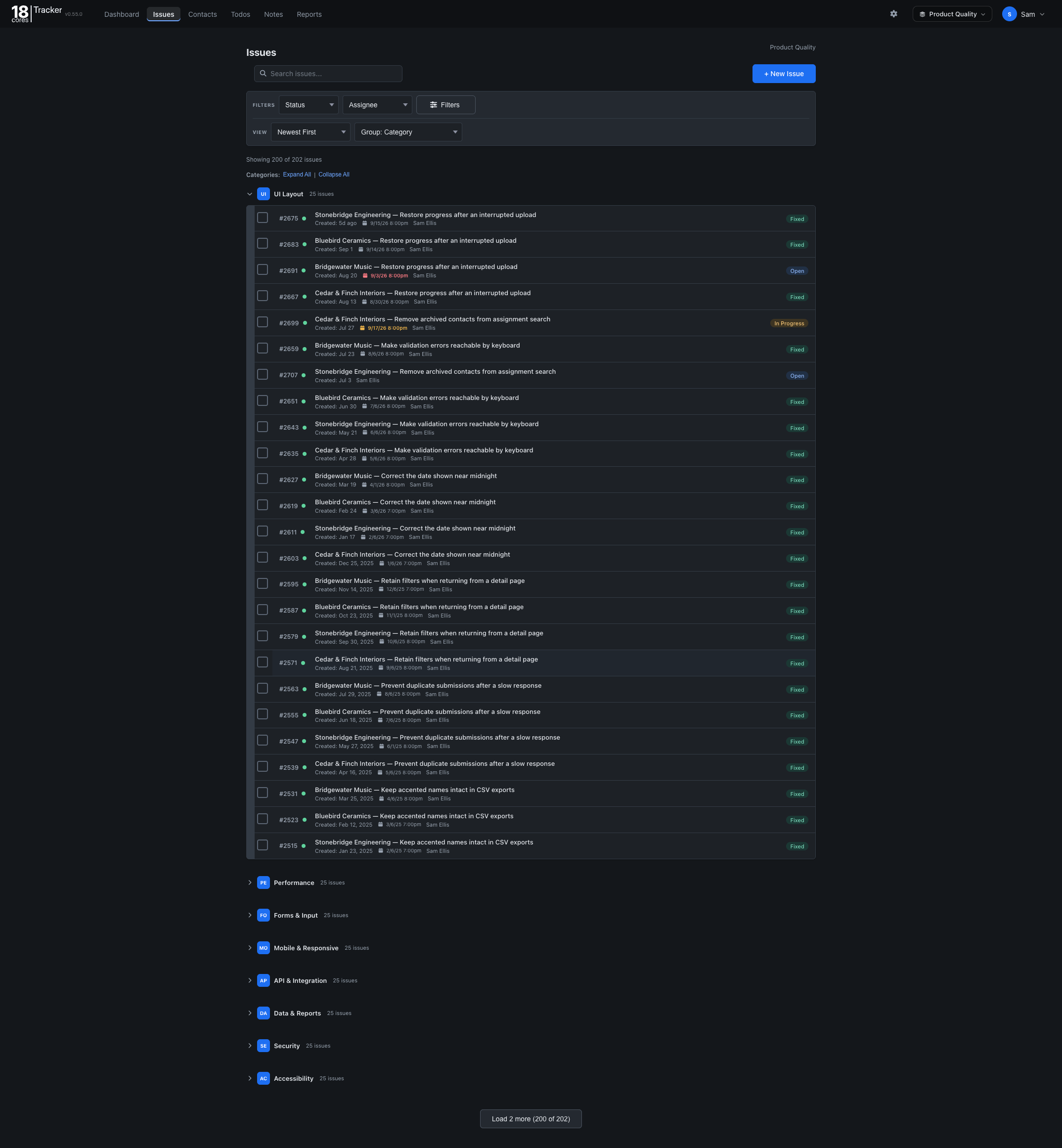
Create and follow an issue
- Open Issues and choose New Issue.
- Give the issue a clear title and describe the work or problem. Include the information someone needs to take the next step.
- Set its priority and assign the work as appropriate, then save the issue.
- Use comments to keep the discussion attached to the issue. Update its status as the work progresses.
Organize supporting notes
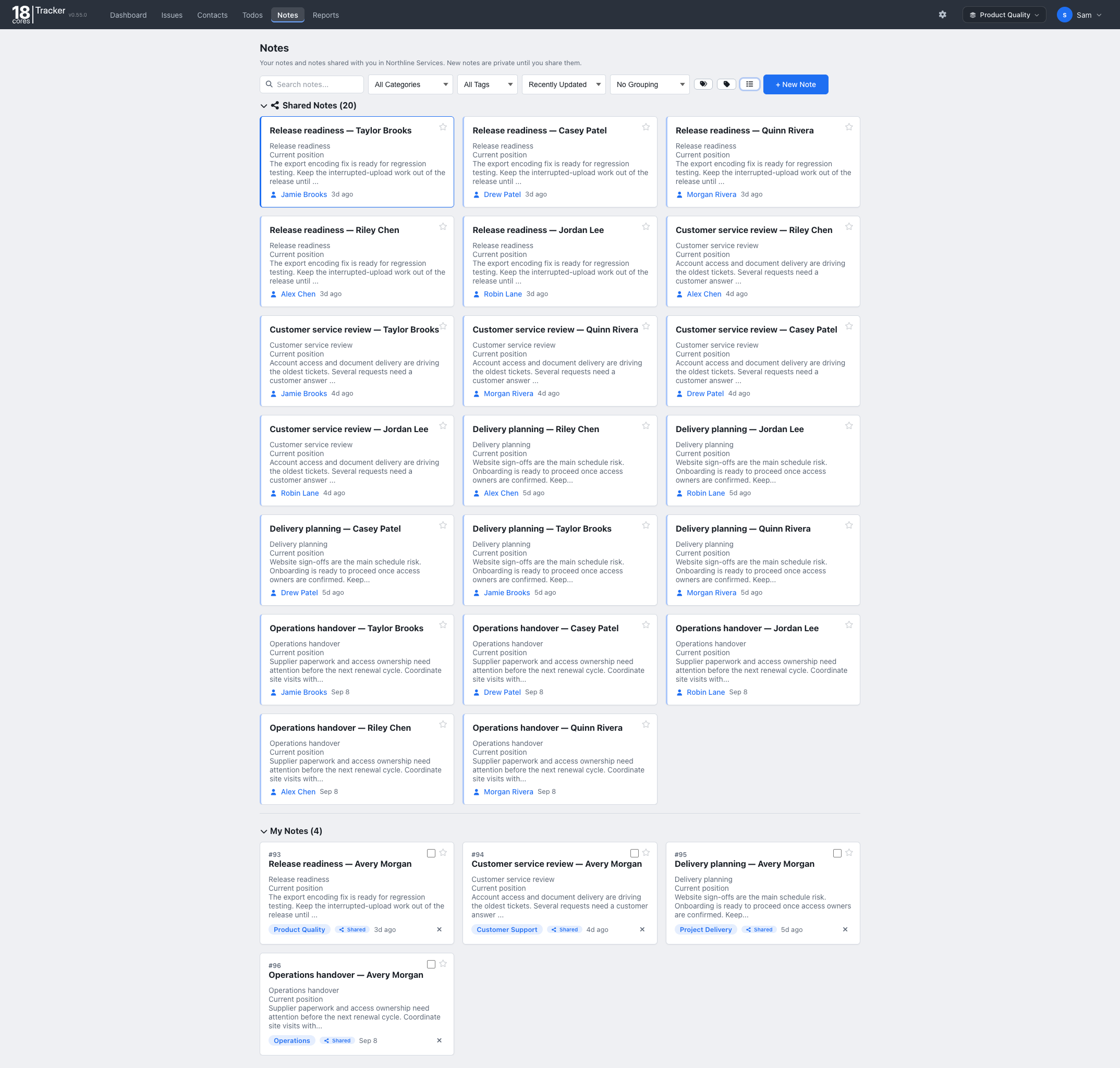
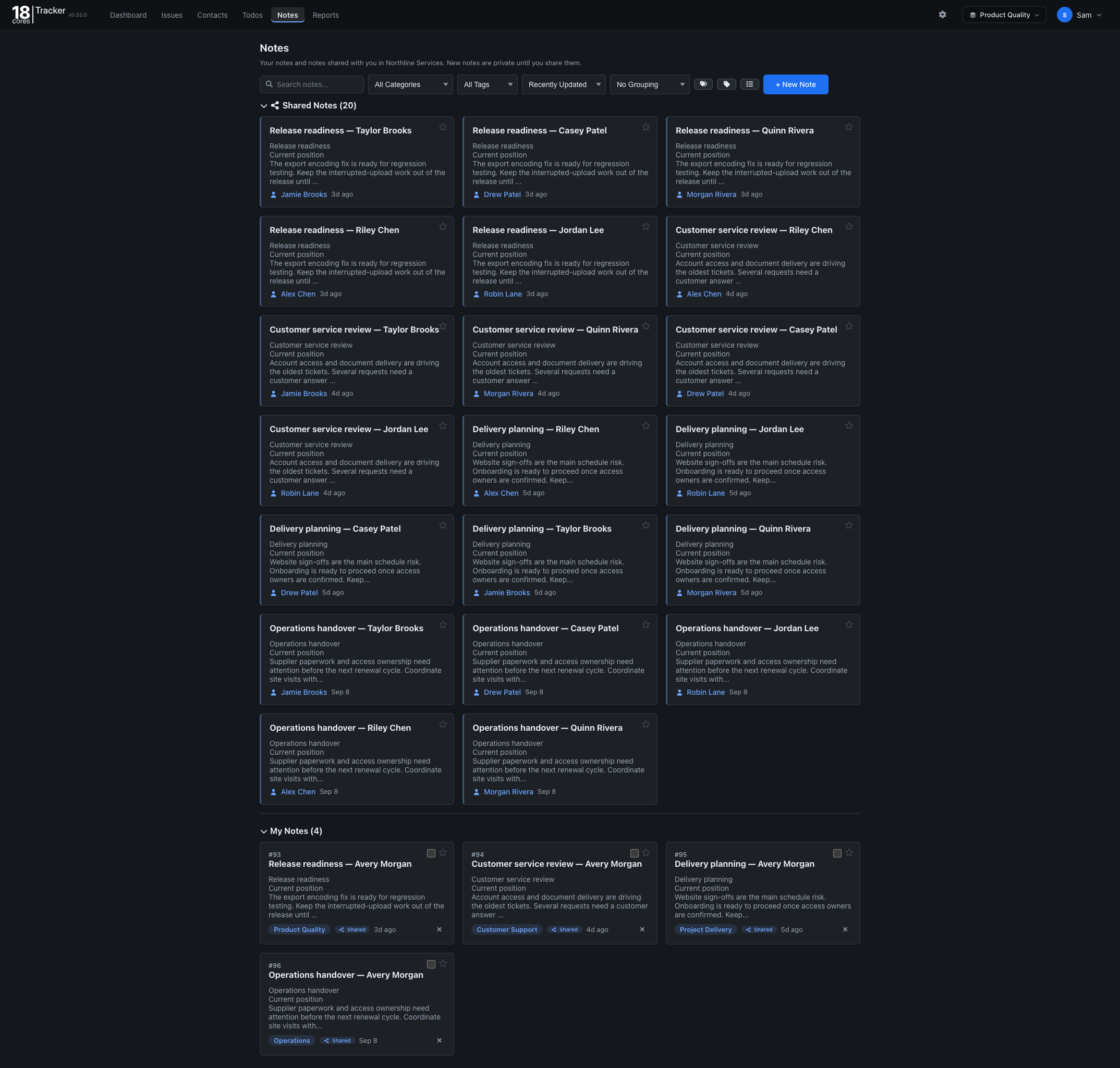
Open Notes and choose New Note. Give the note a descriptive title and add your specifications, decisions, or reference material. Use categories to organize your notes and the search field to find them again.
Keep a personal task list
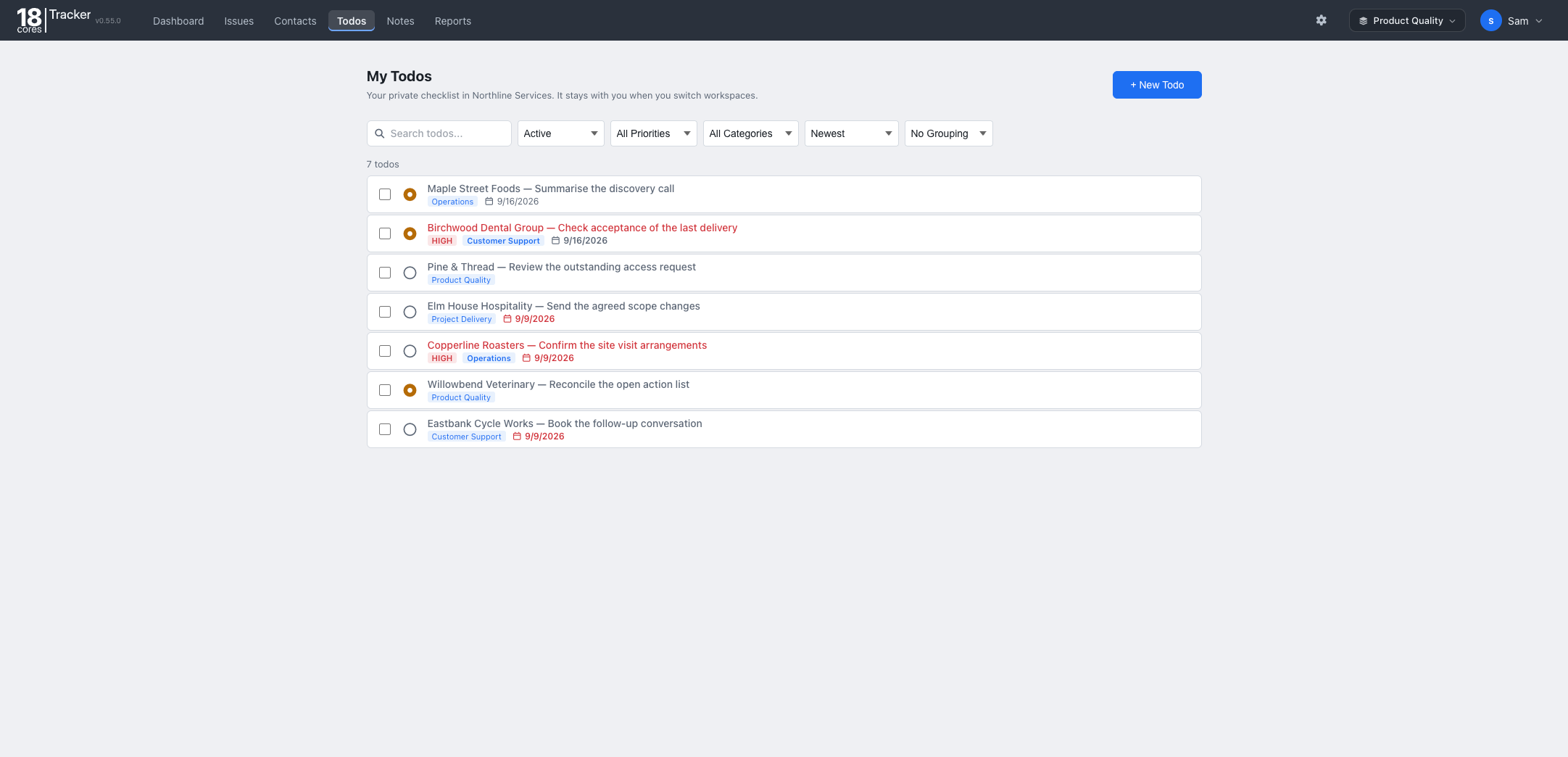
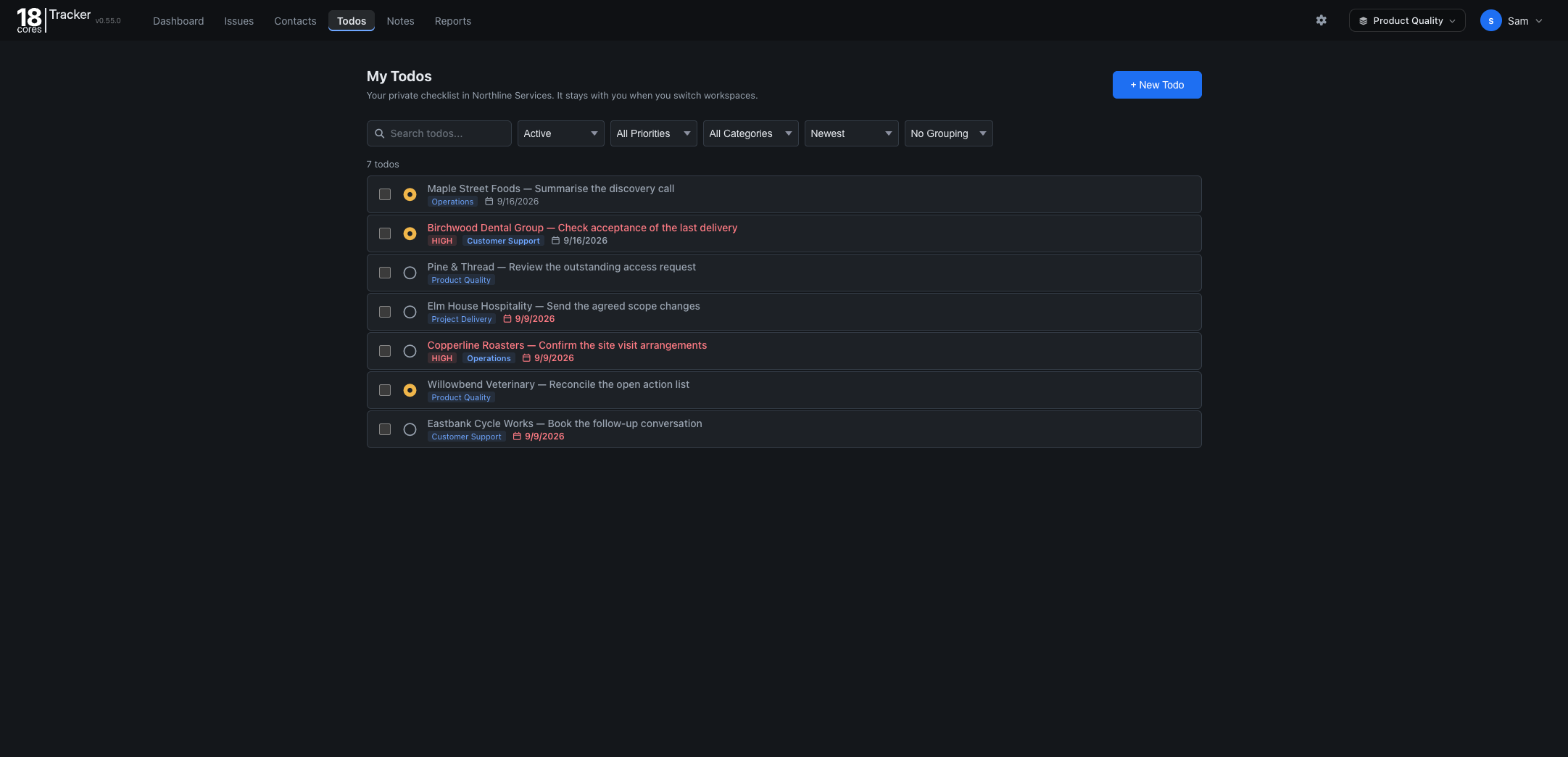
Open Todos and choose New Todo. Enter the next action, set a priority, and add a category or due date if useful. Save it, then update its status as you work.
Use the status filter to focus on active tasks or include completed items. Search, priority, and category filters help narrow a longer list.
Review progress in Reports
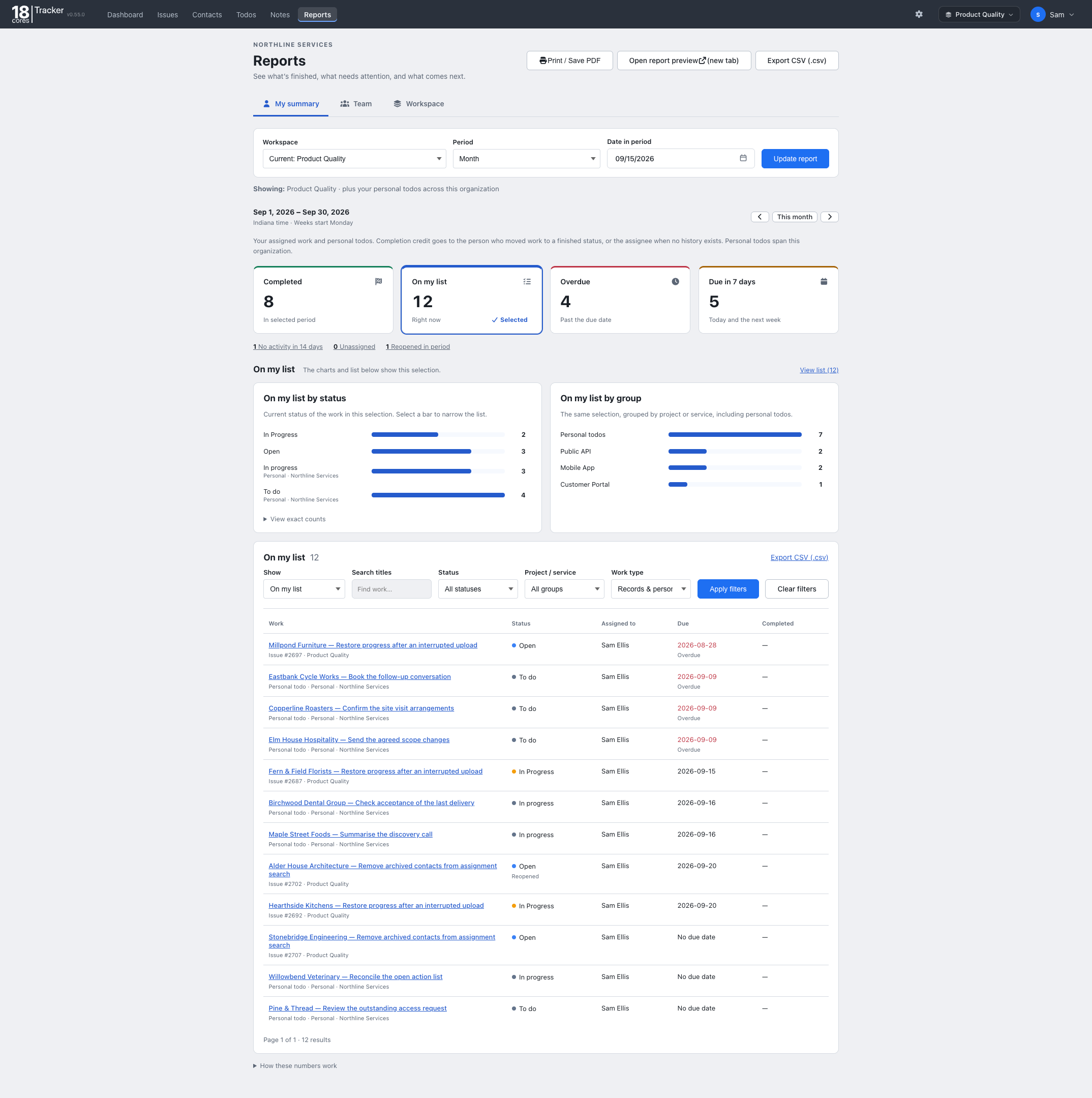
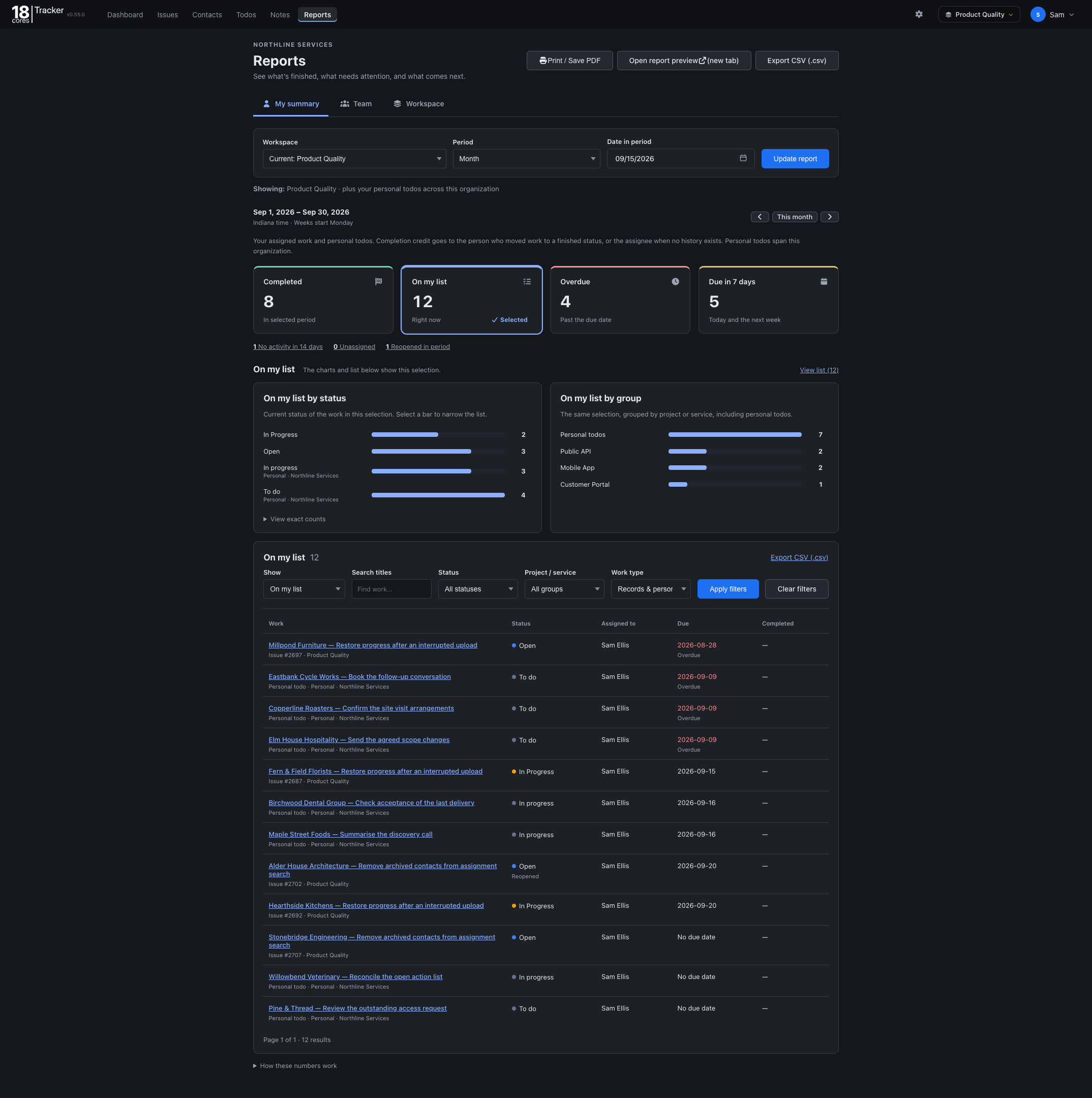
Open Reports to review completed, overdue, and upcoming work for a workspace and period. Select a metric to narrow the list, then export the results as CSV or a printable report.