Your team can start today
Lists, forms, and filters work the way you already expect, so there is no training course to sit through before the work begins.


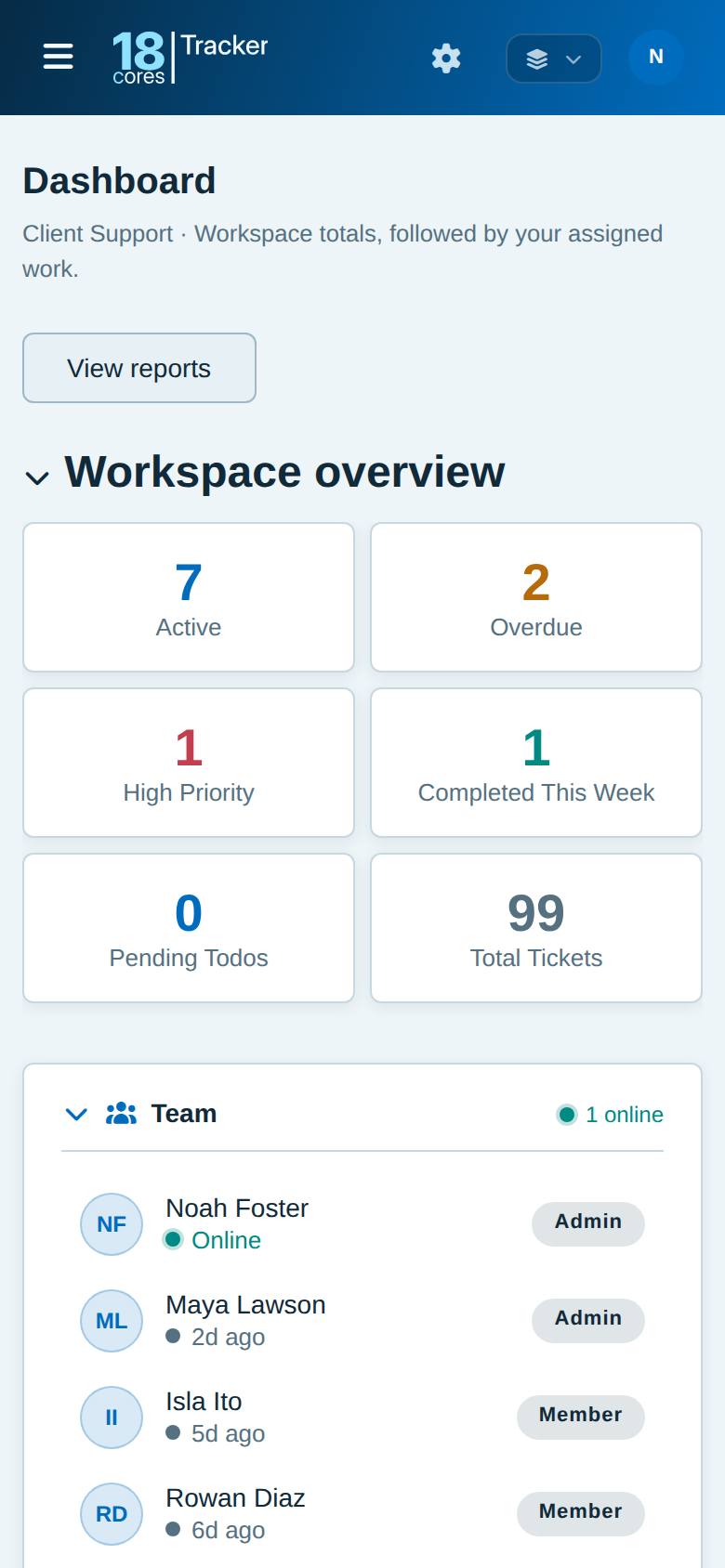
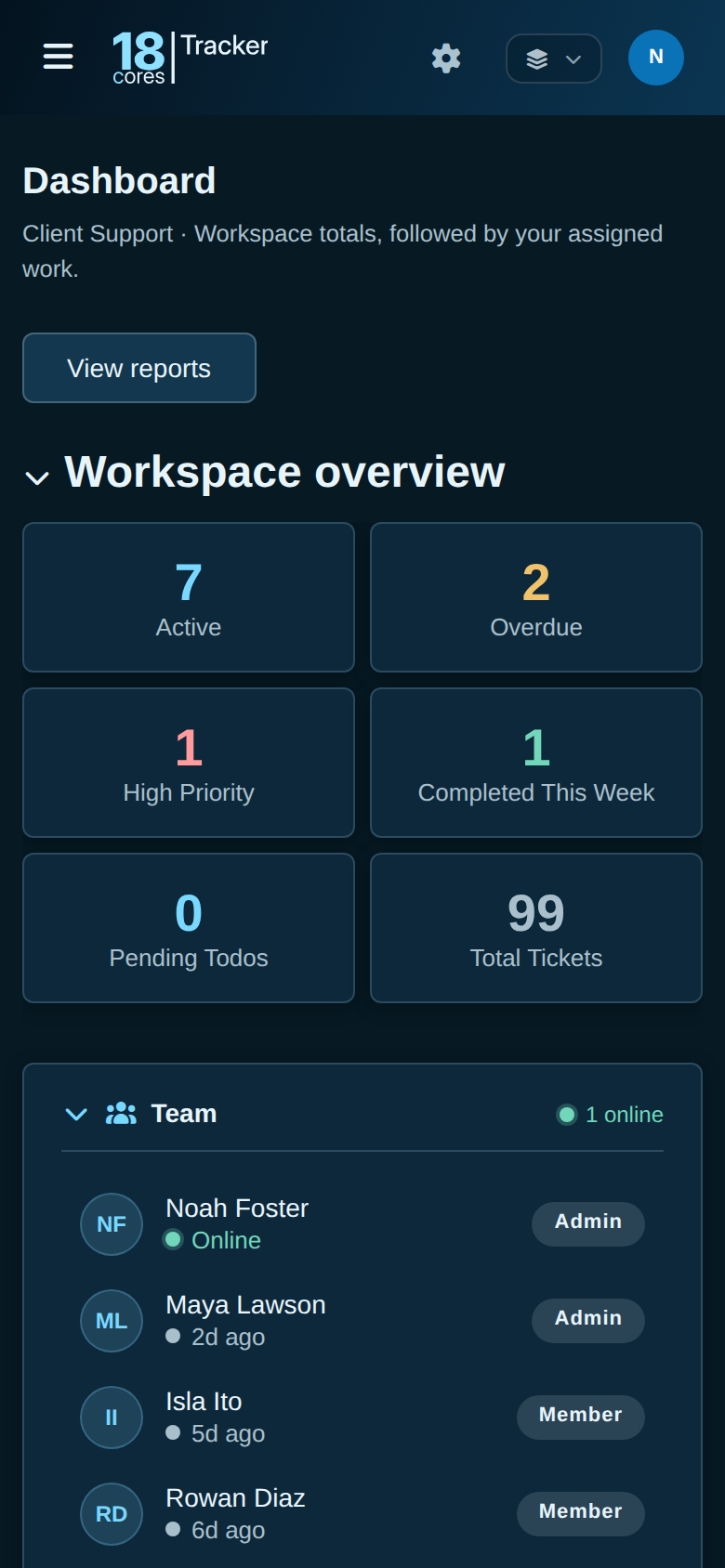
When work lives in inboxes, spreadsheets, and memory, things get missed. Tracker gives customer support, sales, projects, bug tracking, or a workflow you design one shared place, with familiar lists, forms, and filters, so your team is up and running in minutes, not after weeks of training.
Free for up to 3 people. No credit card needed.
Questions? Email info@18cores.com
Each workspace starts from a template that sets what its records are called, the steps they move through, and their categories. Rename, add, or remove any of it as your work changes. If a workspace outgrows its template, switch it, and Tracker moves existing records to the new steps.
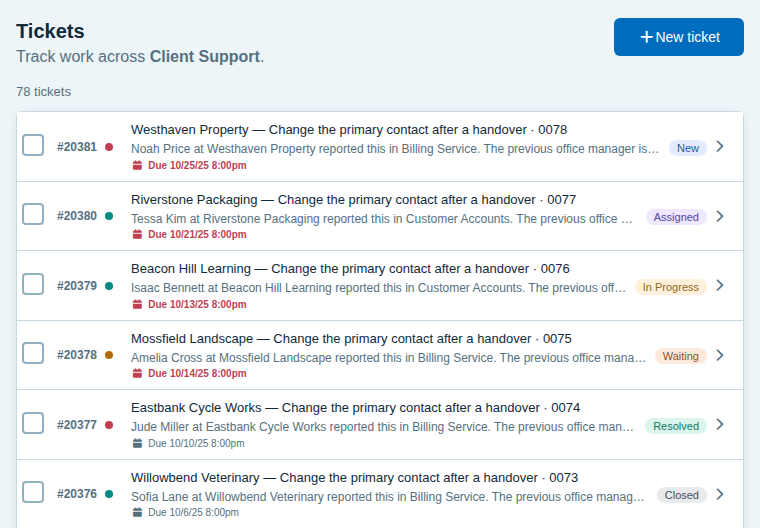
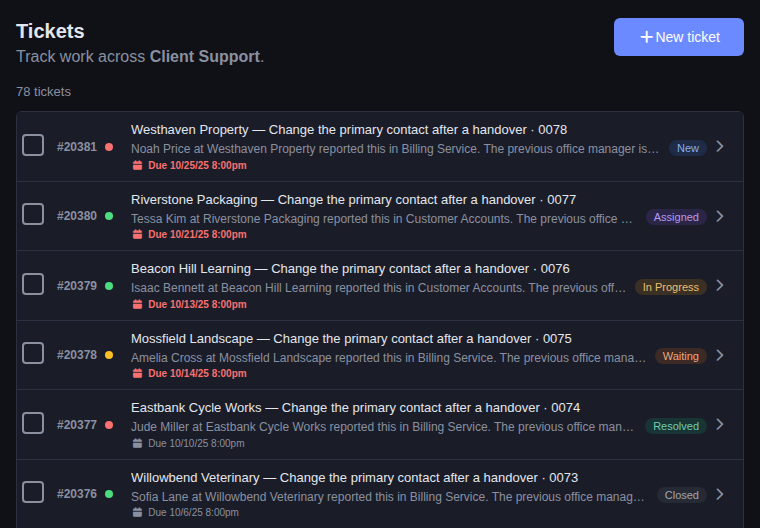
Tickets, grouped by topics such as billing, accounts, and feature requests. Learn more
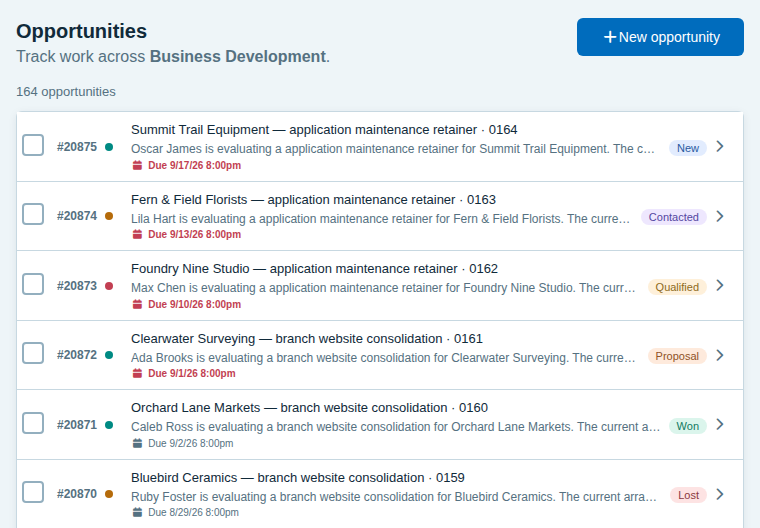
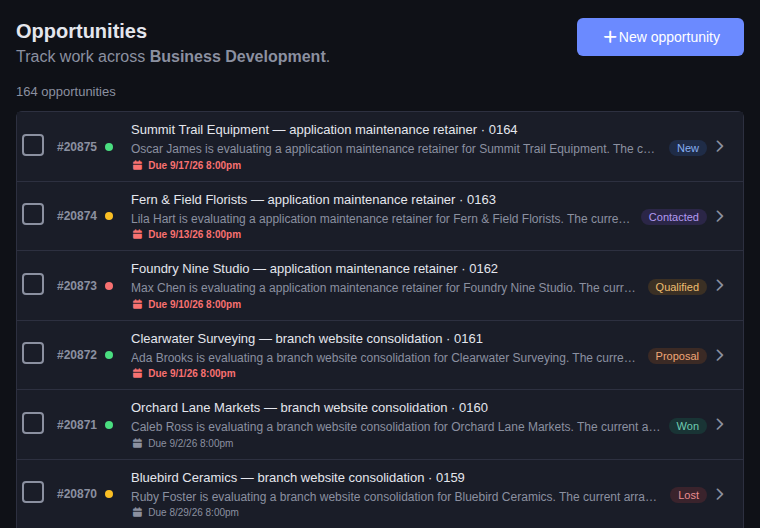
Opportunities, grouped by source: inbound, outbound, referral, or partner. Learn more
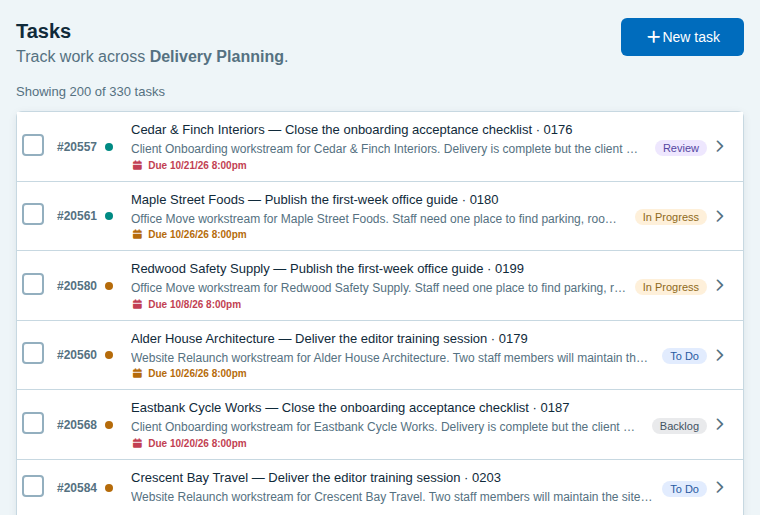
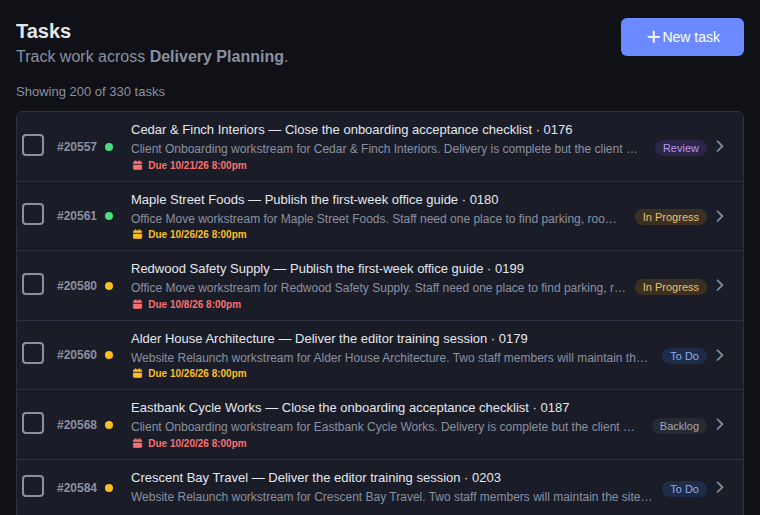
Tasks, grouped by areas such as design, development, and testing. Learn more
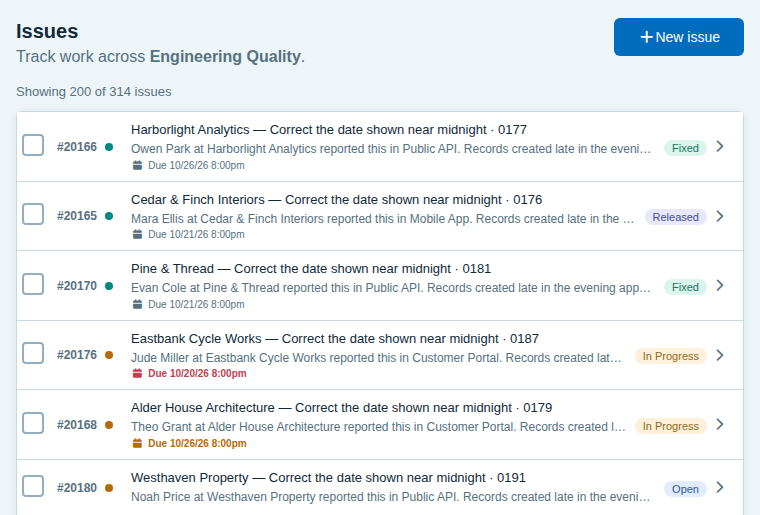
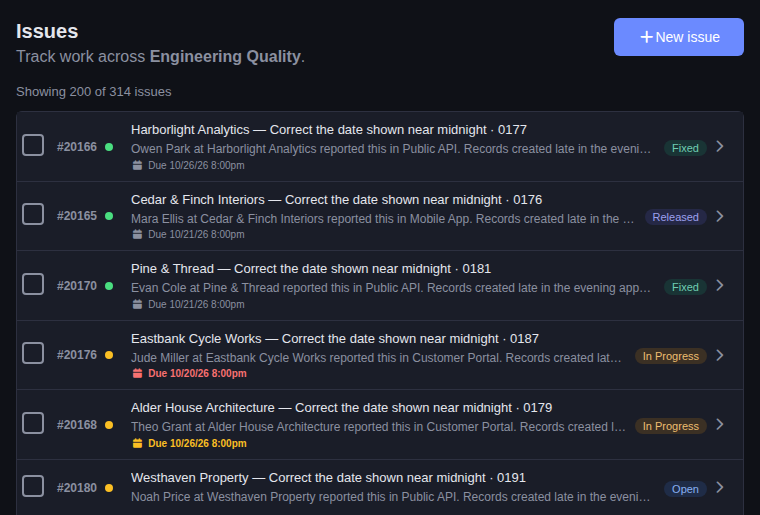
Issues, grouped by areas such as performance, security, and accessibility. Learn more
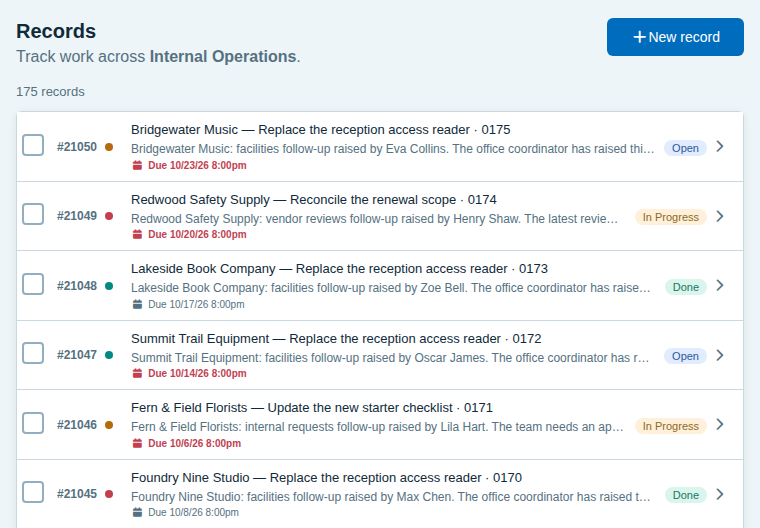
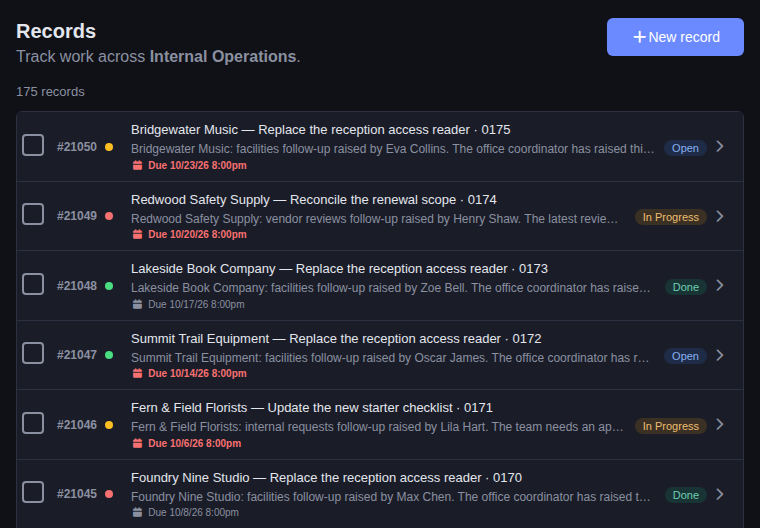
Records with three simple steps. Name them and build the workflow you need. Learn more
Connect Claude Code, Codex, or any AI app that supports MCP with a command or two and a sign-in. Then just ask: for today’s calls, to move a deal along with a note, or to set a reminder. It works with your permissions, in the workspace you choose. How to connect →
> What calls do I need to make today? Just the list.
- Arlo Evans, Crescent Bay Travel: the revised timeline
- Lena Ortiz, Juniper Learning Center: follow-up on the demo
- Owen Park, Harborlight Analytics: the renewal

> Move the Stonebridge deal to Proposal and note that we sent the quote.
I moved Stonebridge Engineering’s customer portal rebuild (#2341) from Qualified to Proposal and added a “Quote sent.” comment to it. It’s the only open Stonebridge deal; the other five are marked Lost.
Its due date is still October 21, which has passed, and the deal’s description still says the update to Clara Webb has slipped. Do you want me to set a new due date or update that text?

> Remind me to call Clara Webb on Monday about the contract.
I added a to-do to call Clara Webb at Stonebridge Engineering about the contract, due Monday, November 2 (#310). It links back to the customer portal rebuild deal (#2341).Tracker does the everyday work of a team well, and stays out of the way while you do it.
Lists, forms, and filters work the way you already expect, so there is no training course to sit through before the work begins.
Each template sets up just the steps and categories that kind of work uses. Every plan includes unlimited records, steps, categories, and templates.
Free for up to 3 people, with no time limit and no credit card. Paid plans have no overage charges, and moving to a smaller plan never deletes your data.
Email a question or an idea to info@18cores.com, and it reaches the team that builds Tracker.
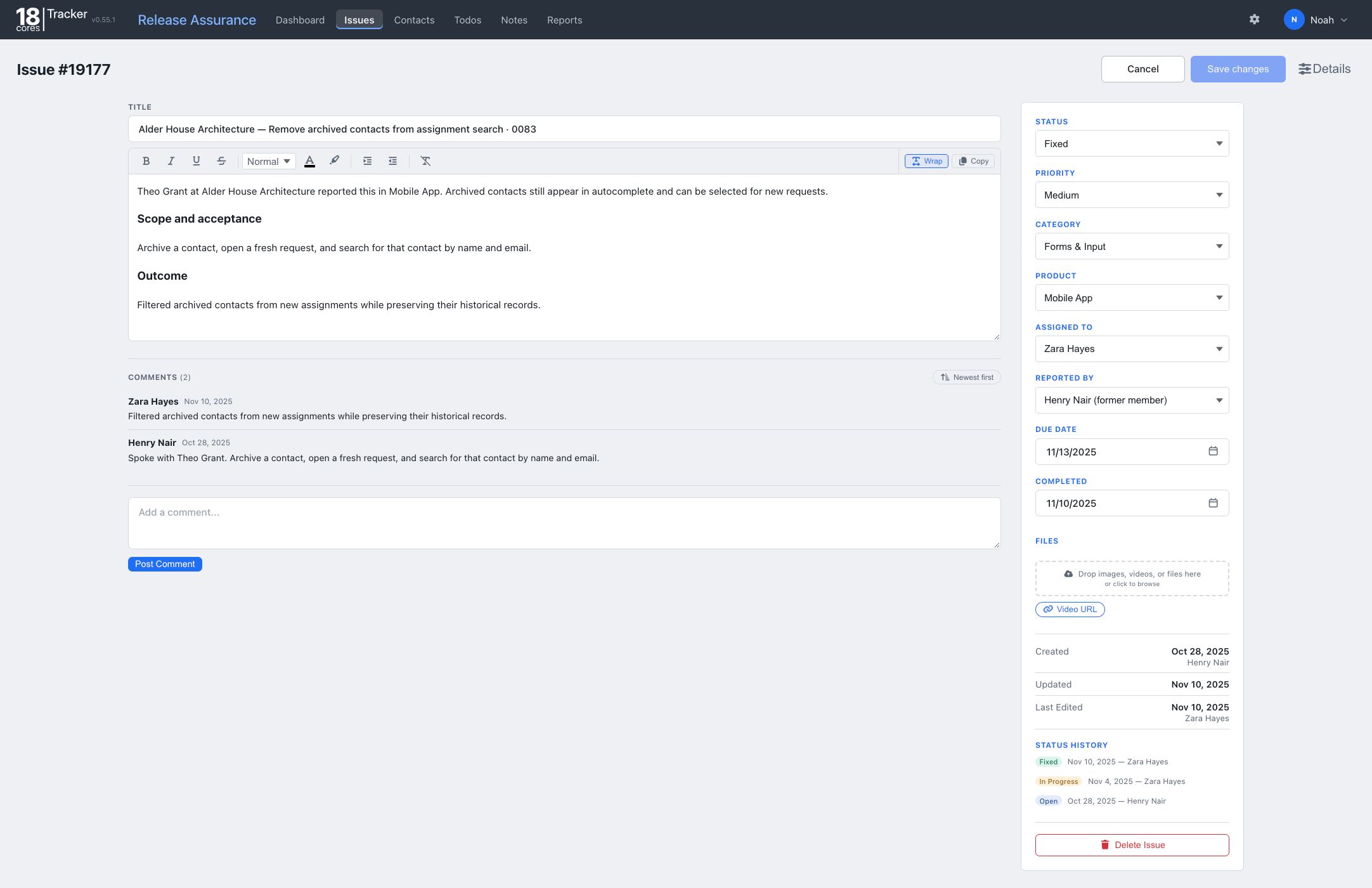
Keep the request, decisions, ownership, and outcome connected from beginning to end.
Describe what needs doing, add the relevant files, set a priority, and assign the work.
Work through the details in comments and update the status as the work moves along.
Narrow the list by status, assignee, category, product, or contact when you need a different view.
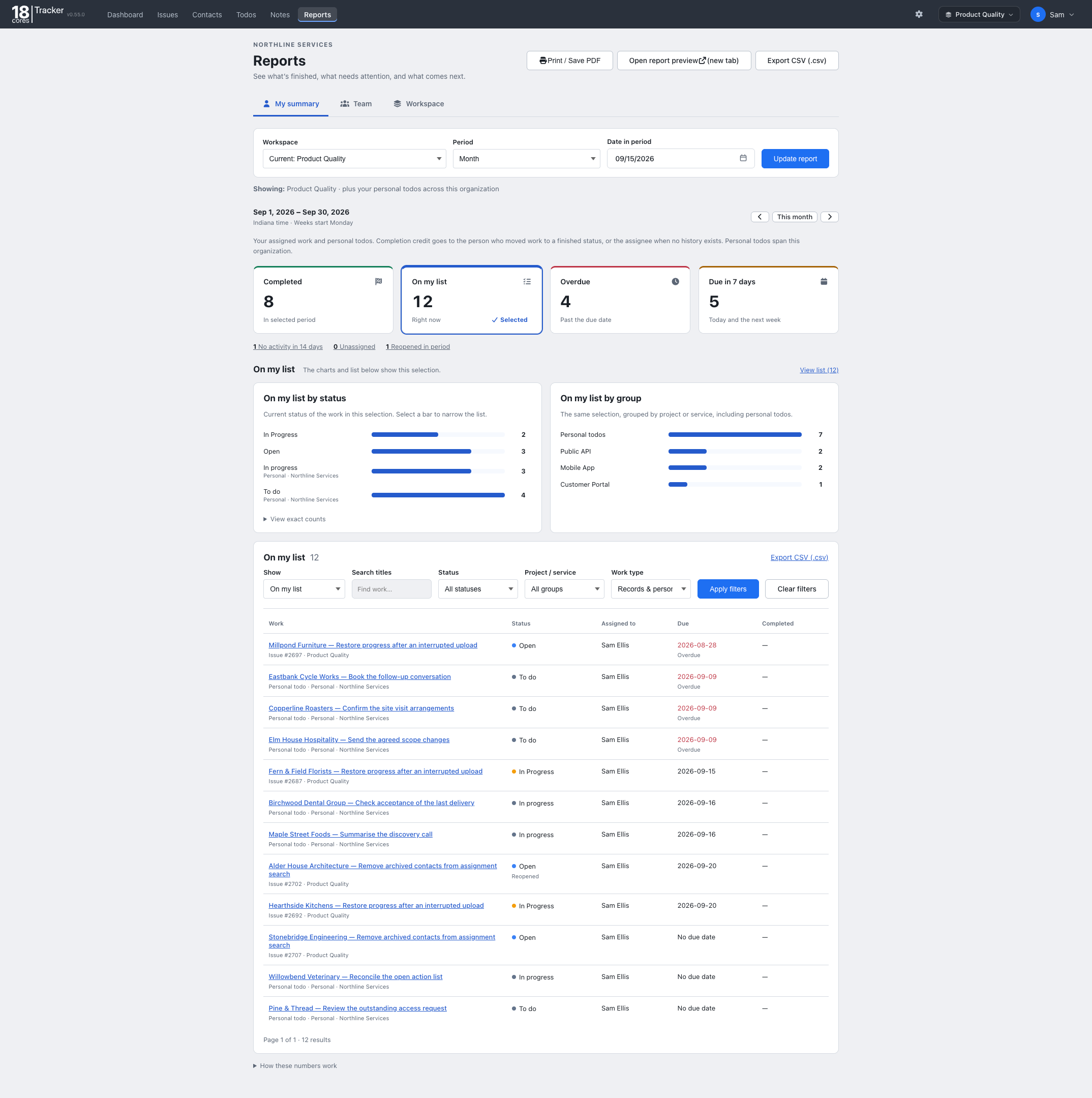
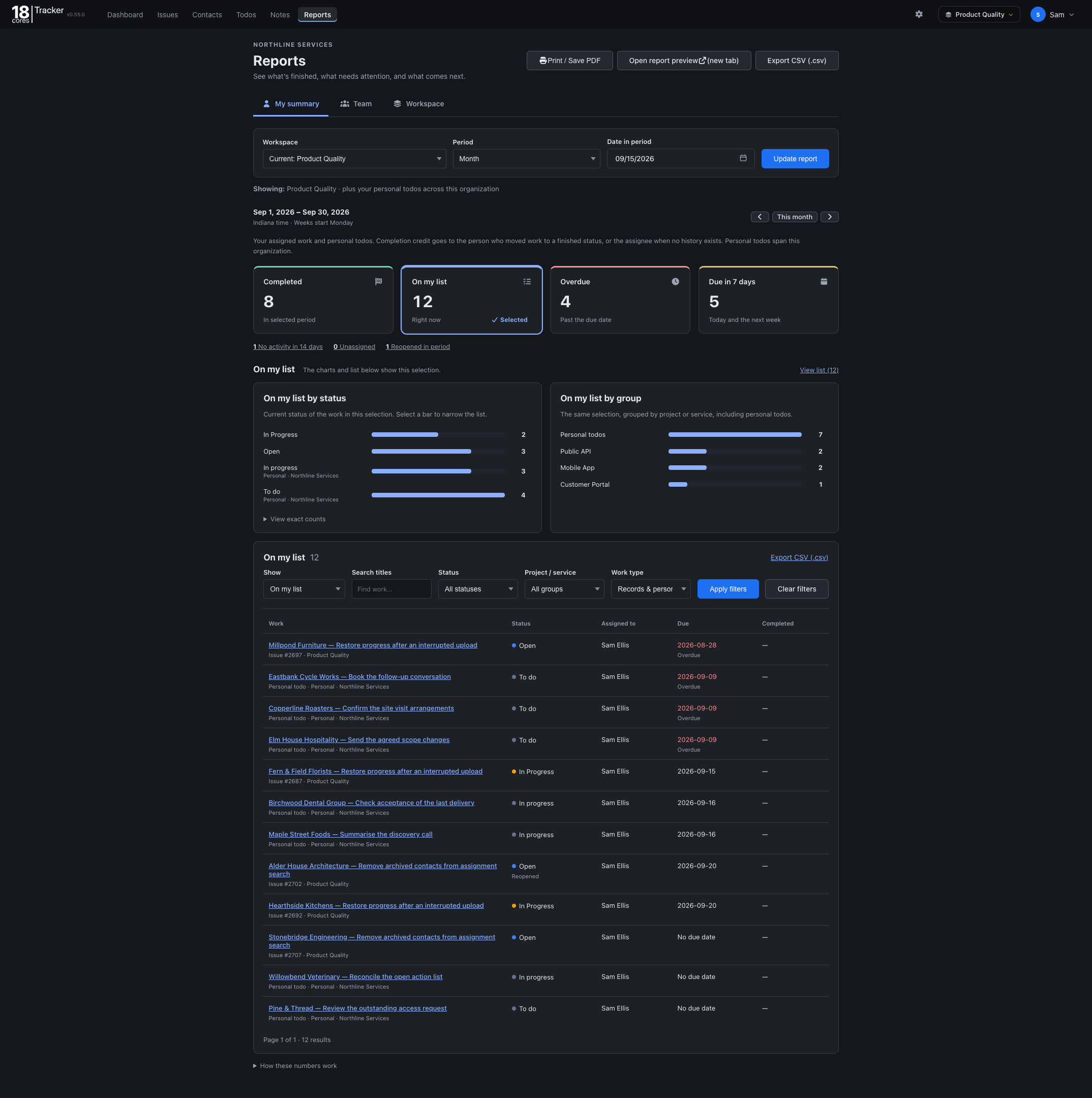
See completed, overdue, and upcoming work, then export the results when needed.
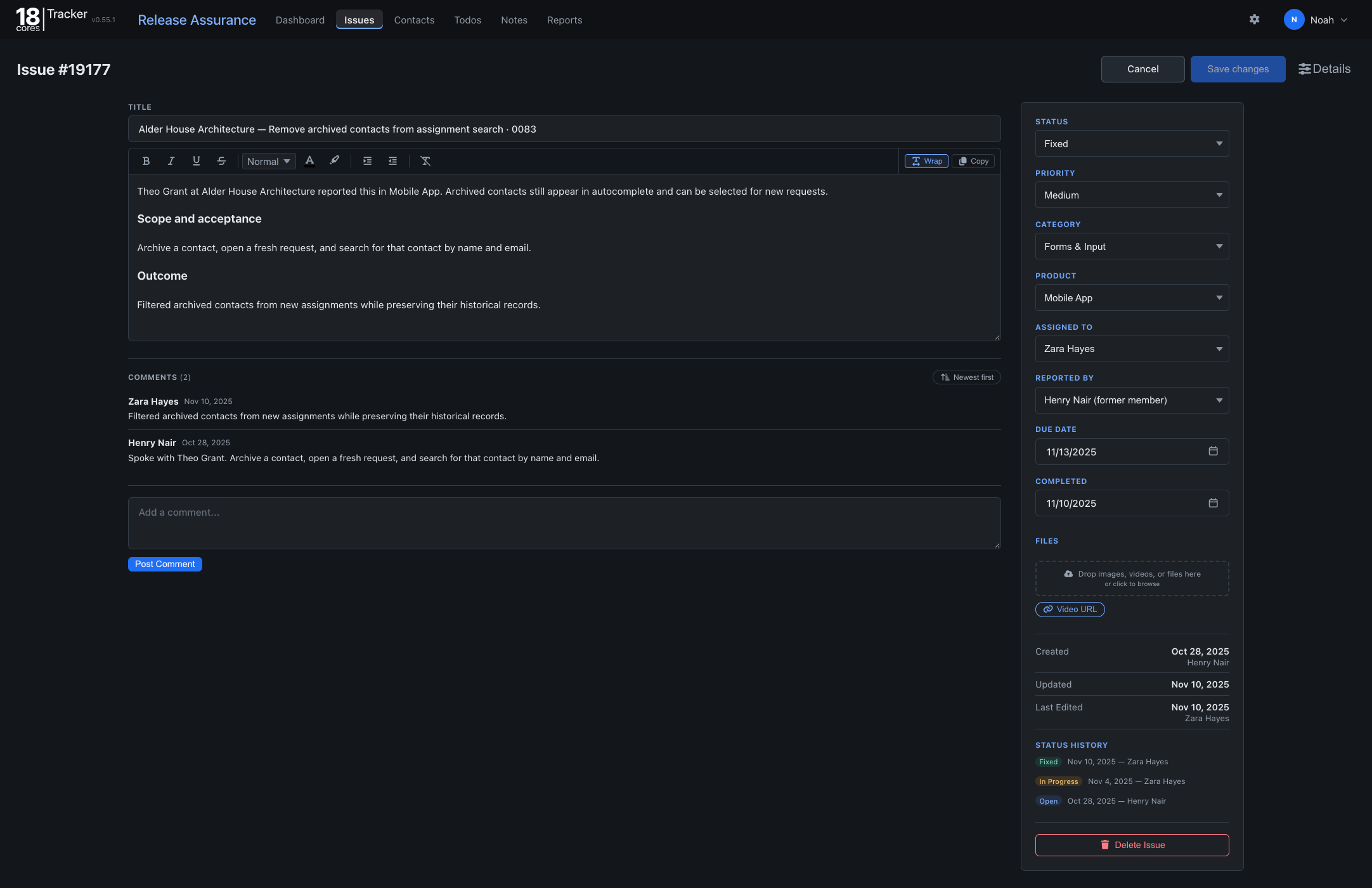
An issue holds the description, ownership, priority, files, conversation, and status changes together so the reasoning does not disappear as work progresses.
Each template is a starting point. Change any of it, whenever your work changes.
Call records tickets, deals, tasks, orders, or anything else, and Tracker uses that name throughout the workspace.
Rename, add, or remove steps, and choose their colors.
Group the work the way your team thinks about it.
Mark contacts as leads, prospects, customers, clients, vendors, or partners, and rename, add, or remove types to fit your organization.
Link a ticket, opportunity, task, or bug to the person behind it. Each contact’s page lists every record they are on, in every workspace, with every call, email, and meeting logged against them. Filter for the people nobody has reached in a while. Import contacts from a CSV file, including exports from Google Contacts, Outlook, and Salesforce, and share each contact with the team or keep it private.
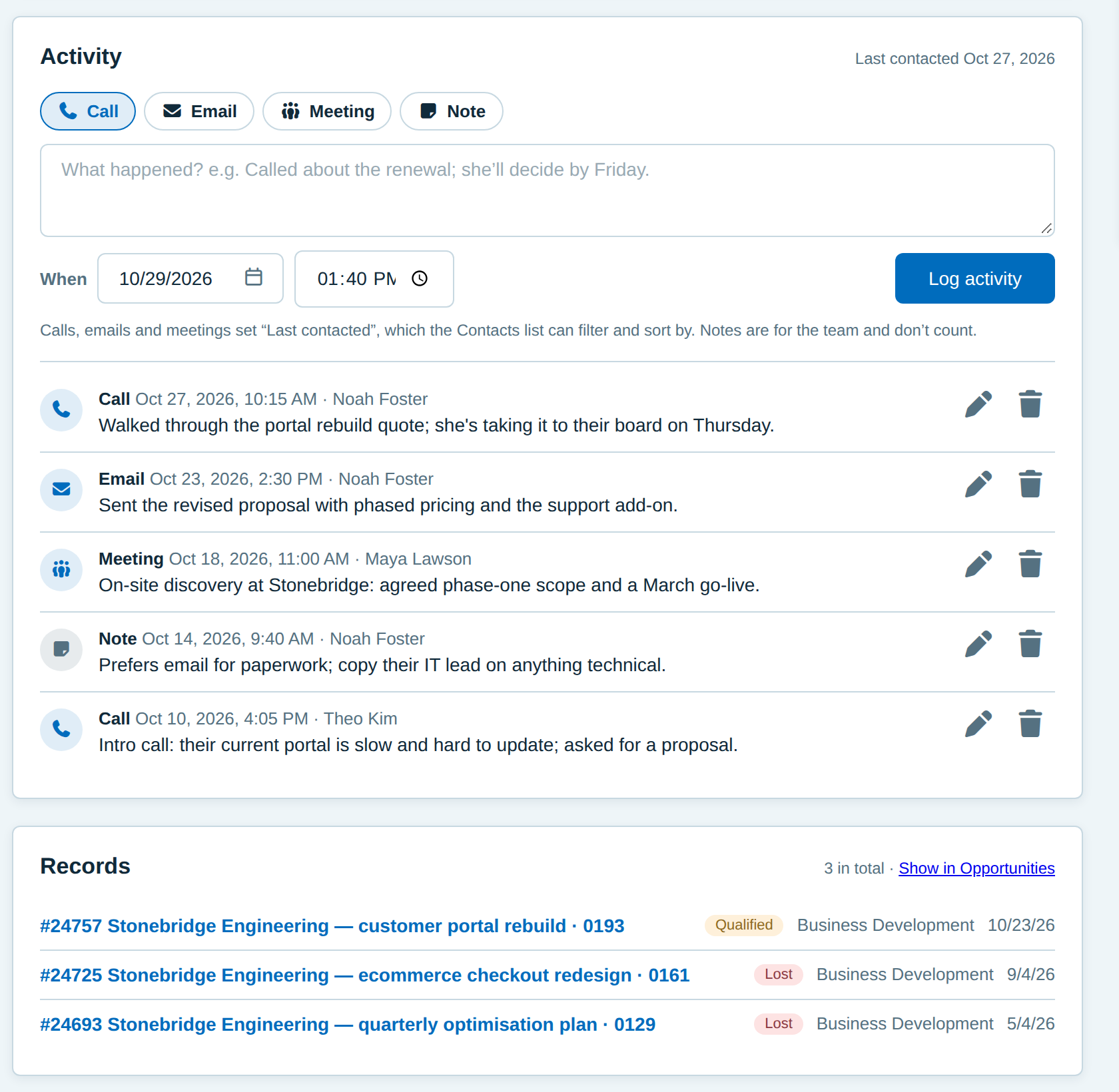
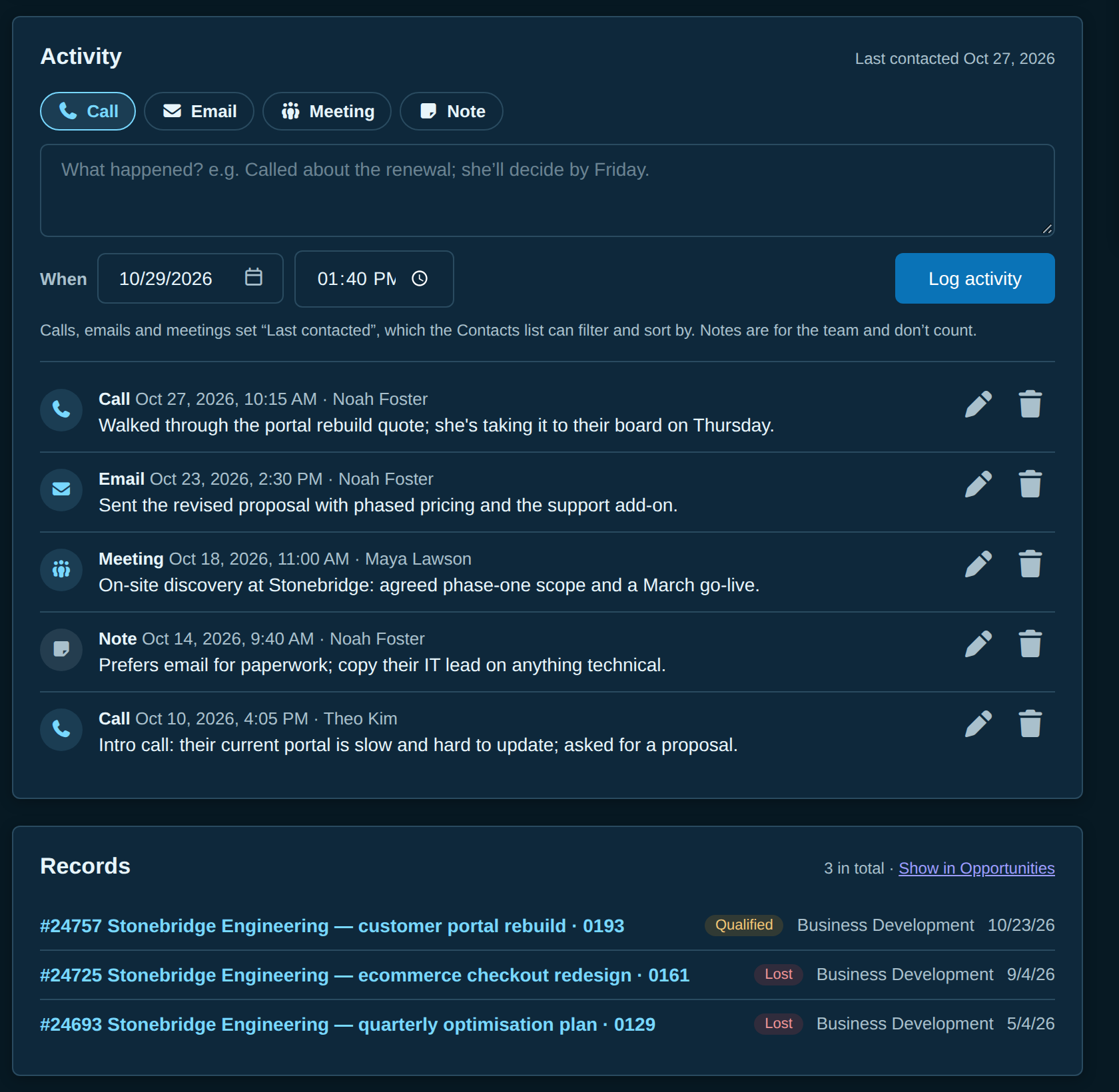
Keep the files with the work, and let an AI app you already use read and update it.
Attach files to any record, with a caption on each, and add videos by upload or link.
Your AI app can list, search, read, create, and update records and contacts, add comments, log calls, and move work to its next step.
Connect an AI app that supports MCP, such as Claude Code or Codex: sign in, choose a workspace, and approve access. On Starter and Pro. How to connect →
Separate workspaces keep different projects or teams apart.
Keep specifications, decisions, and reference material beside the work they support.
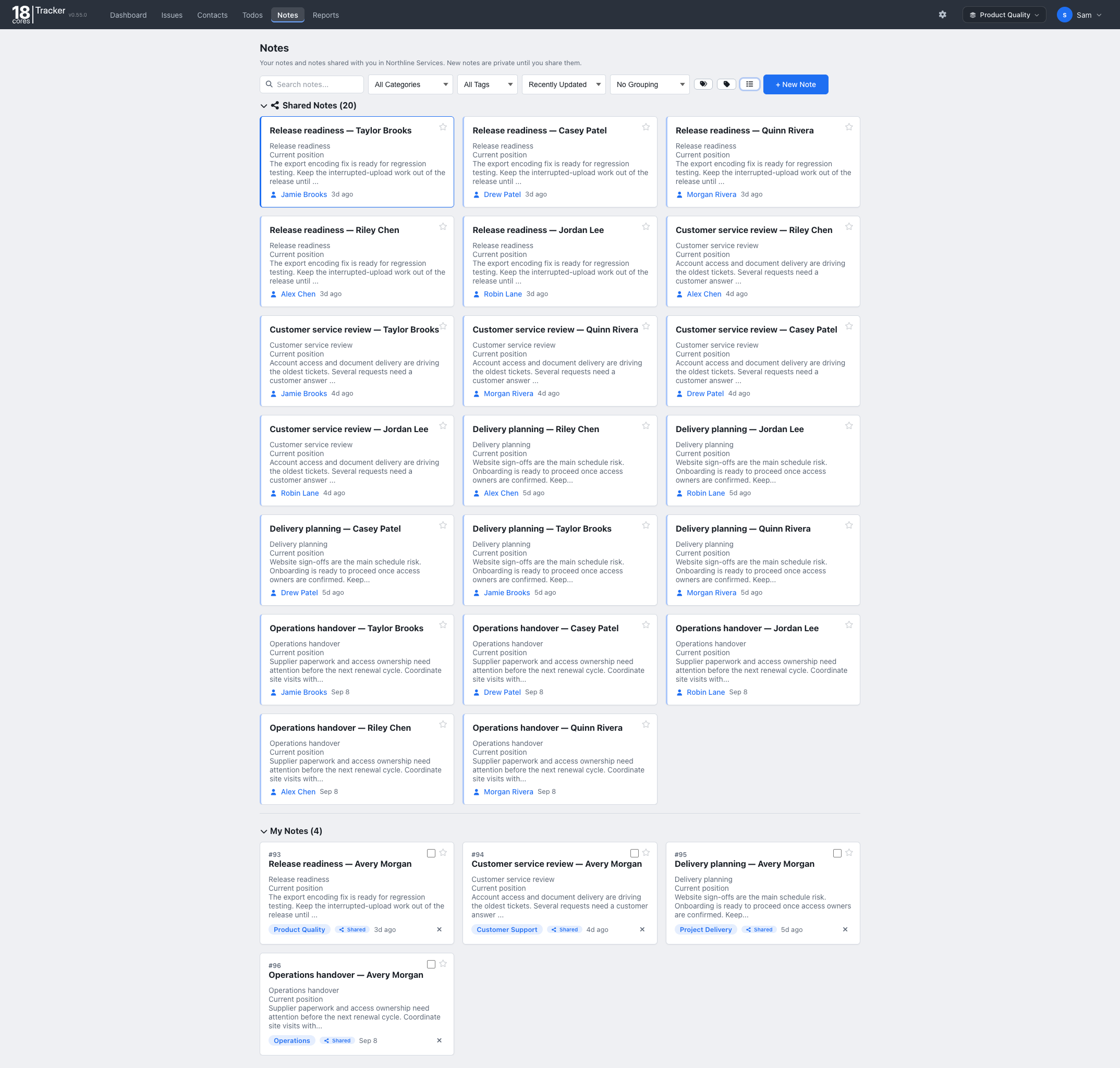
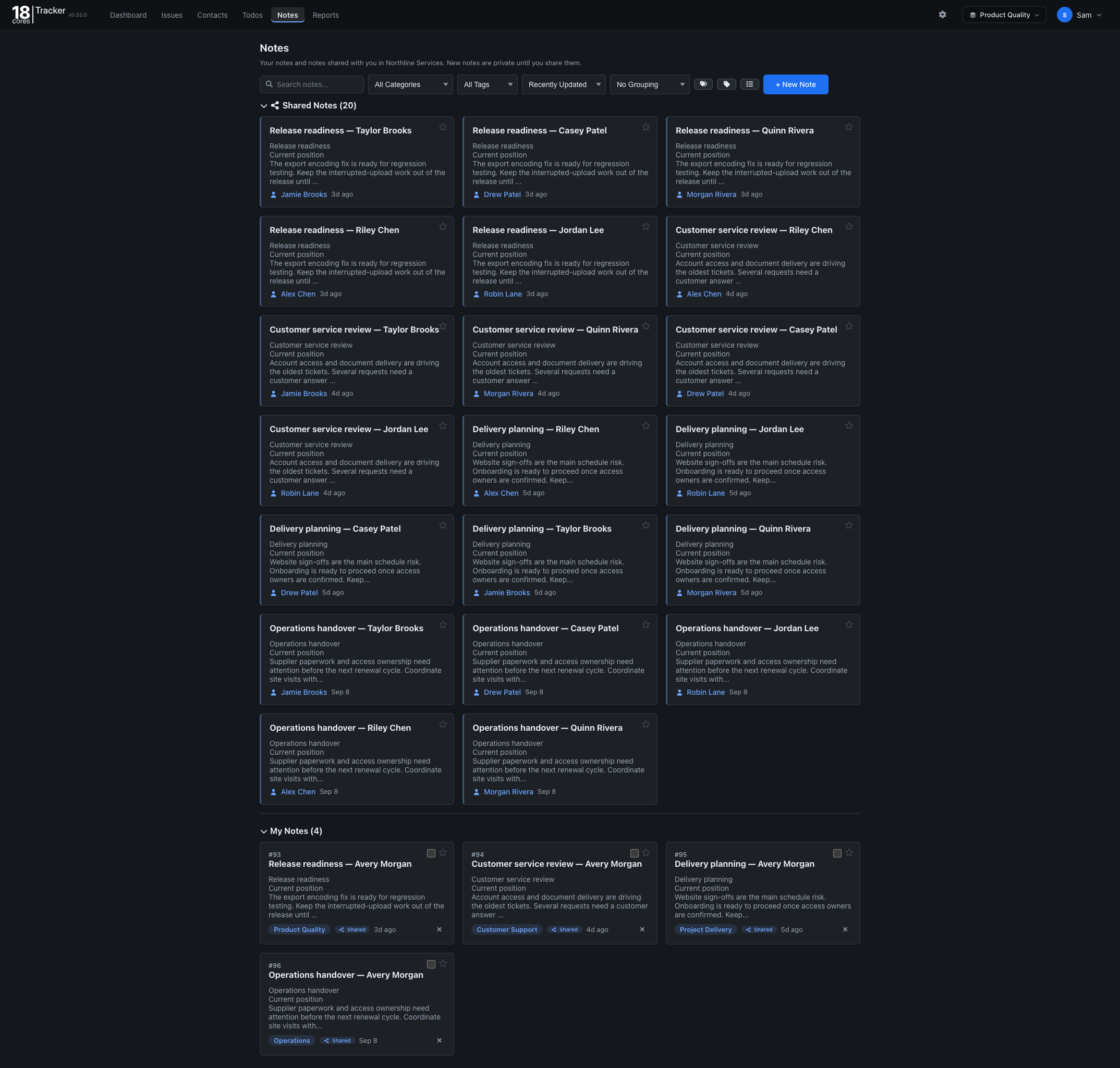
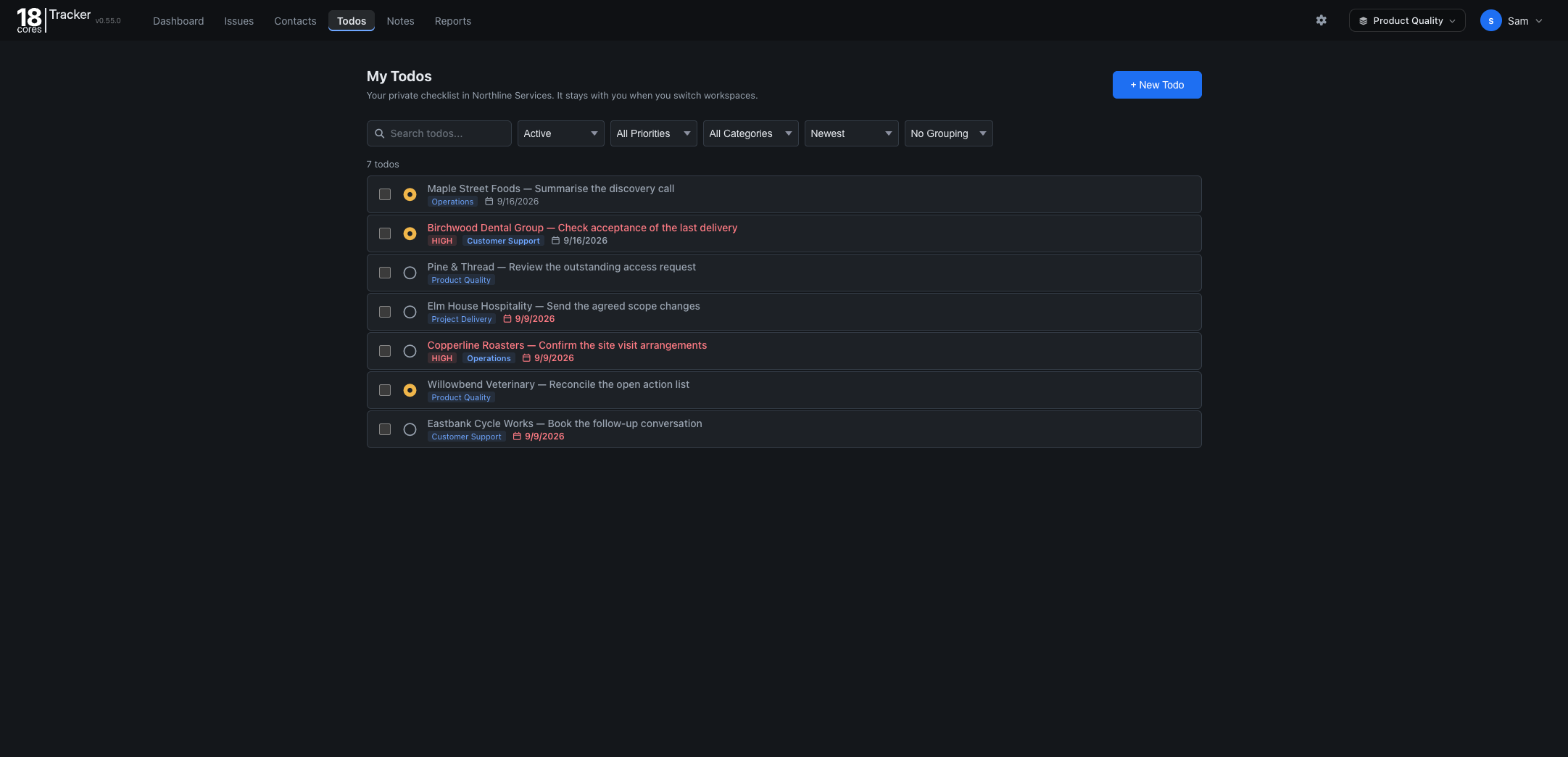
Keep your own follow-ups close to the team’s issues, even when you switch workspaces.
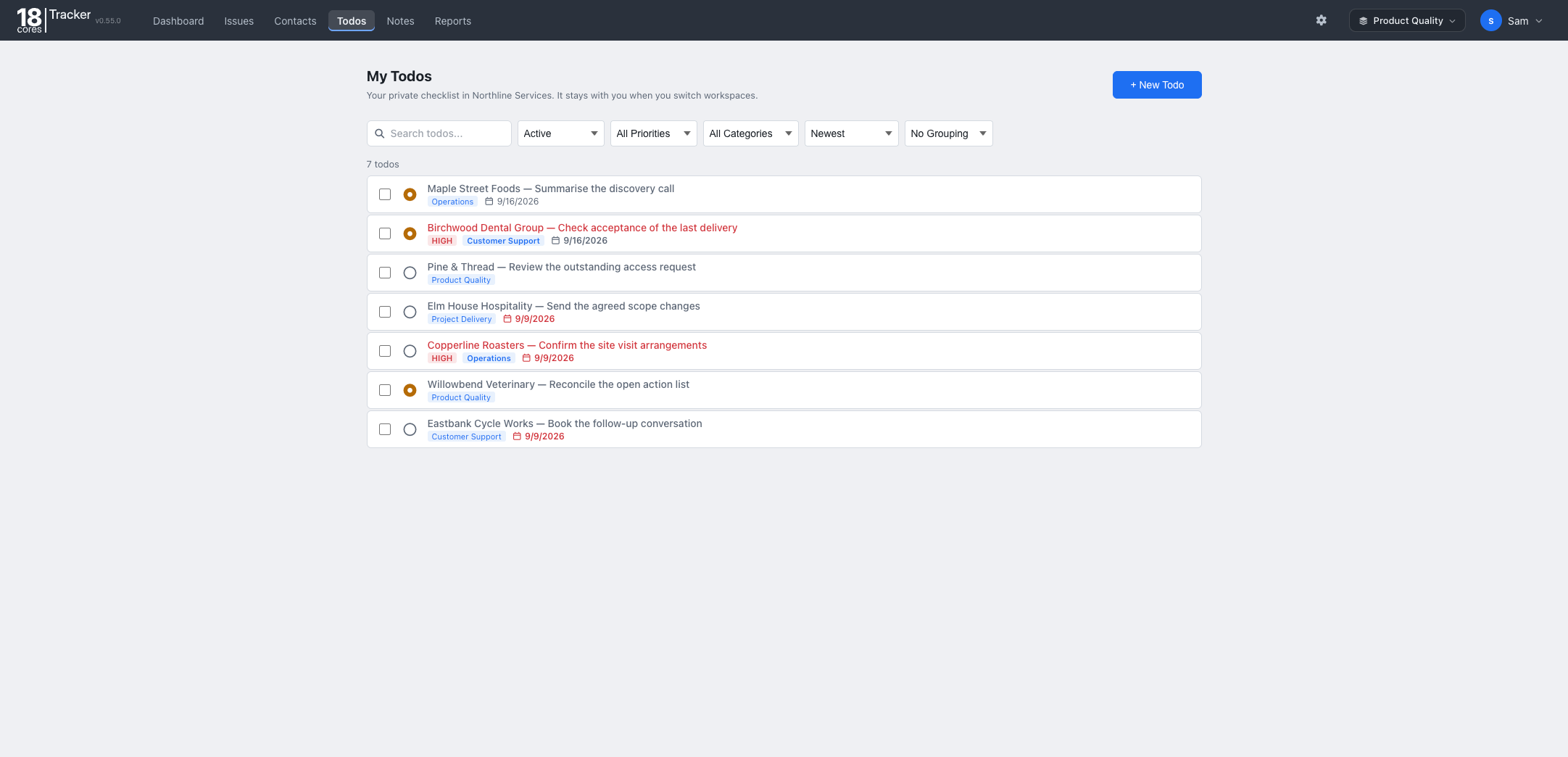
Review progress across a selected period and focus on what needs attention next.
Get a private demo for 48 hours: a fictional company with all five workspaces, yours to change however you like. We email you a one-click sign-in link, and use your email only to send it. When you are ready, the Free plan covers up to 3 people, with no credit card and no time limit.
Learn the basics or ask us a question.