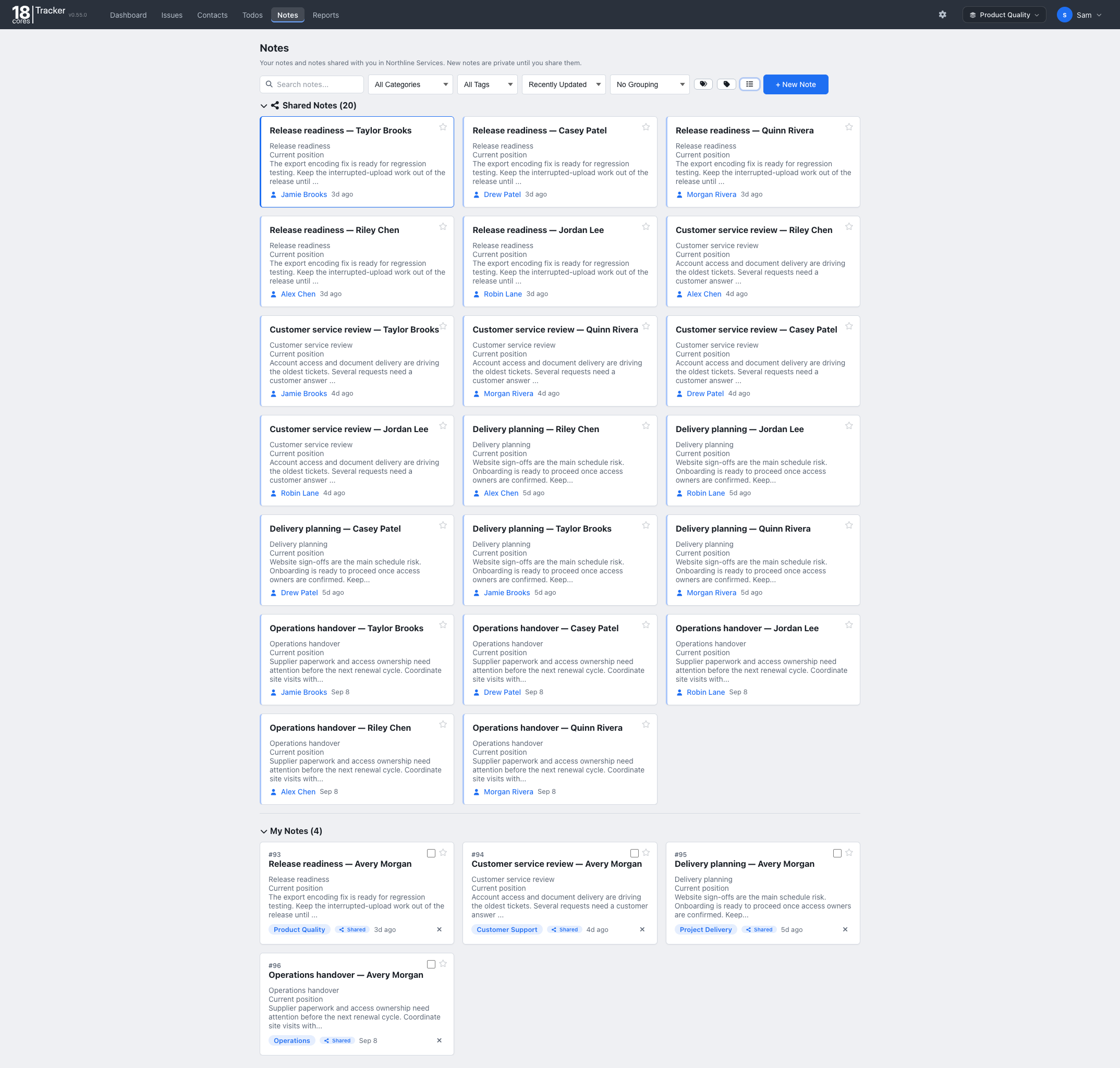
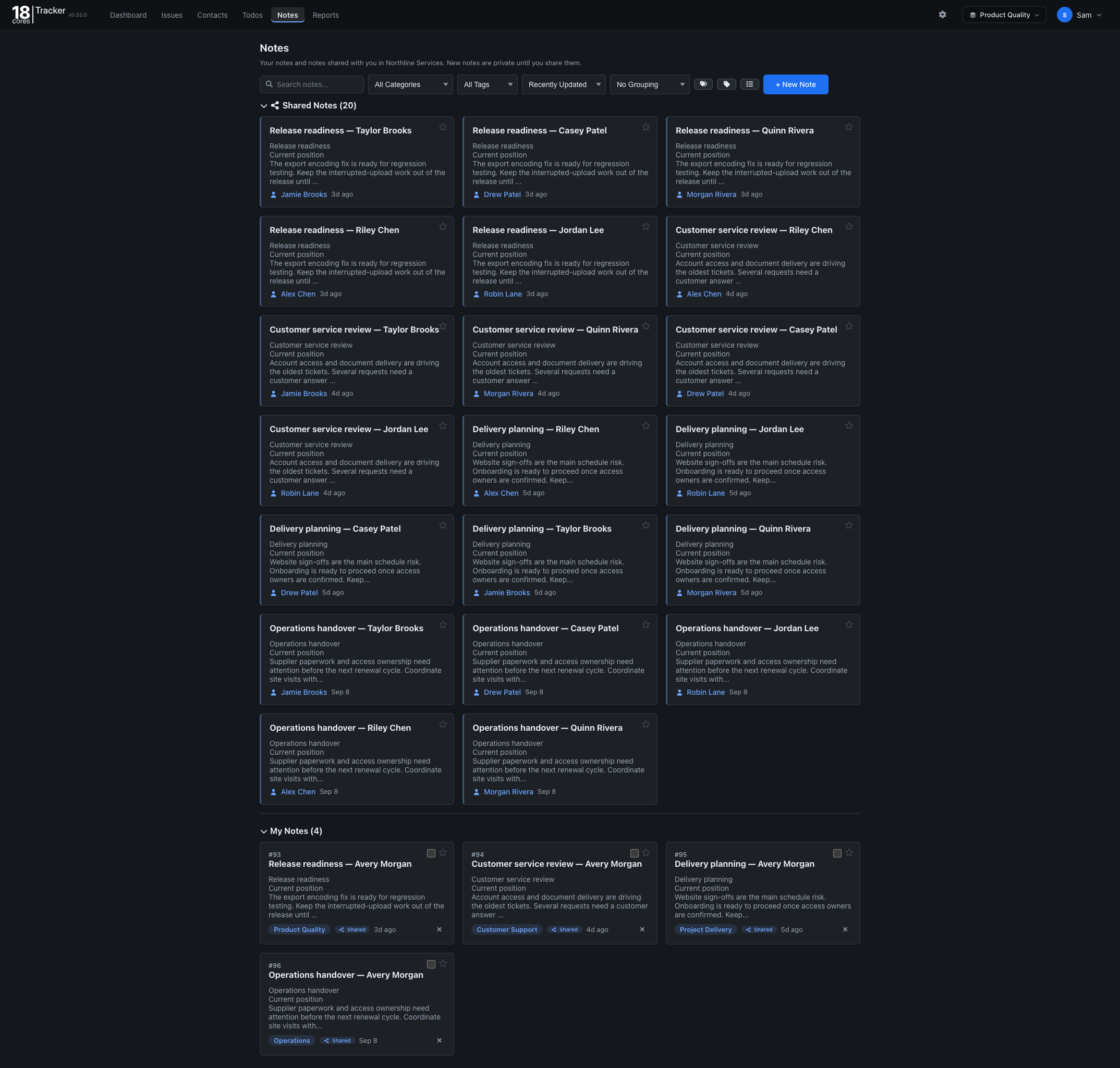
Notes
Keep reproduction steps, specifications, and release notes beside the issues they explain.


The Bug tracking template gives your team one place for every bug: what is broken, who is fixing it, and when the fix goes out.
Familiar lists, forms, and filters, so your team is up and running in minutes.
Free for up to 3 people. No credit card needed.
Questions? Email info@18cores.com
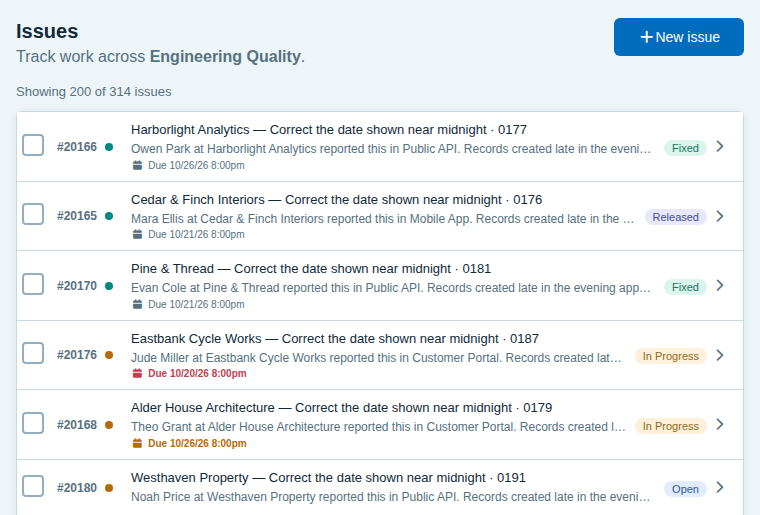
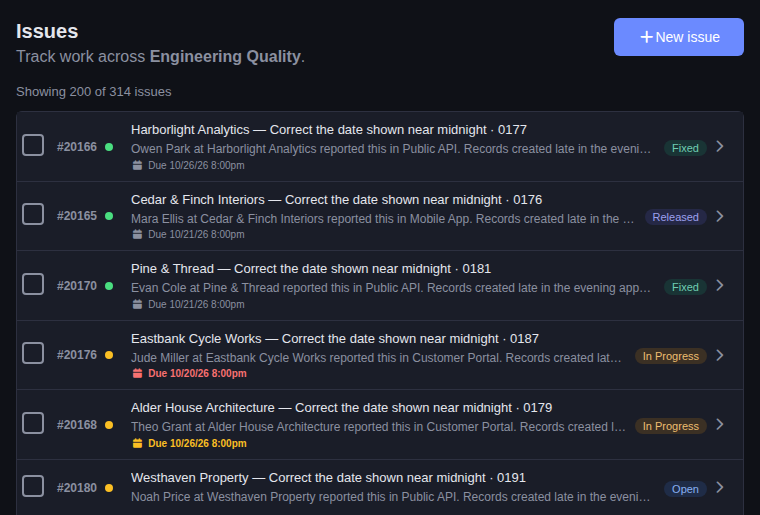
Everyone can see what is broken, what is being worked on, and what has shipped.
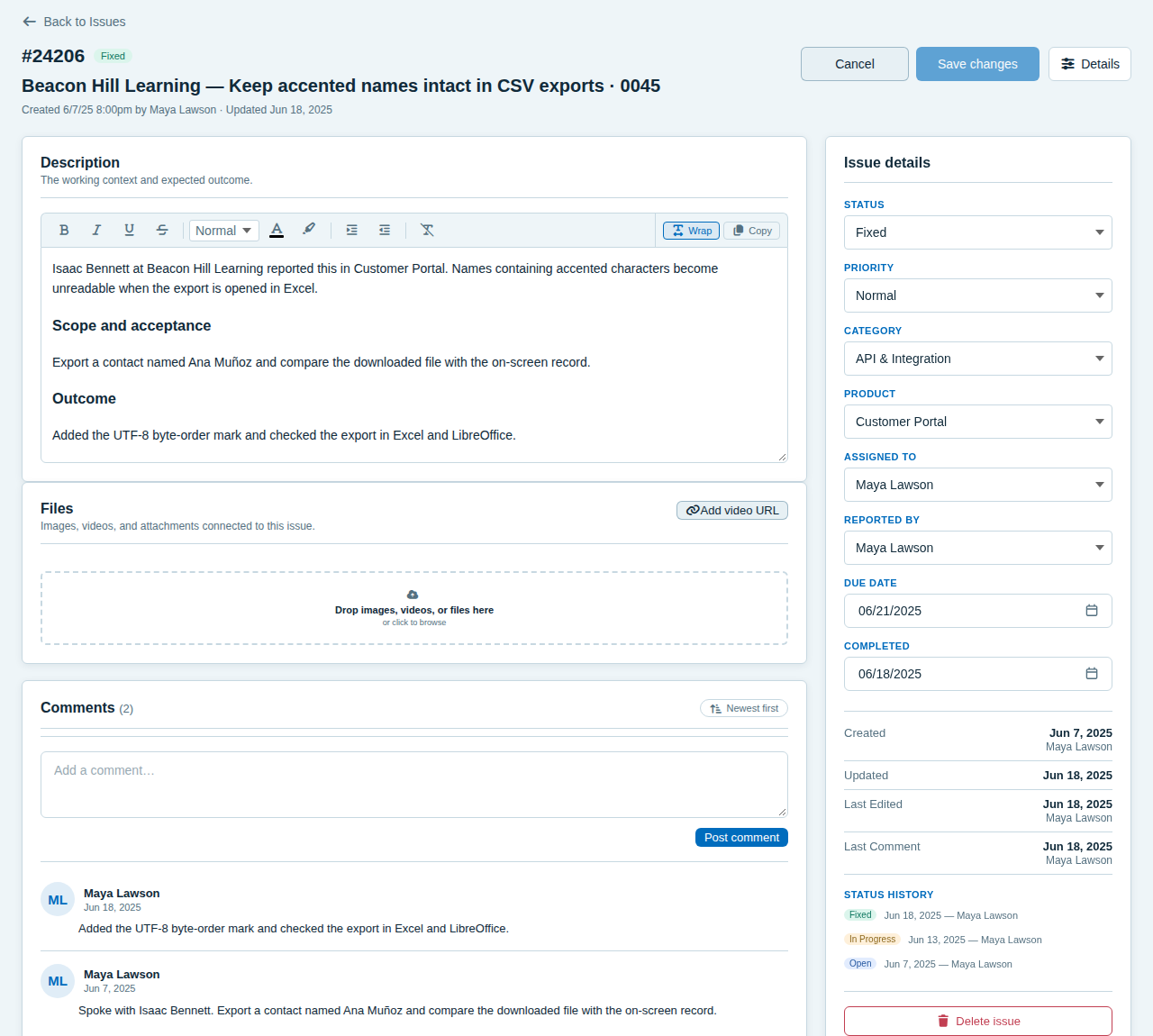
Issues move through Open, In Progress, Fixed, and Released, so you can tell a fix that is done from a fix that is live.
Start with areas such as UI layout, performance, forms, mobile, API, security, accessibility, and reports. Group the list by product, by area, or both.
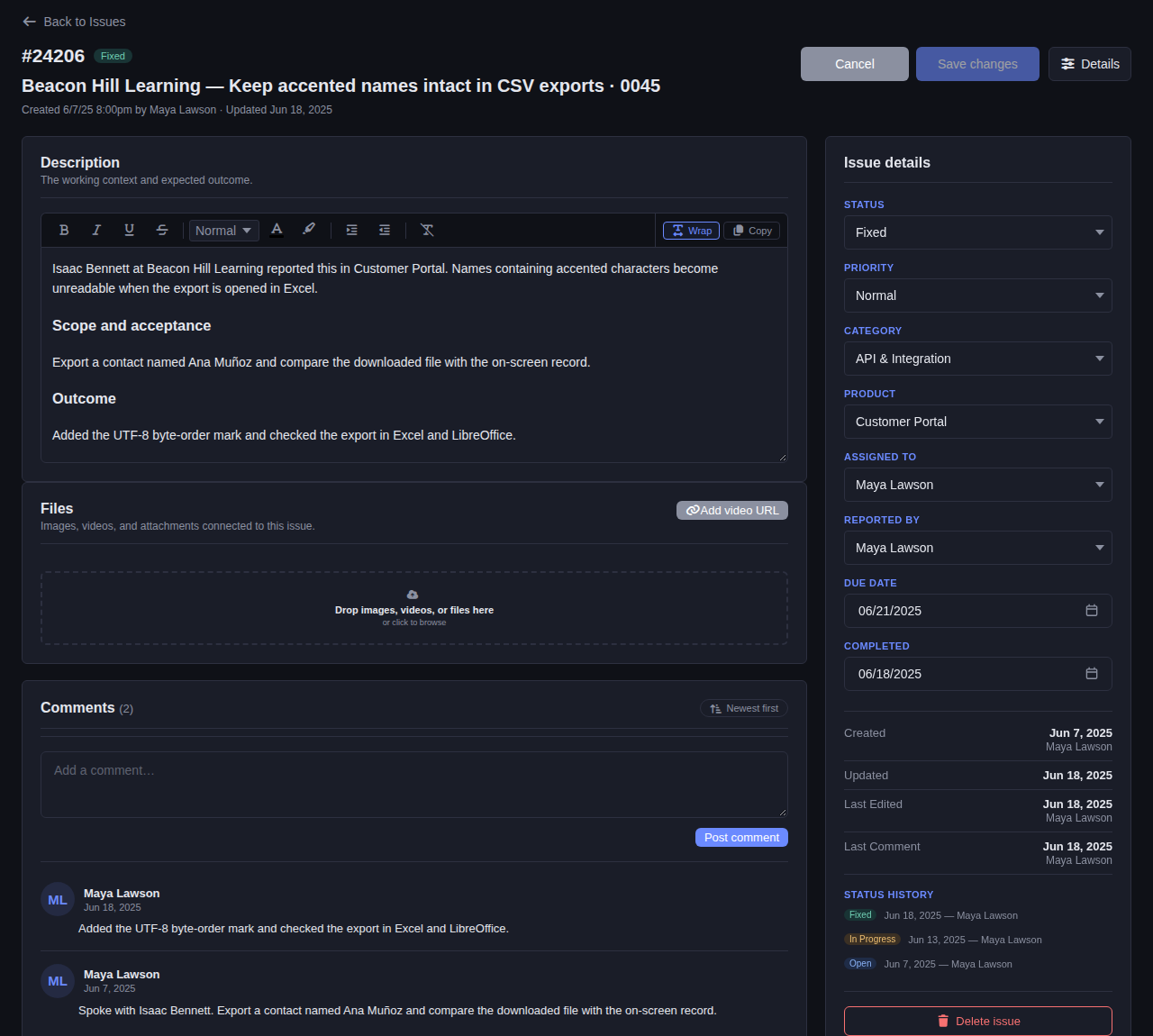
Attach screenshots, videos, and files, talk it through in comments, and see every status change with who made it and when.
Record who reported a bug, including people without an account, by name and email.
Open an issue to see the description, area, product, owner, priority, due date, files, and the whole conversation, with every status change and who made it.
Specs, reminders, and progress live in the same place as the bugs.
Keep reproduction steps, specifications, and release notes beside the issues they explain.
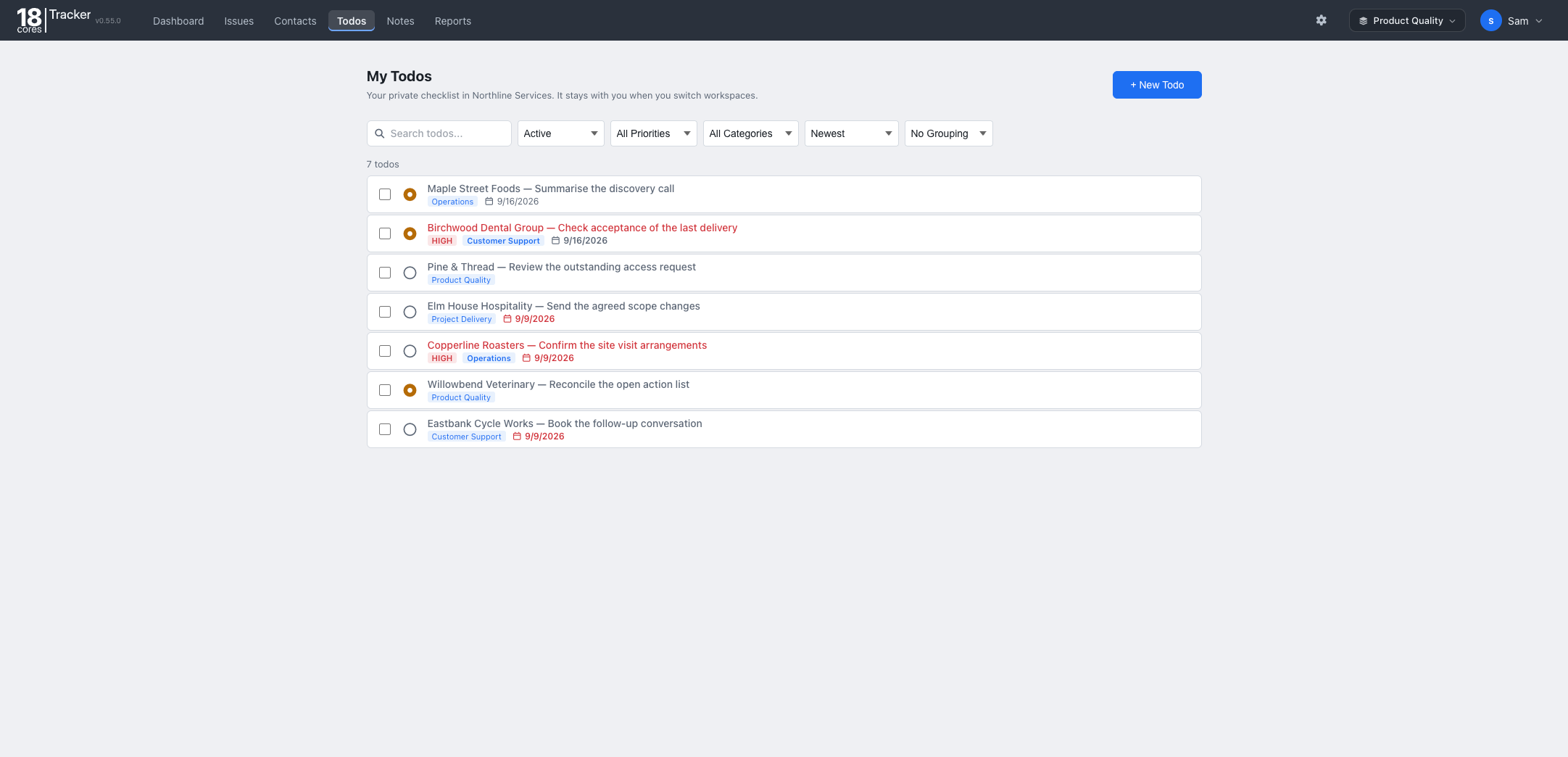
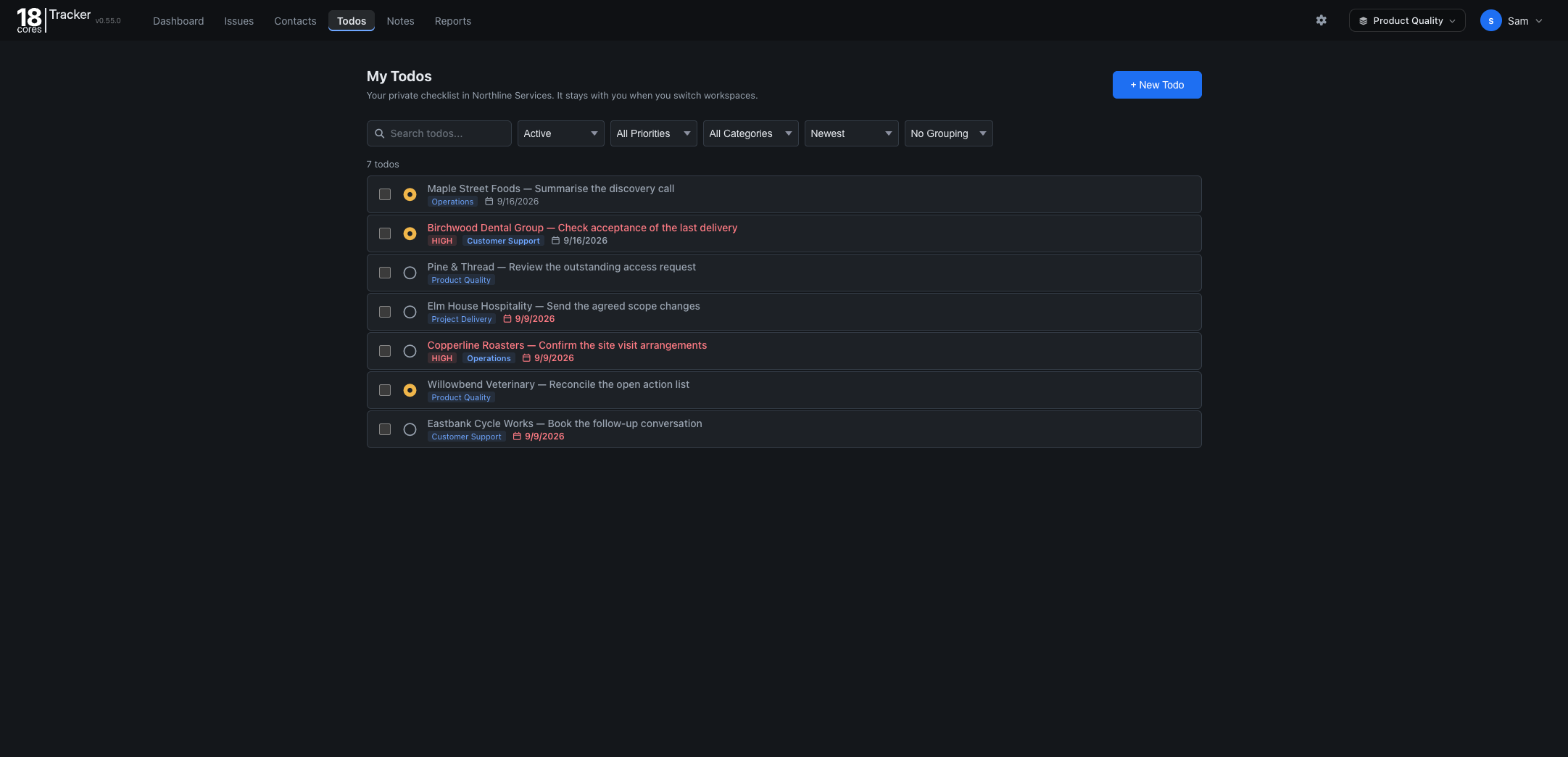
Track your own follow-ups, such as checking a fix after release, with due dates and priorities.
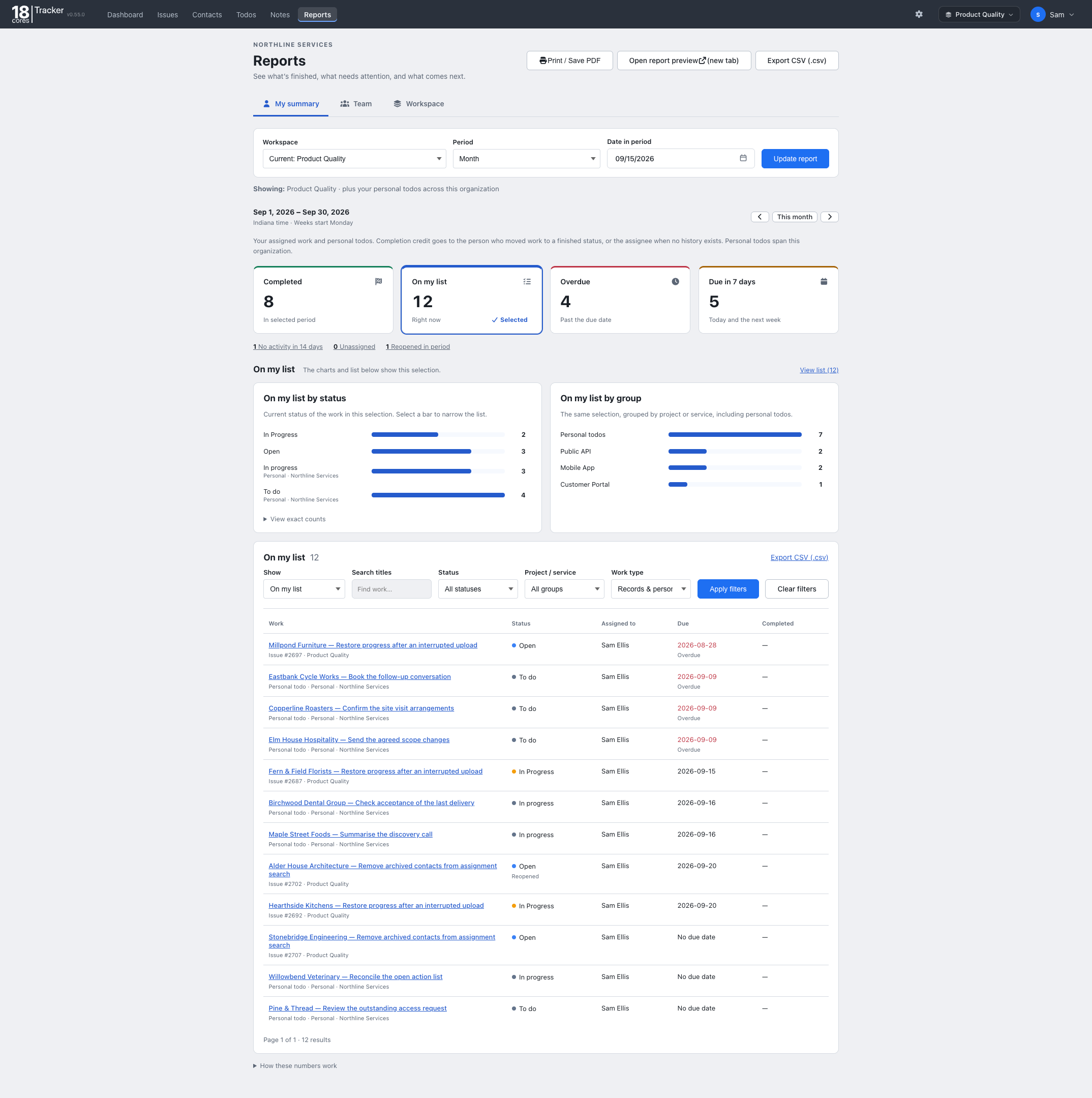
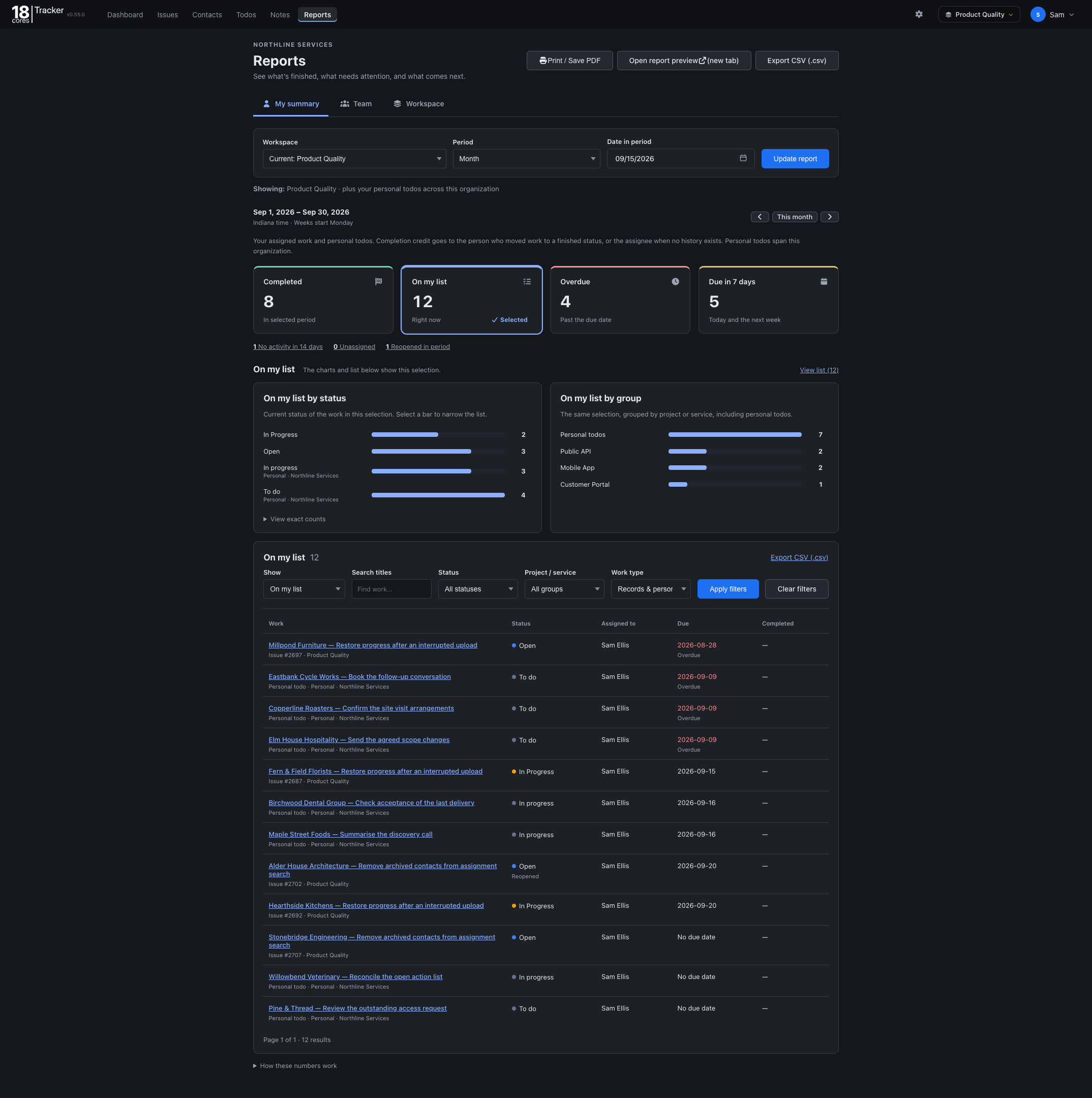
See what was fixed, what is overdue, and what is coming up for any period, and export it as CSV.
The Free plan covers up to 3 people, one workspace, and 1 GB of storage, with no credit card and no time limit. Upgrade when your team grows.
The same Tracker, set up for different work. On Starter and Pro, one organization can run several workspaces side by side.
Back to all templates