Call notes
Record what was said, what was promised, and what comes next, then find it by tag or search.
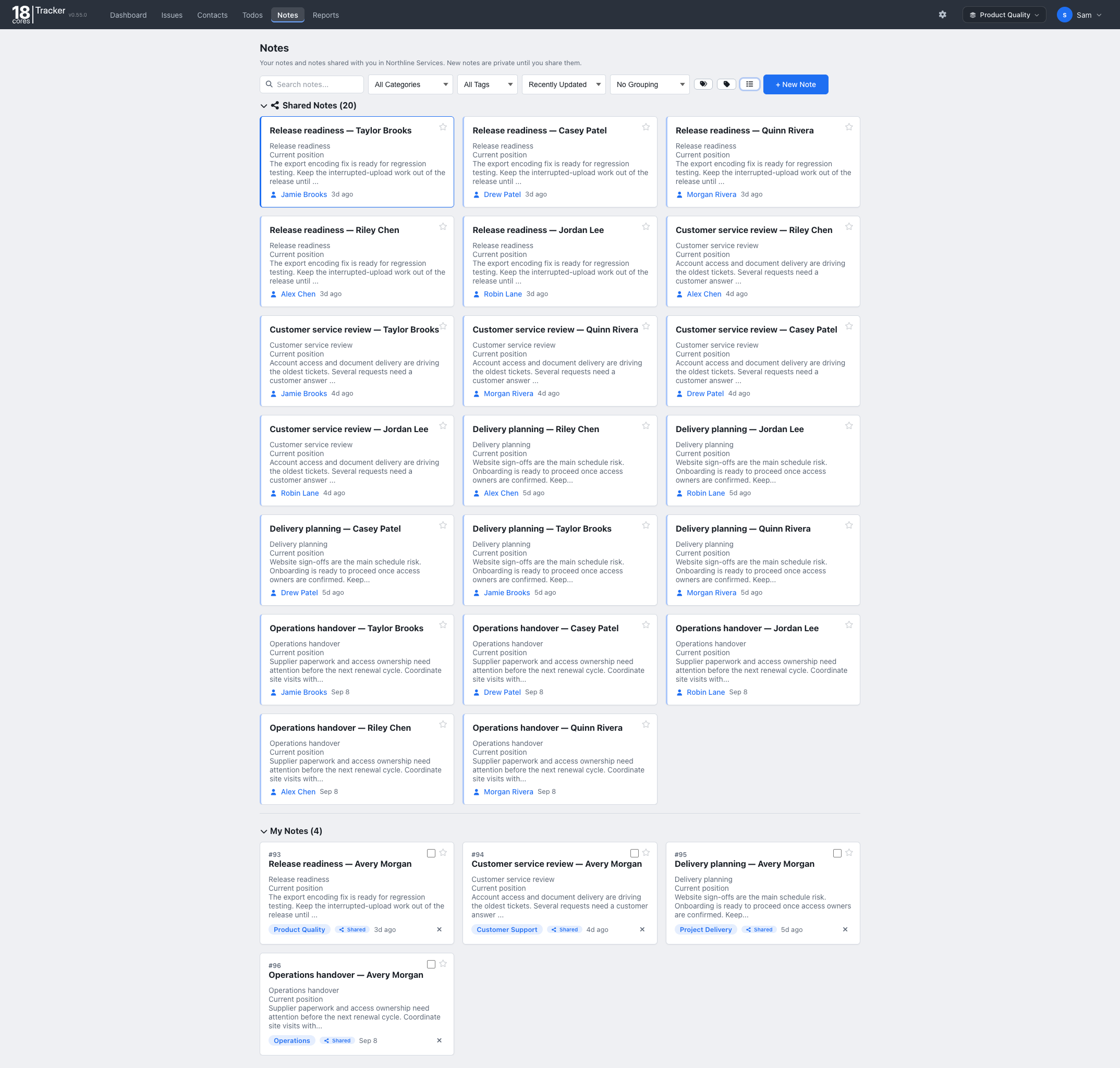
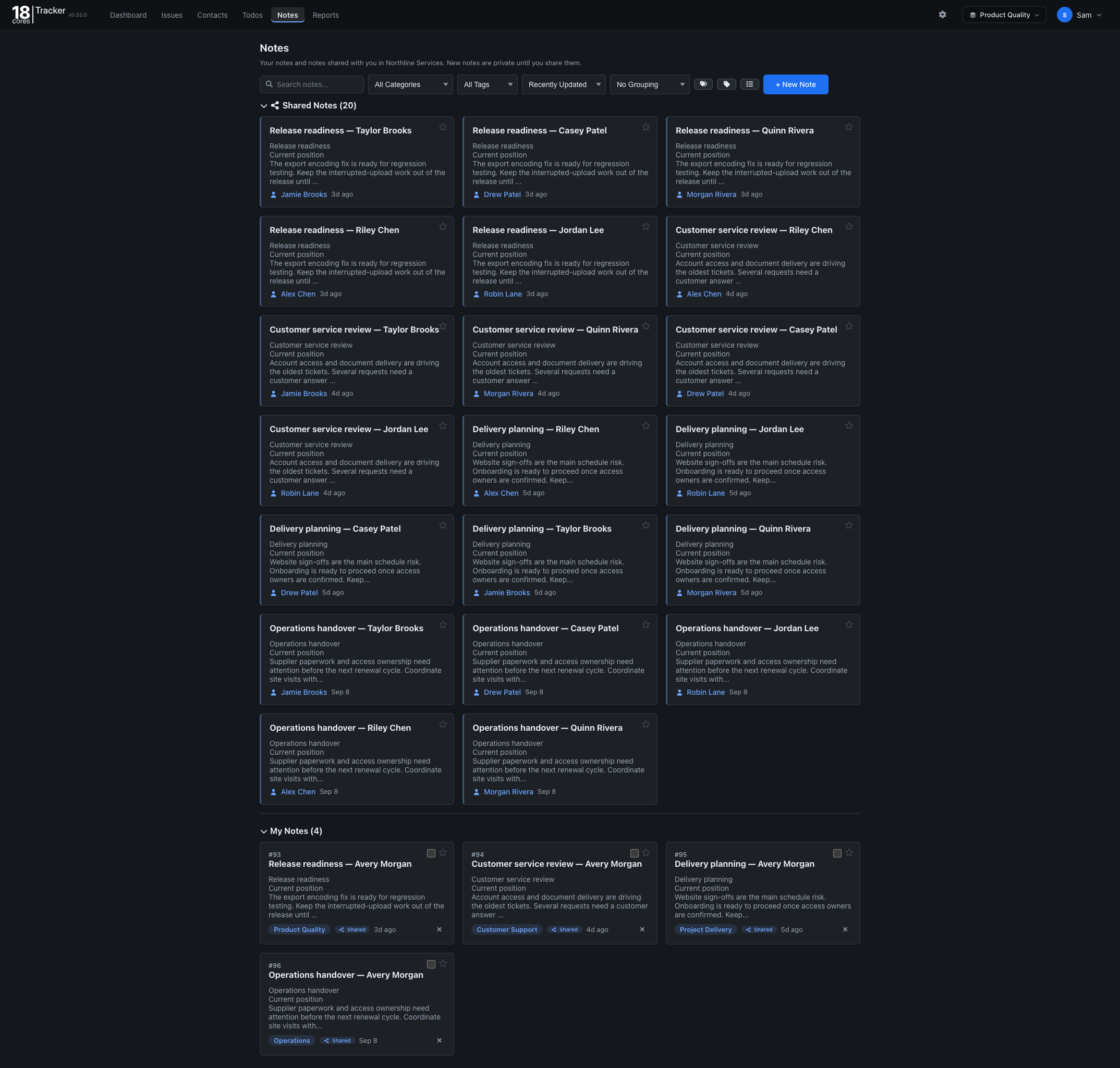


The Sales template gives your team one shared pipeline: every opportunity, the people behind it, and the notes from every call.
Familiar lists, forms, and filters, so your team is up and running in minutes.
Free for up to 3 people. No credit card needed.
Questions? Email info@18cores.com
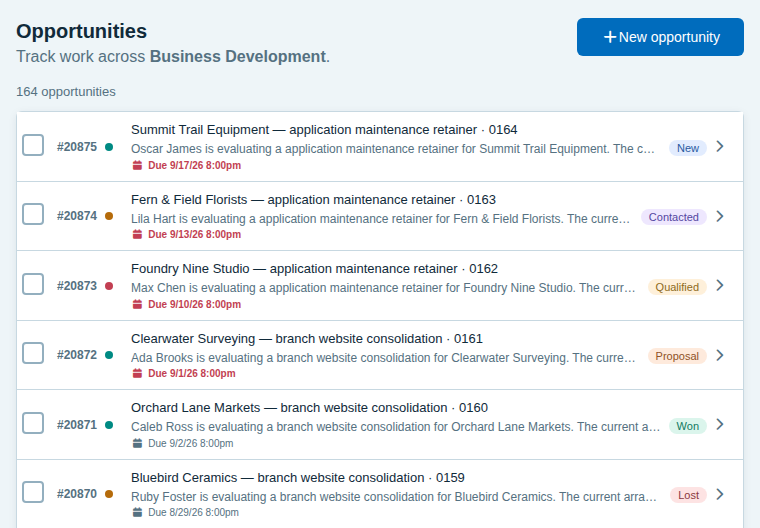
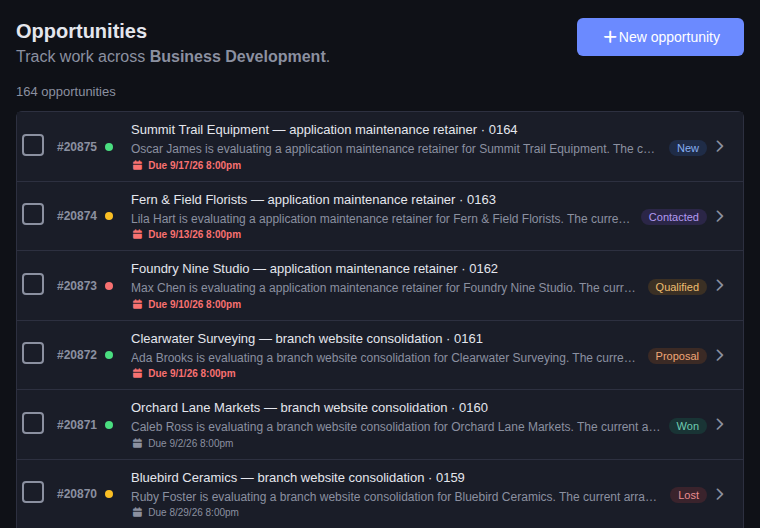
Everyone sees the same pipeline, knows who owns each deal, and can pick up a relationship where a teammate left it.
Opportunities move through New, Contacted, Qualified, Proposal, Won, and Lost, grouped by where they came from: inbound, outbound, referral, or partner.
Assign each opportunity, set a priority and a due date, and filter the list to your own deals or a teammate’s.
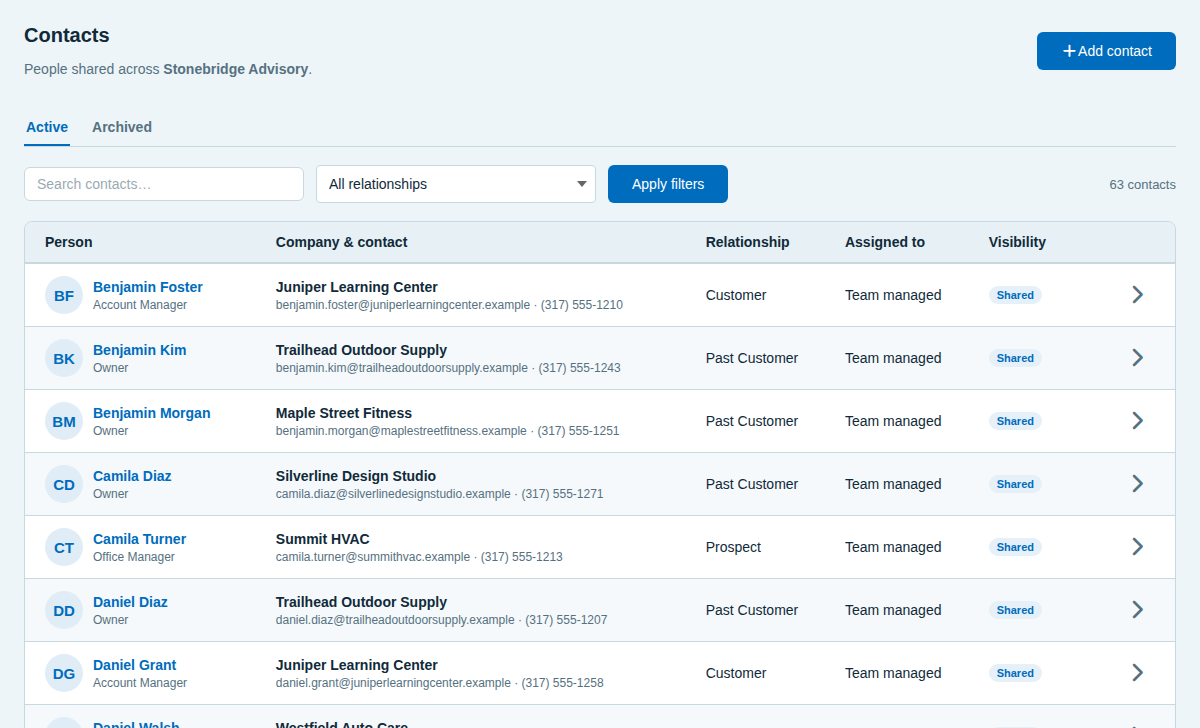
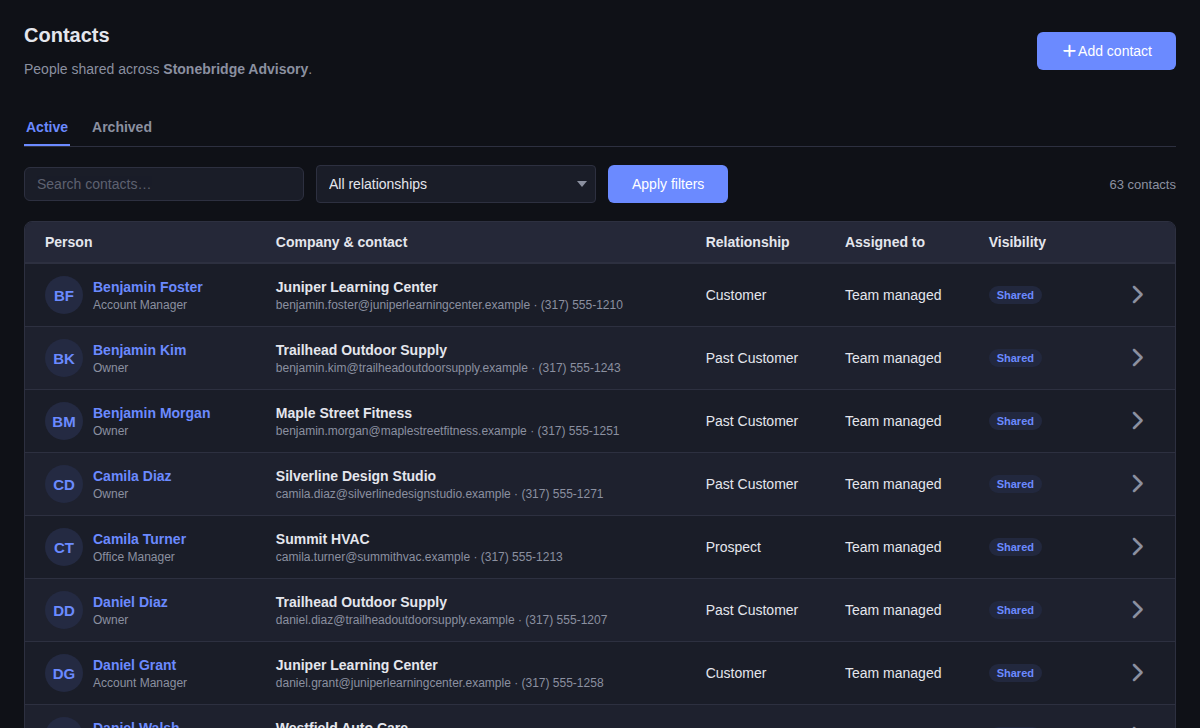
Contacts hold the company, title, email, phone, and relationship. Share a contact with everyone, or keep it to yourself.
Write up each call in Notes, tag it, and search for it before the next conversation. Share a note with a teammate or the whole team.
See the opportunity, its source, owner, priority, and due date, the notes from each conversation, and every step from New to Won.
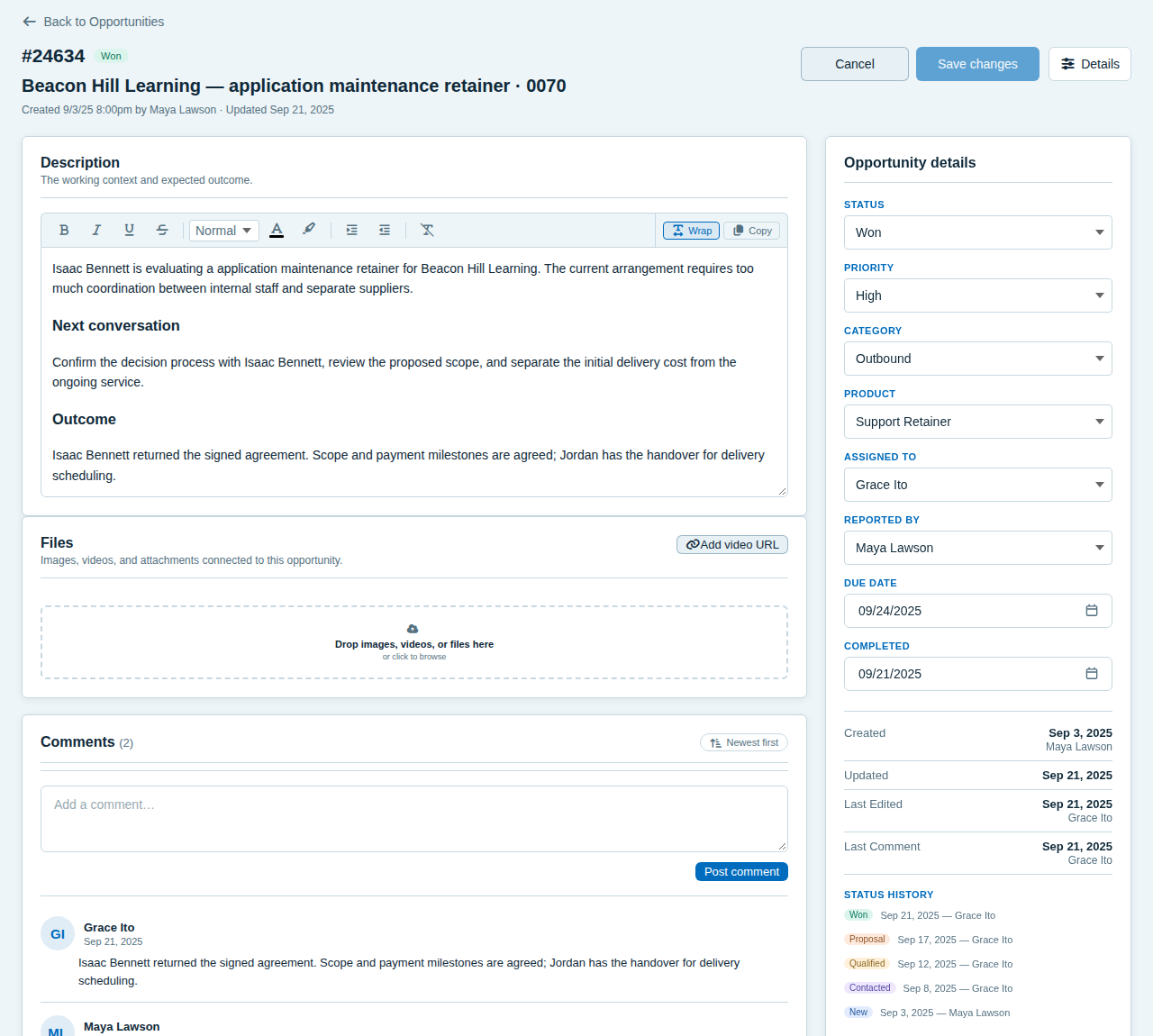
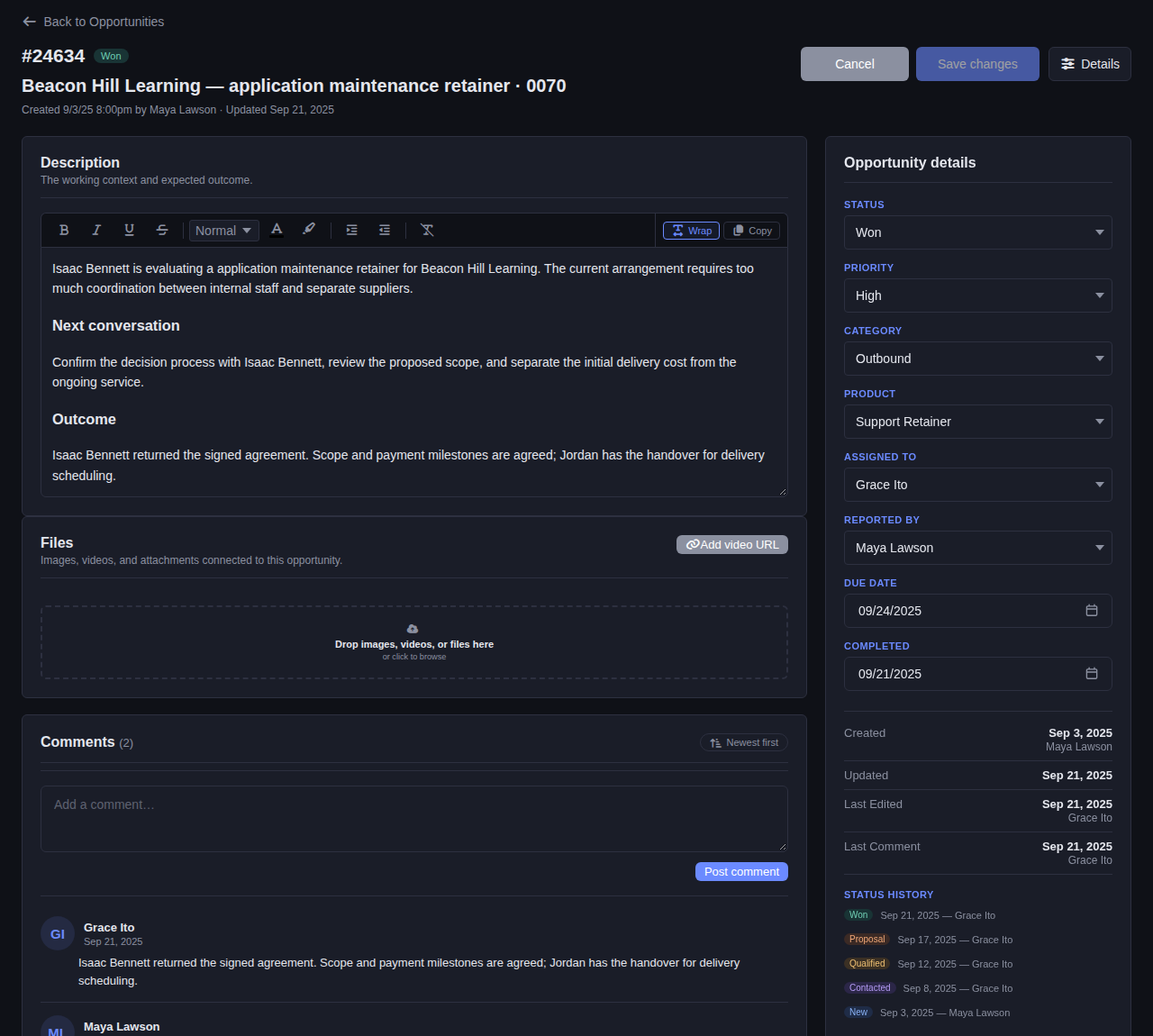
See every customer, prospect, and past customer with their company and how to reach them. Filter by relationship, see who is responsible for each contact, and keep private contacts private.
Call notes, reminders, and a view of what is due keep deals from going quiet.
Record what was said, what was promised, and what comes next, then find it by tag or search.
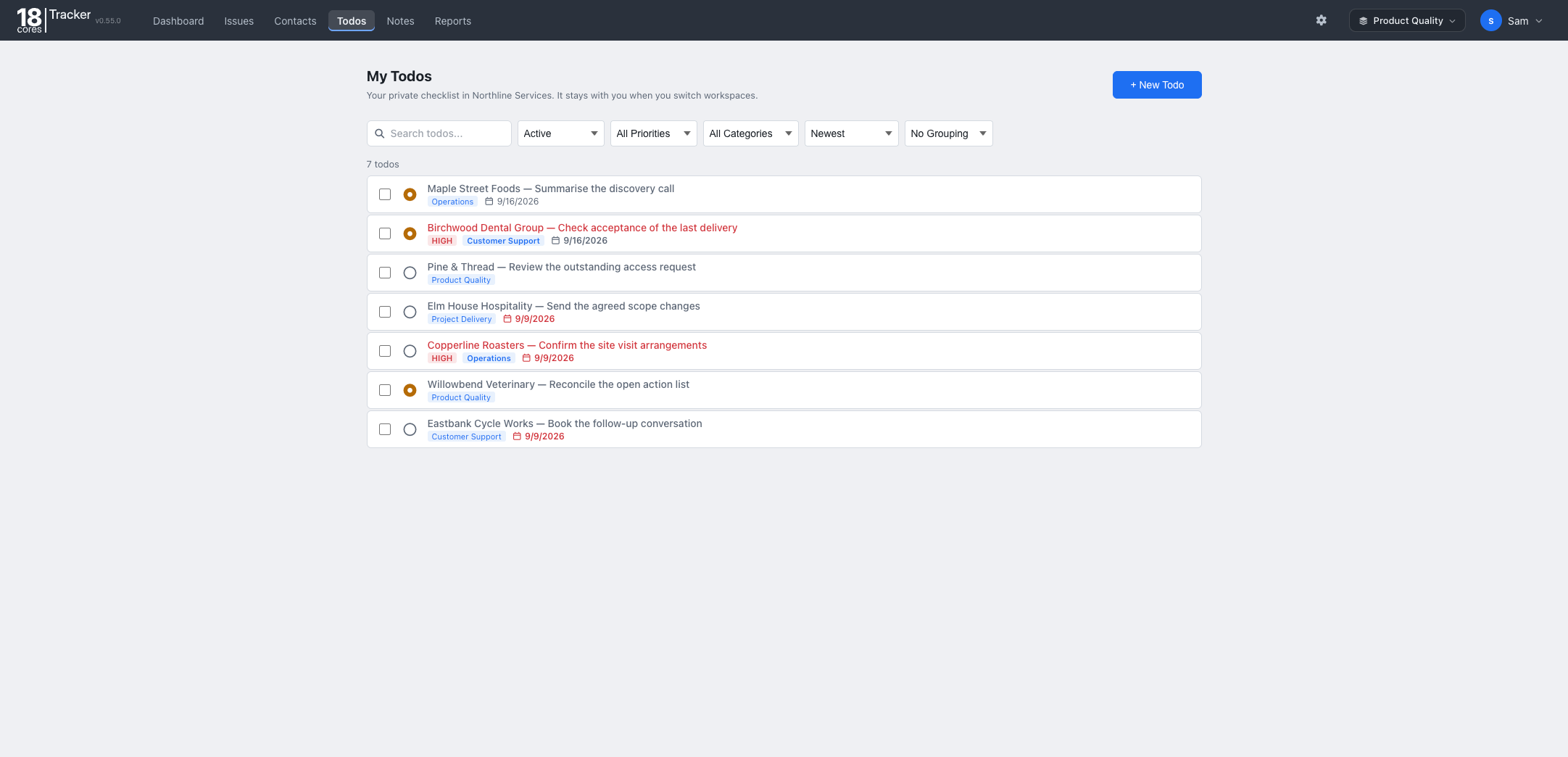
Add a todo to call someone back, with a due date and priority, and see it on your dashboard.
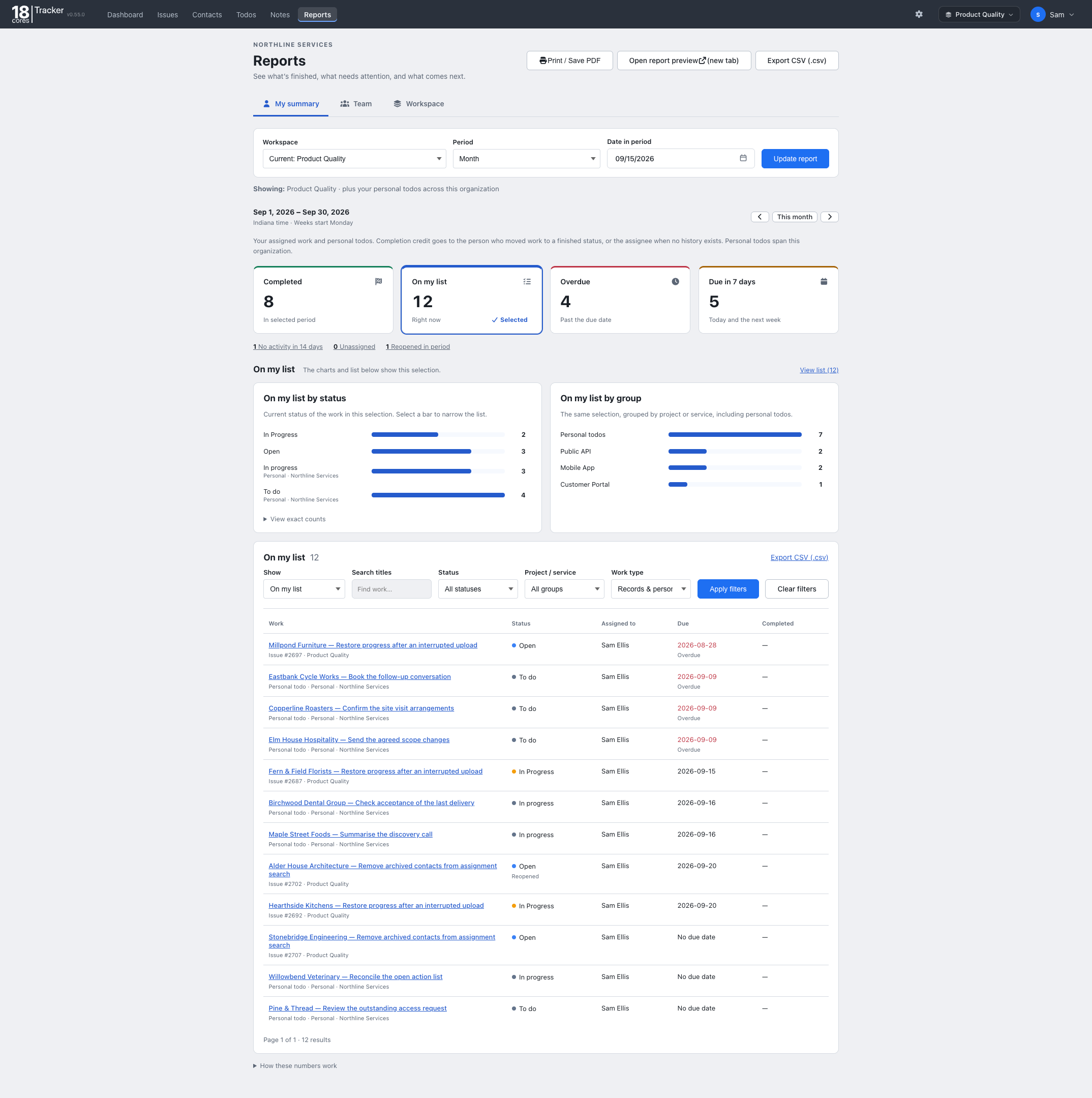
See what closed, what is overdue, and what is coming up for any period.
The Free plan covers up to 3 people, one workspace, and 1 GB of storage, with no credit card and no time limit. Upgrade when your team grows.
The same Tracker, set up for different work. On Starter and Pro, one organization can run several workspaces side by side.
Back to all templates