Notes
Write plans, meeting notes, and decisions in shared notes beside the tasks they shape.
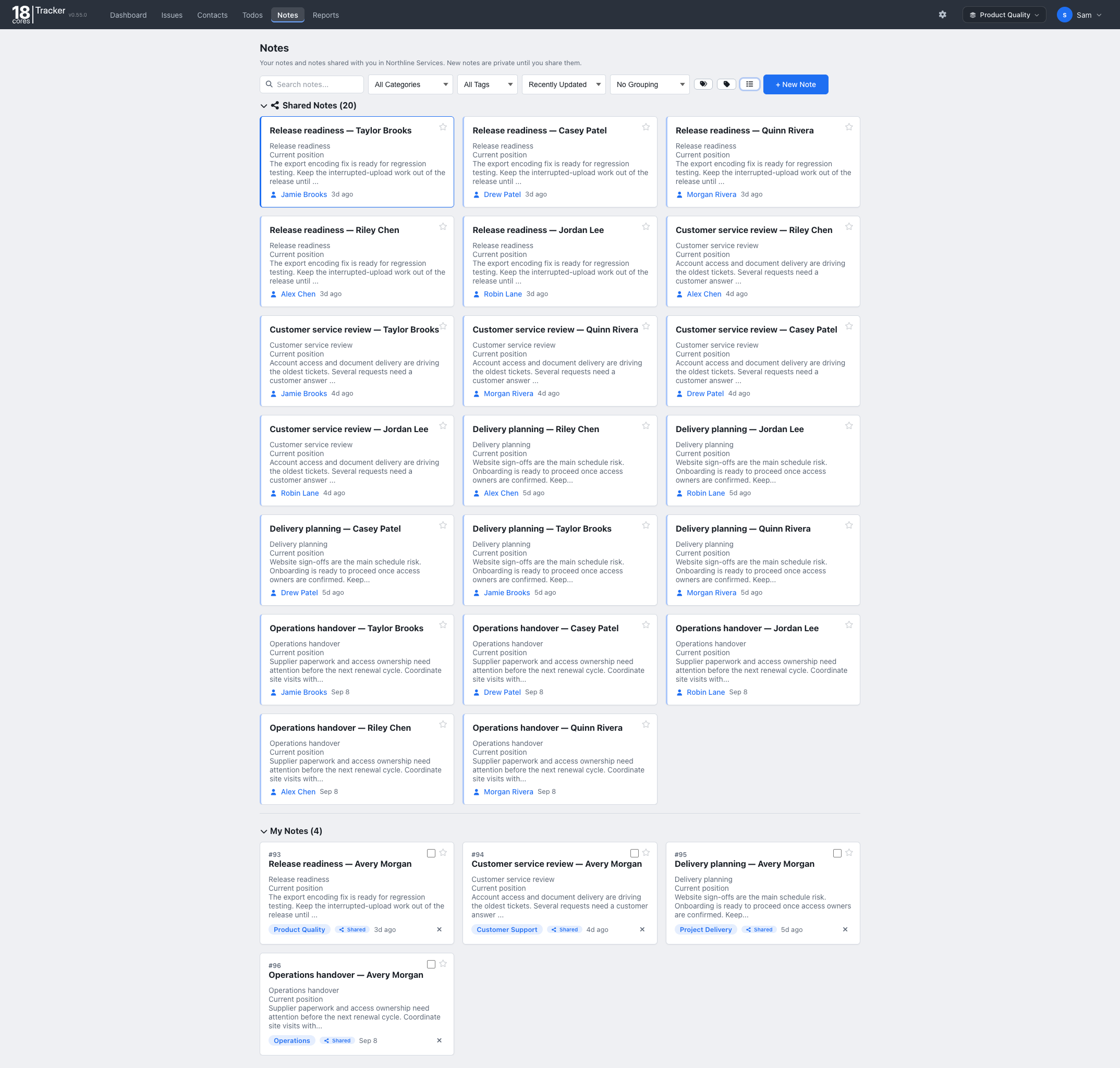


The Projects template keeps a team’s tasks moving from backlog to done, with the plans and decisions beside them.
Familiar lists, forms, and filters, so your team is up and running in minutes.
Free for up to 3 people. No credit card needed.
Questions? Email info@18cores.com
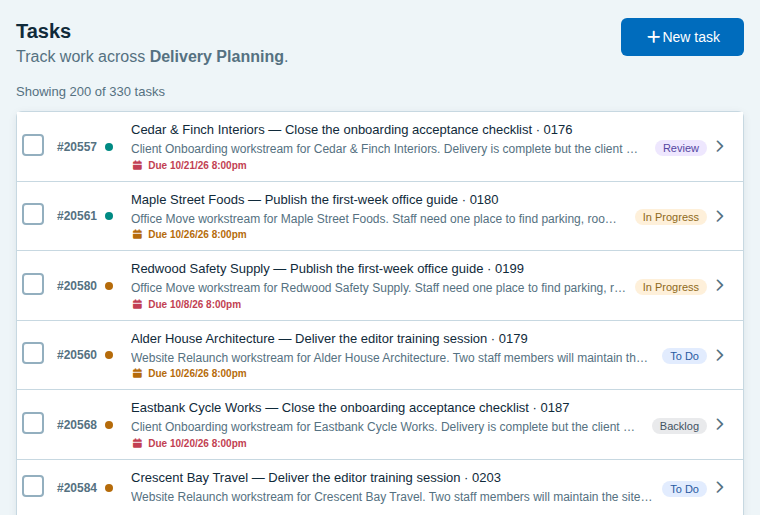
Everyone knows what is next, who owns it, and what is waiting for review.
Tasks move through Backlog, To Do, In Progress, Review, and Done, with a review step before anything is finished.
Start with Design, Development, Testing, Documentation, Infrastructure, and Planning, and group tasks by product to split projects or clients.
Assign each task, set a priority and due date, and see overdue work highlighted on the list and the dashboard.
Select several tasks and move them to the next step together.
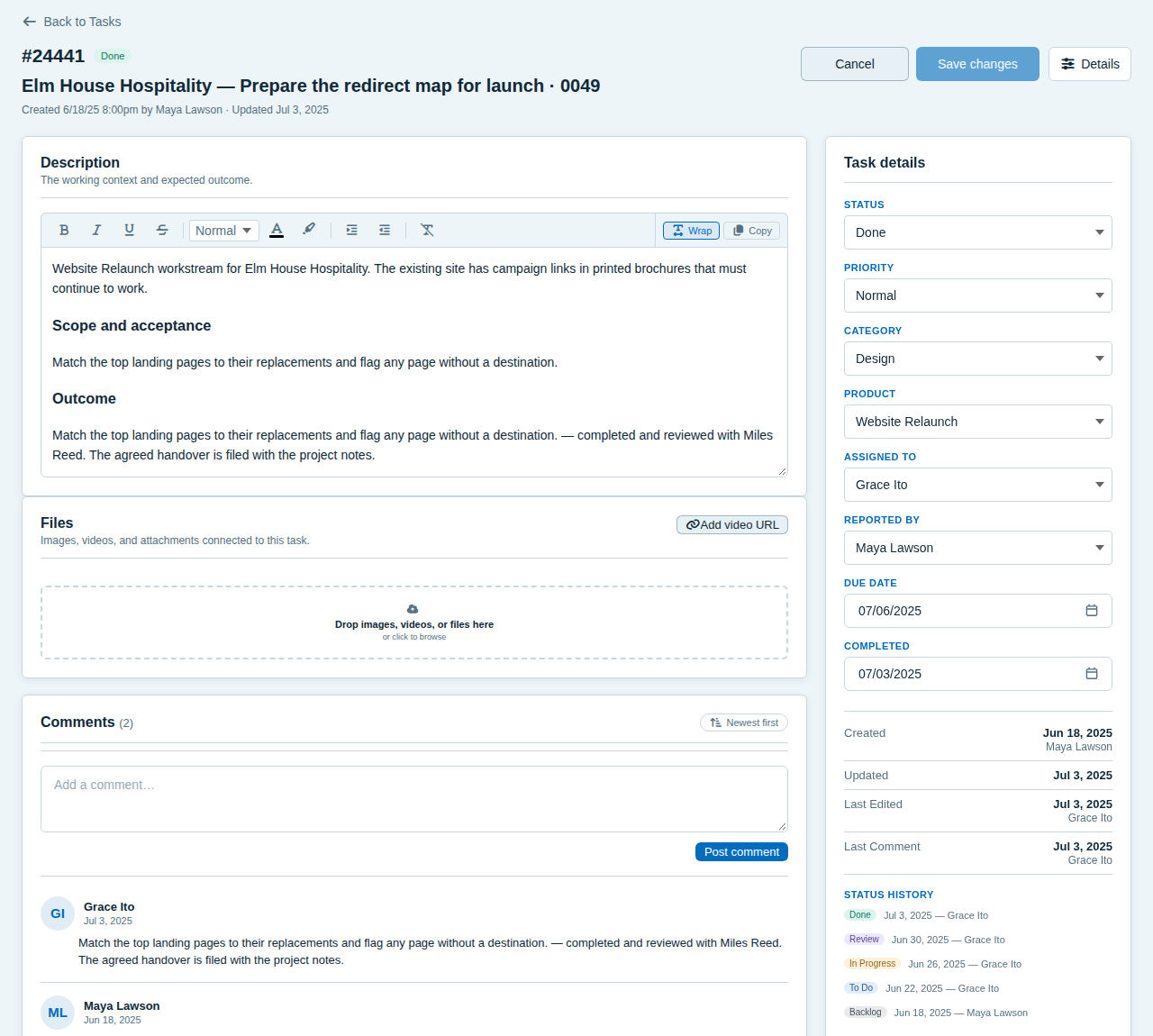
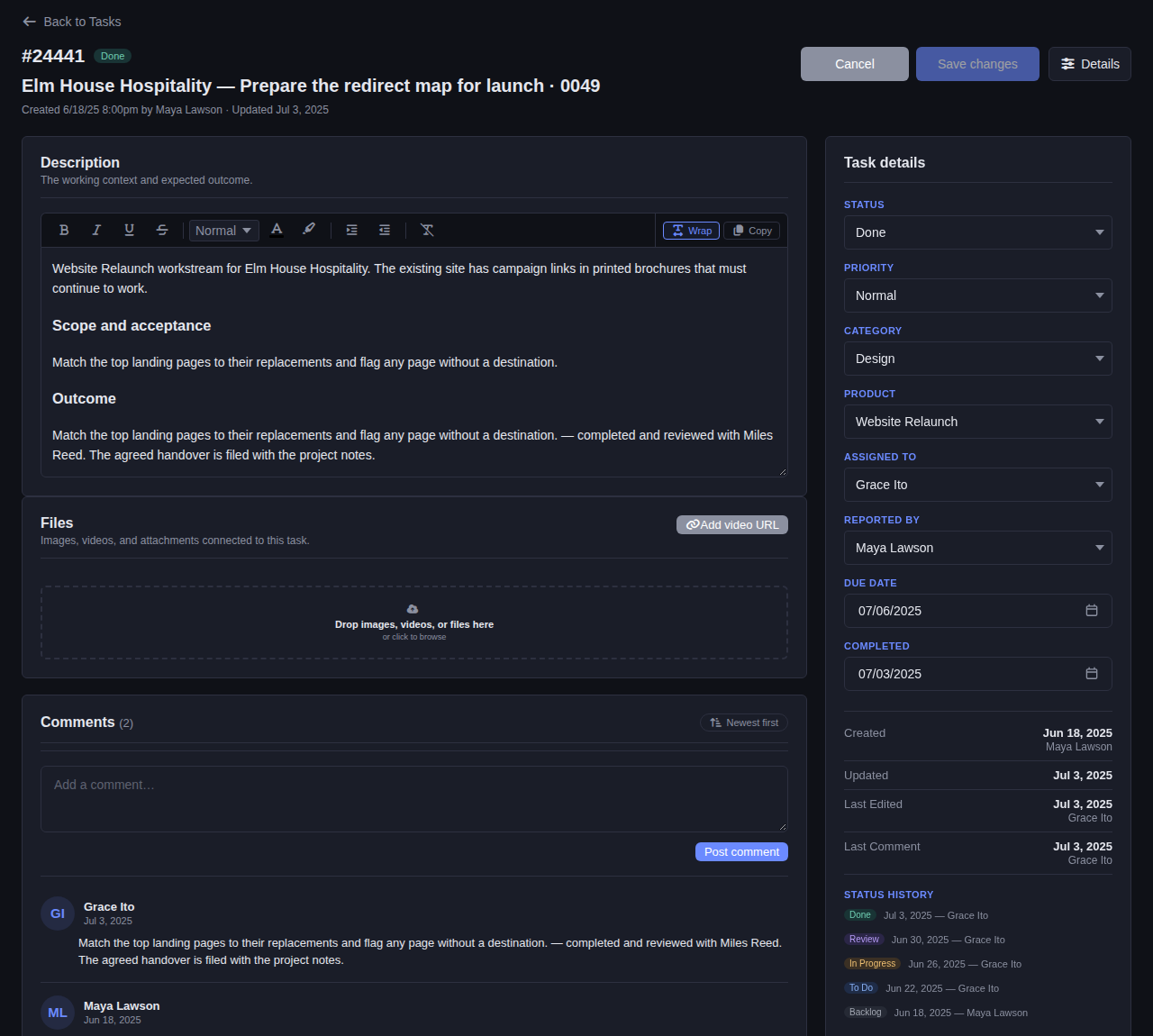
See the brief, owner, priority, due date, files, and discussion, plus every step from Backlog to Done.
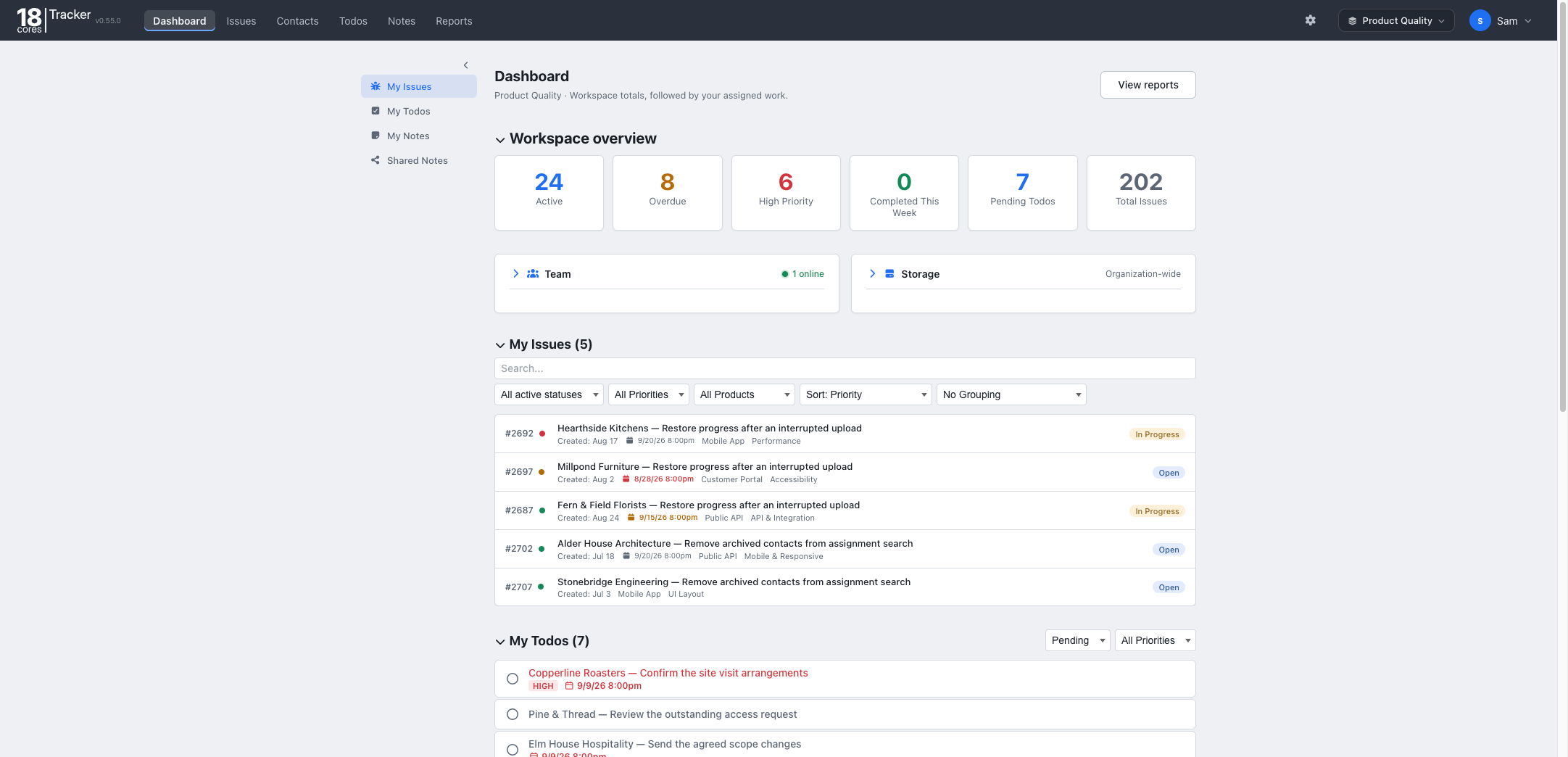
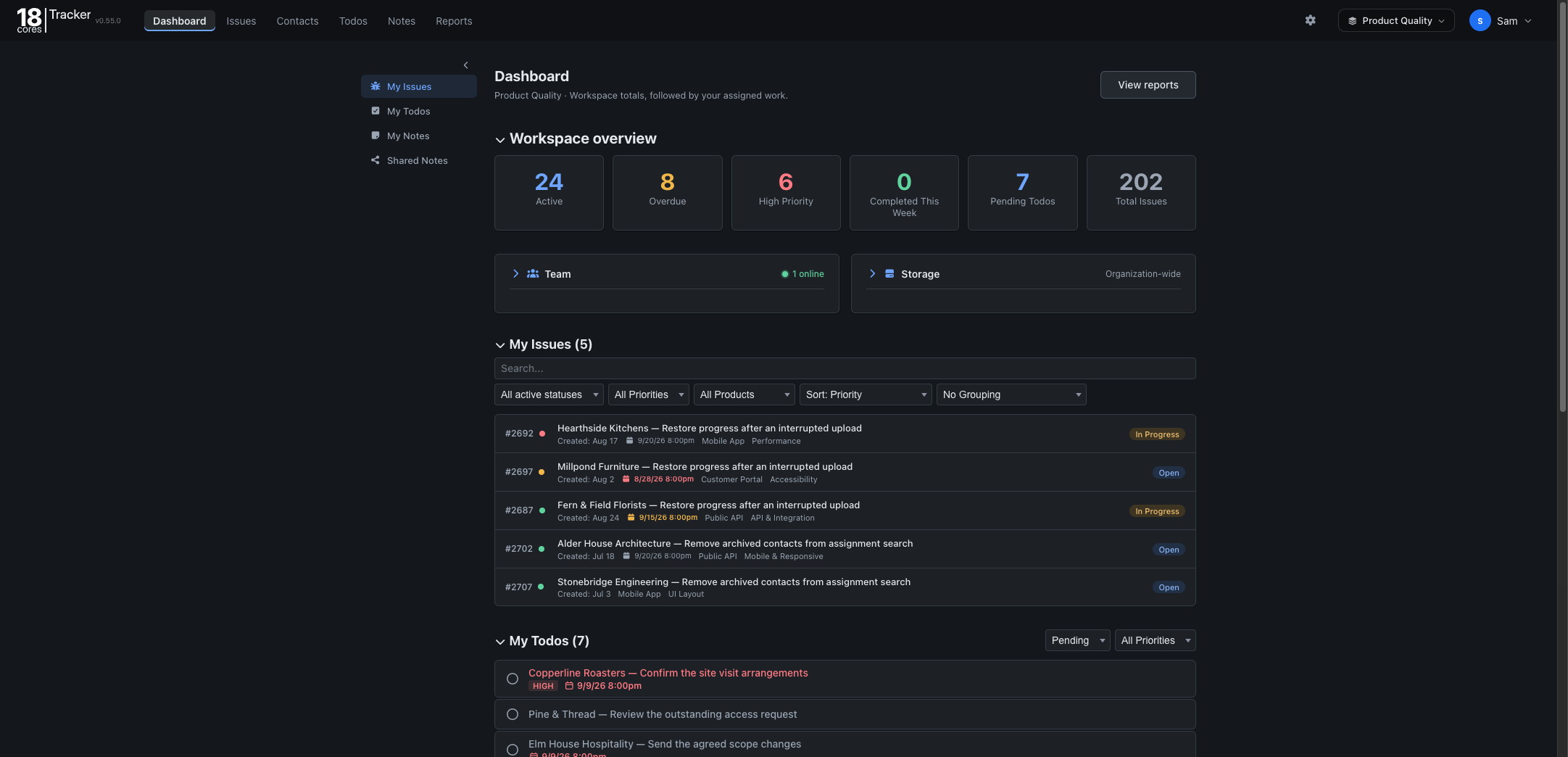
The dashboard shows workspace totals, overdue and high-priority work, and the tasks assigned to you.
Plans, reminders, and progress reports live with the work.
Write plans, meeting notes, and decisions in shared notes beside the tasks they shape.
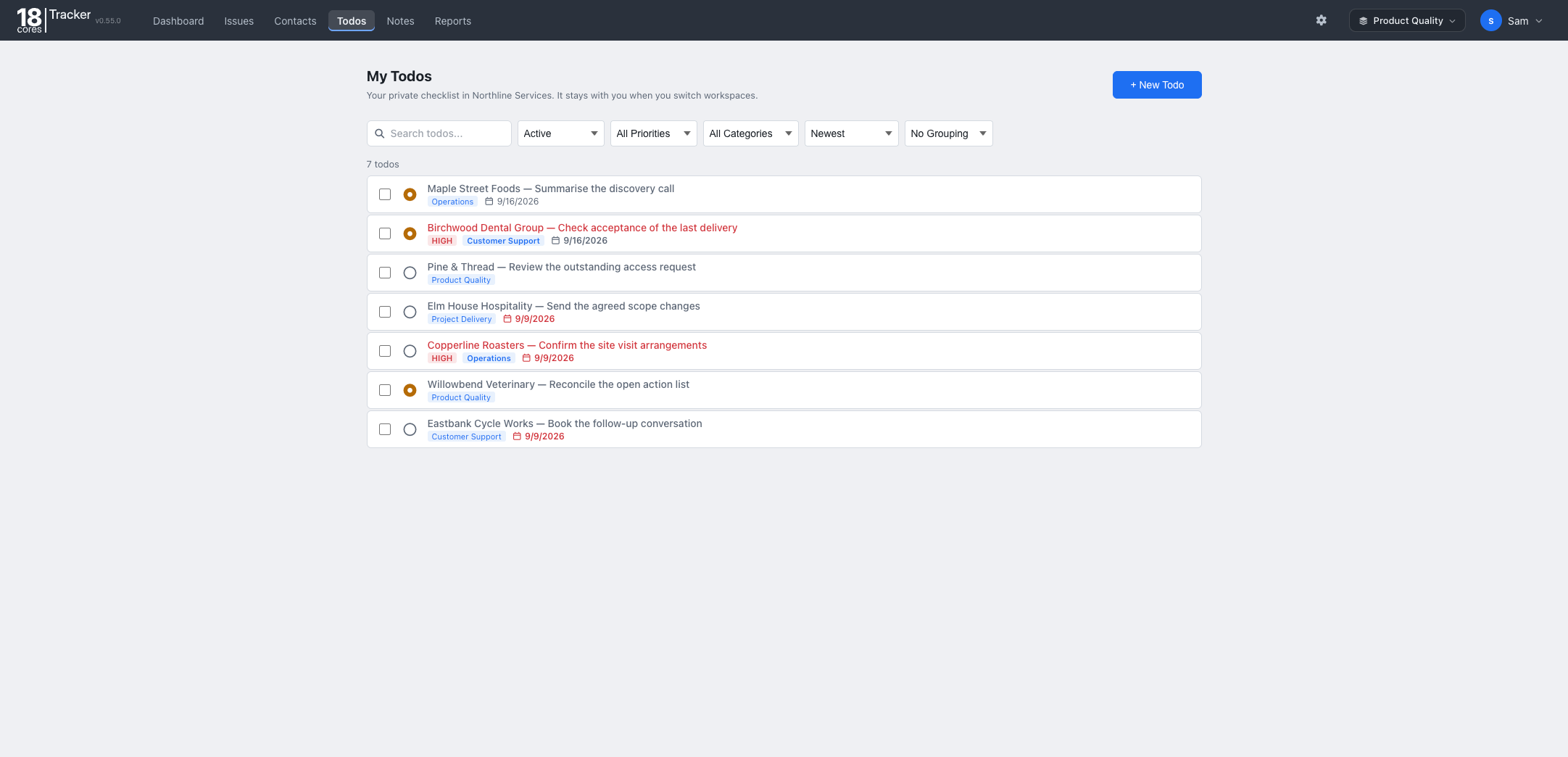
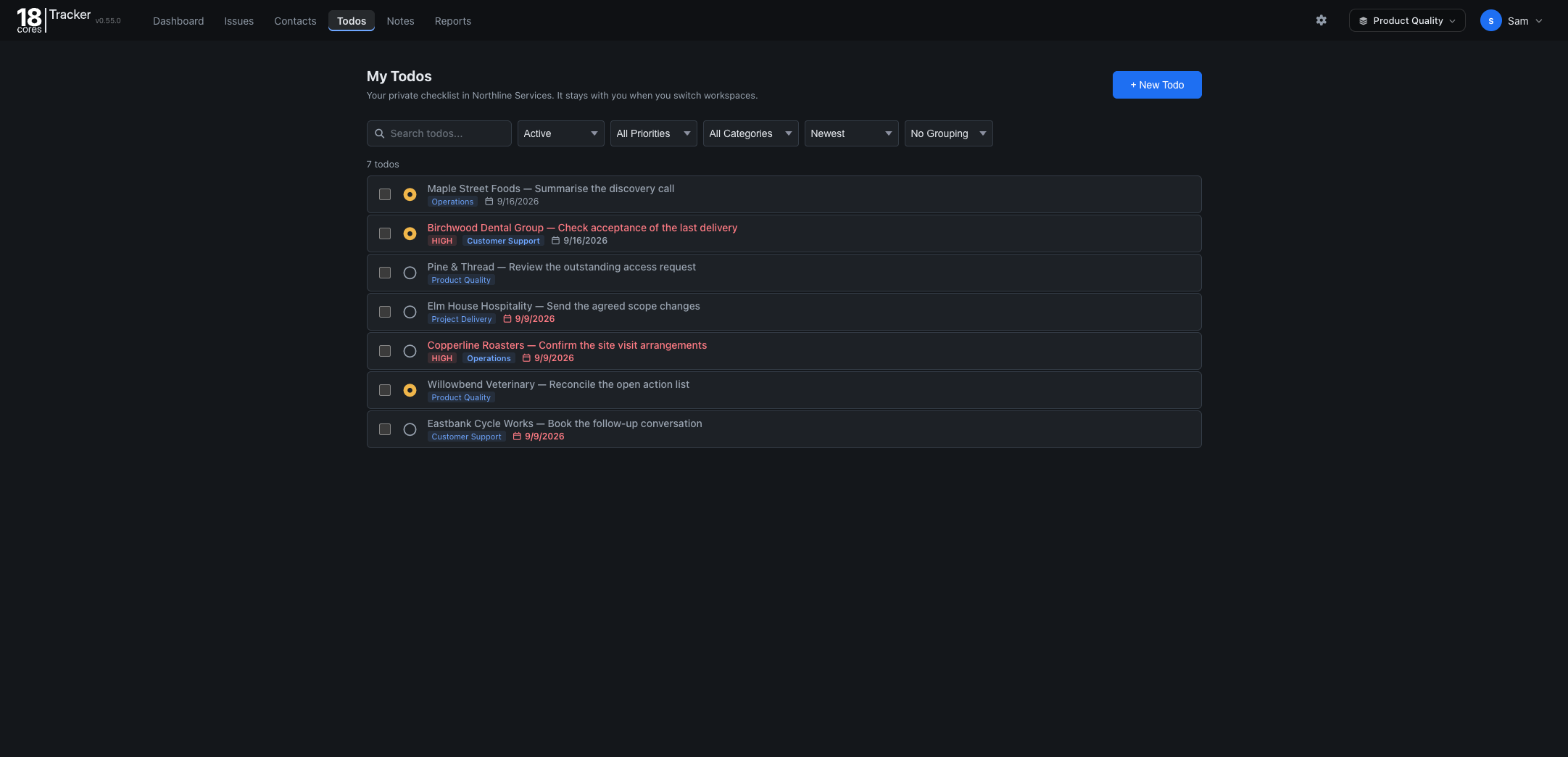
Keep your own follow-ups next to the team’s tasks, with due dates and priorities.
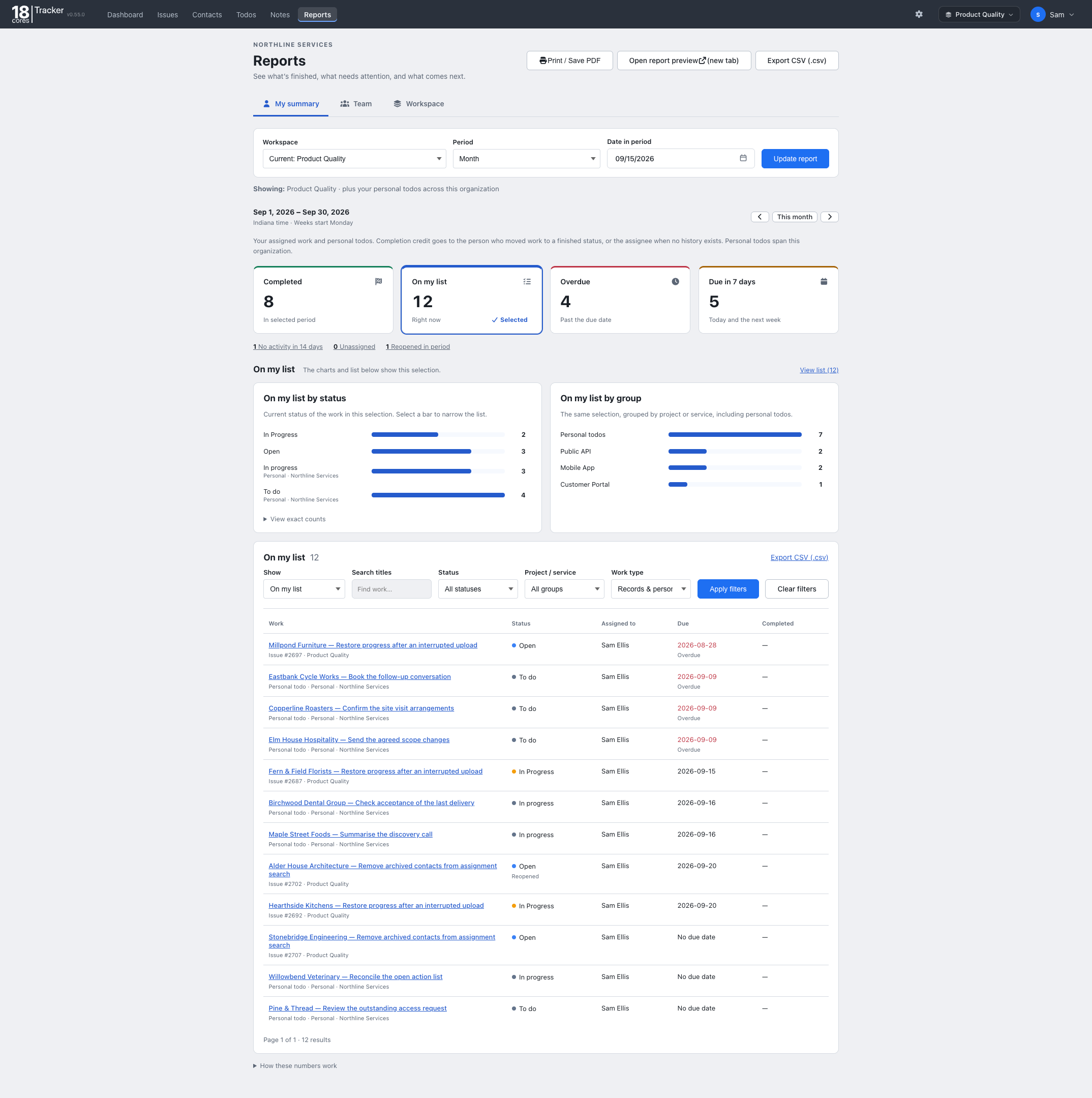
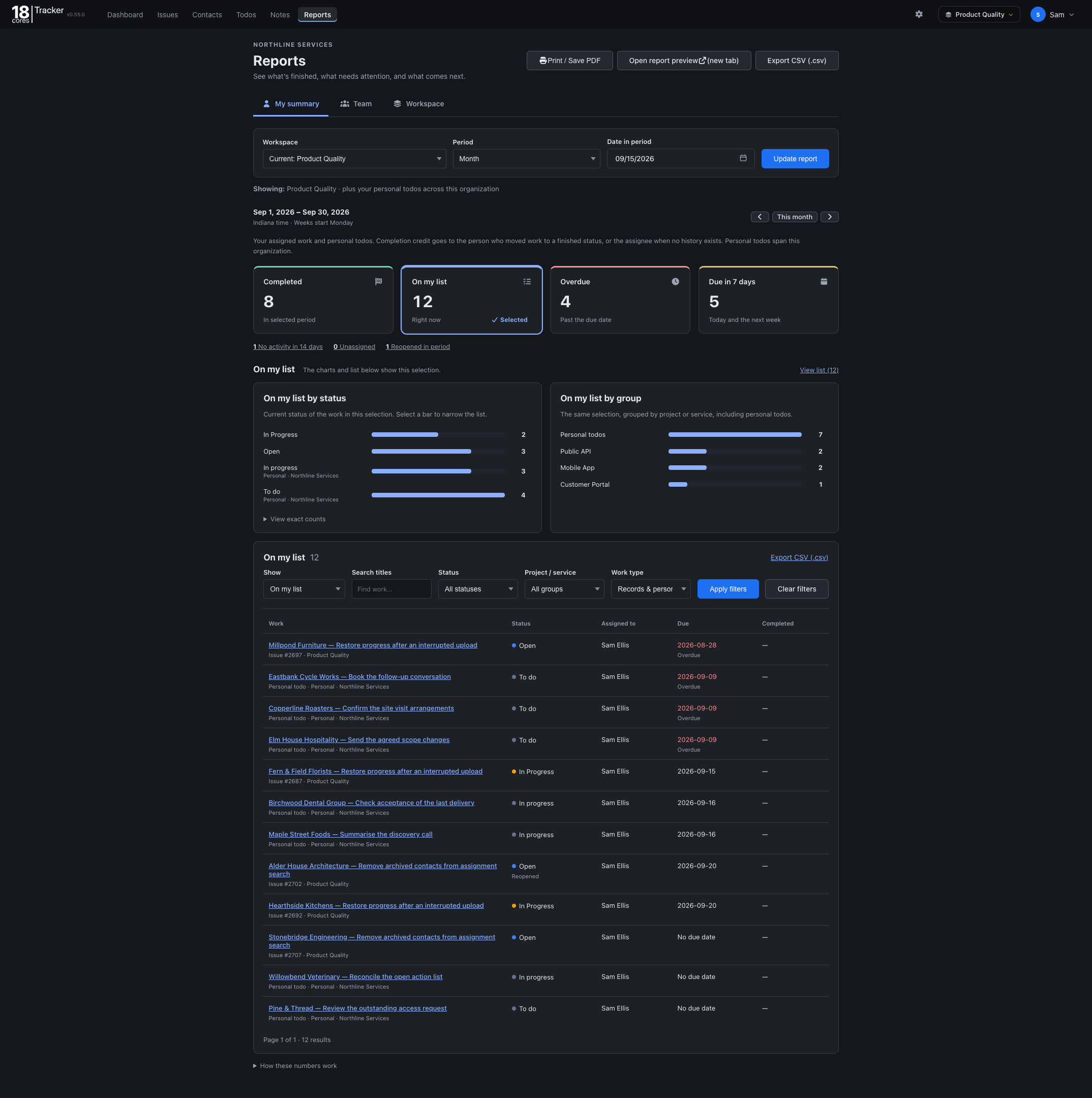
See what was completed, what is overdue, and what is coming up for any period, and export it as CSV.
The Free plan covers up to 3 people, one workspace, and 1 GB of storage, with no credit card and no time limit. Upgrade when your team grows.
The same Tracker, set up for different work. On Starter and Pro, one organization can run several workspaces side by side.
Back to all templates