Saved answers
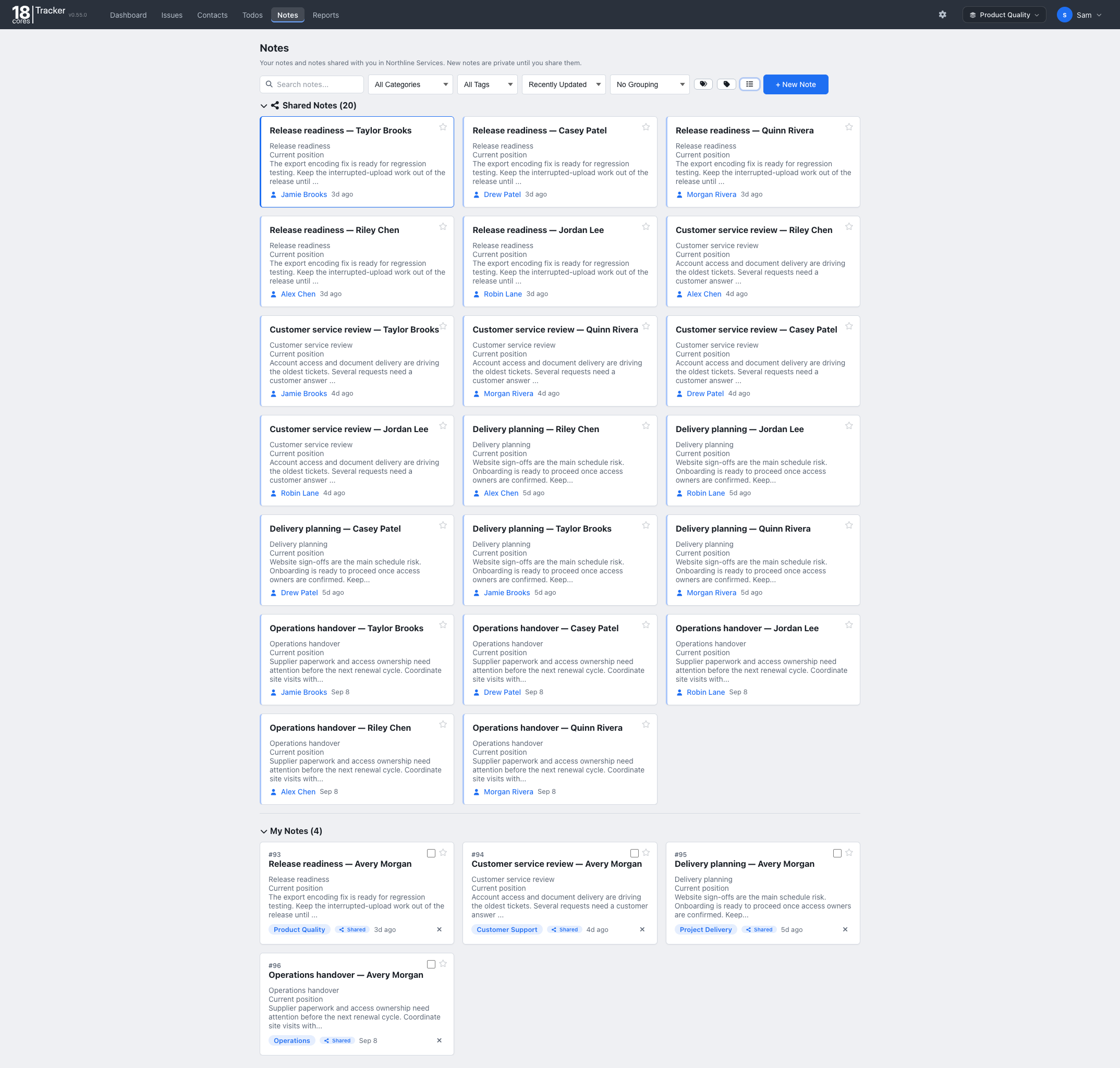
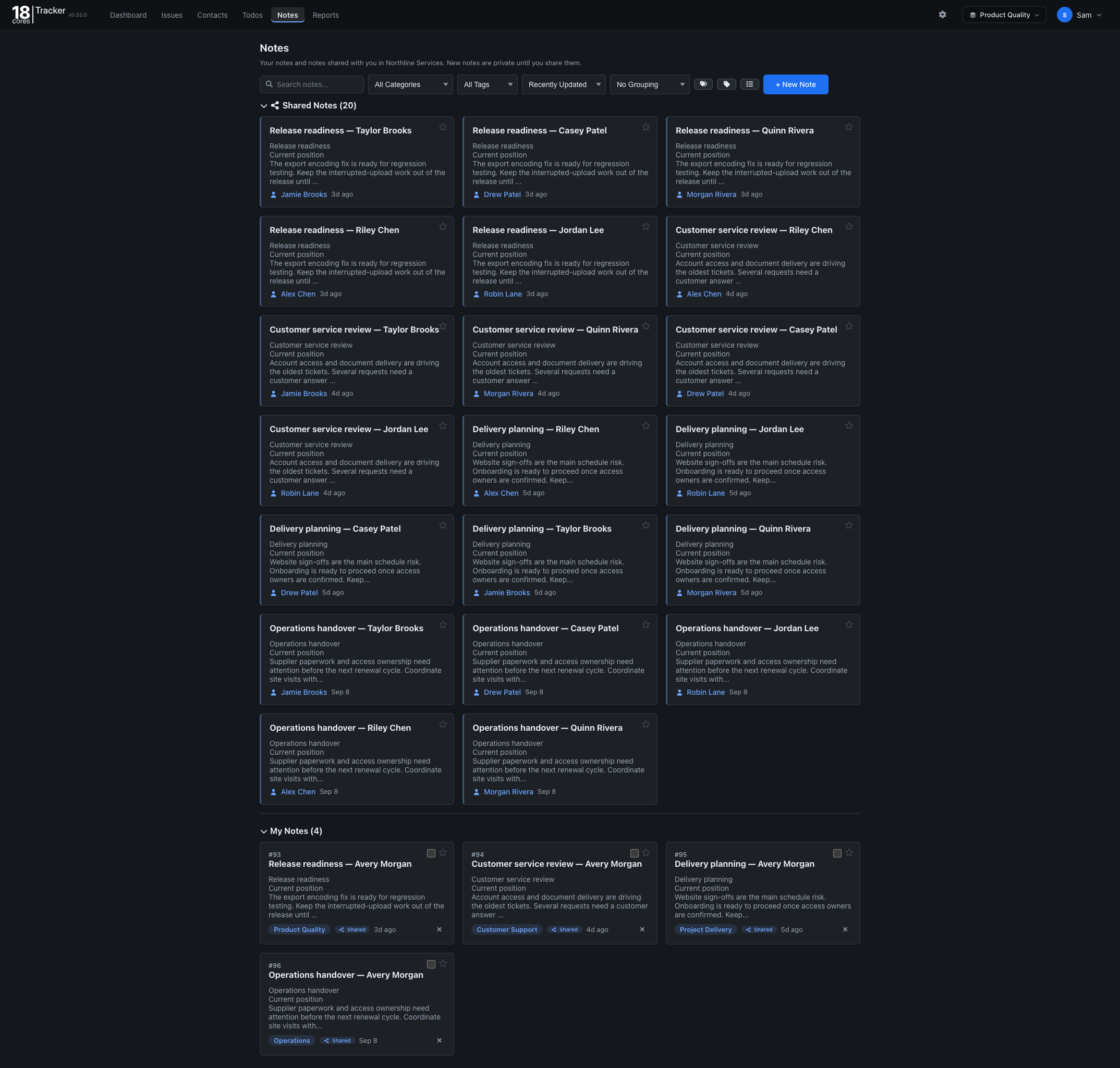
Keep standard replies, how-tos, and policies in shared notes, tagged and searchable.


The Customer support template tracks each request from the first message to resolution, so nothing waits too long and anyone on the team can pick it up.
Familiar lists, forms, and filters, so your team is up and running in minutes.
Free for up to 3 people. No credit card needed.
Questions? Email info@18cores.com
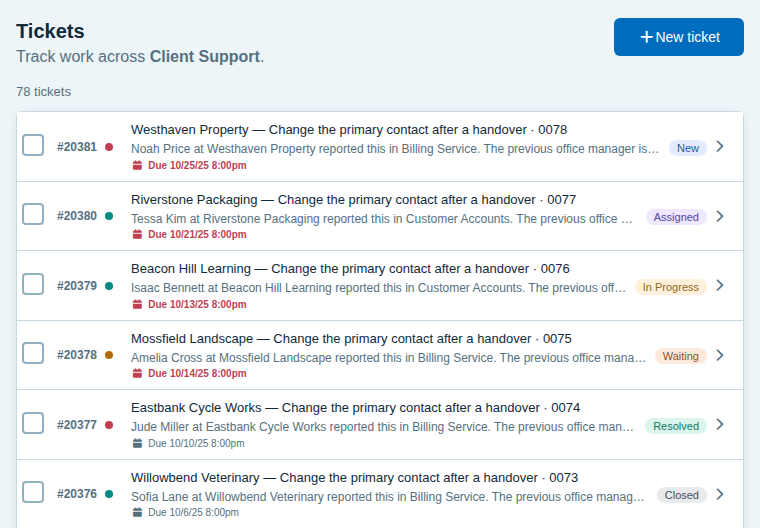
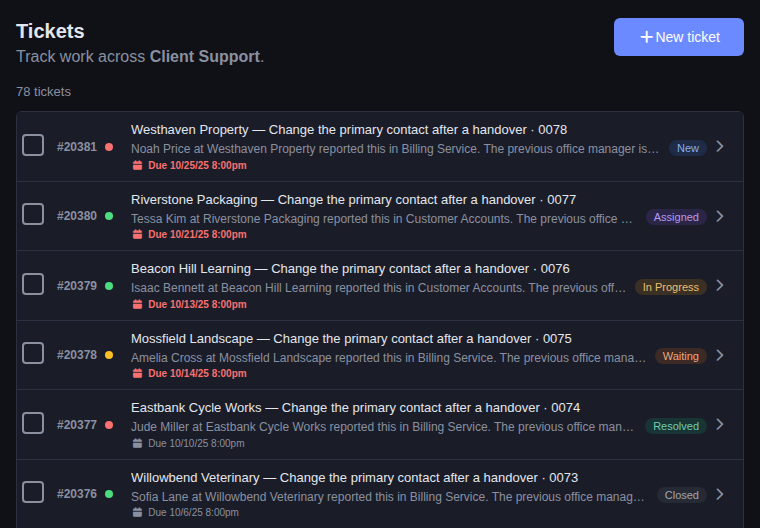
Every request has an owner, a status, and a history the whole team can see.
Tickets move through New, Assigned, In Progress, Waiting, Resolved, and Closed. Waiting shows which tickets are with the customer.
Start with Technical, Billing, Account, Feature Request, Bug Report, and General Inquiry, then rename or add your own.
Record the customer’s name and email on a ticket, even when they have no account, and keep customer details in shared Contacts.
Due dates flag overdue tickets, and sorting by the latest comment shows which conversations have gone quiet.
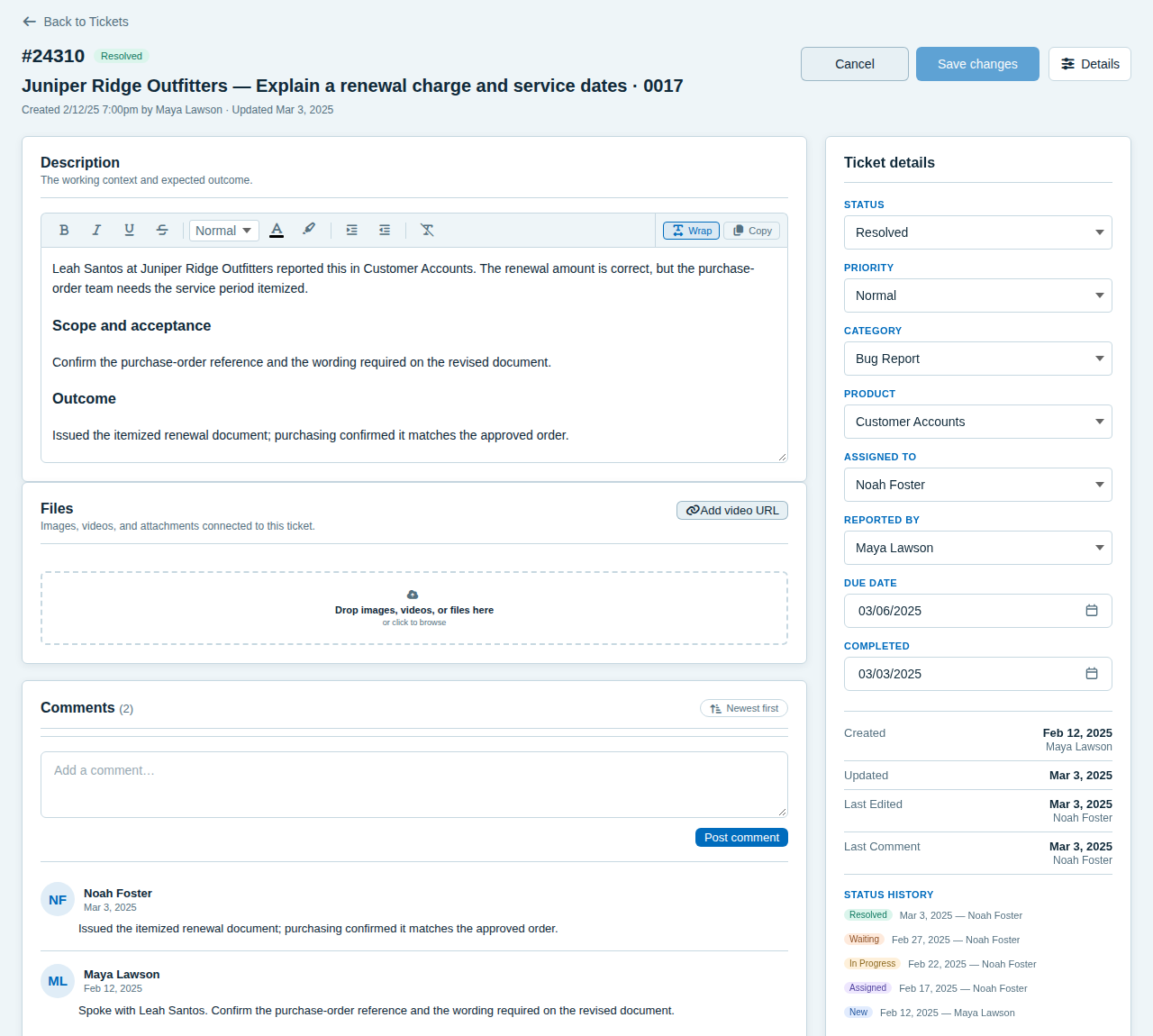
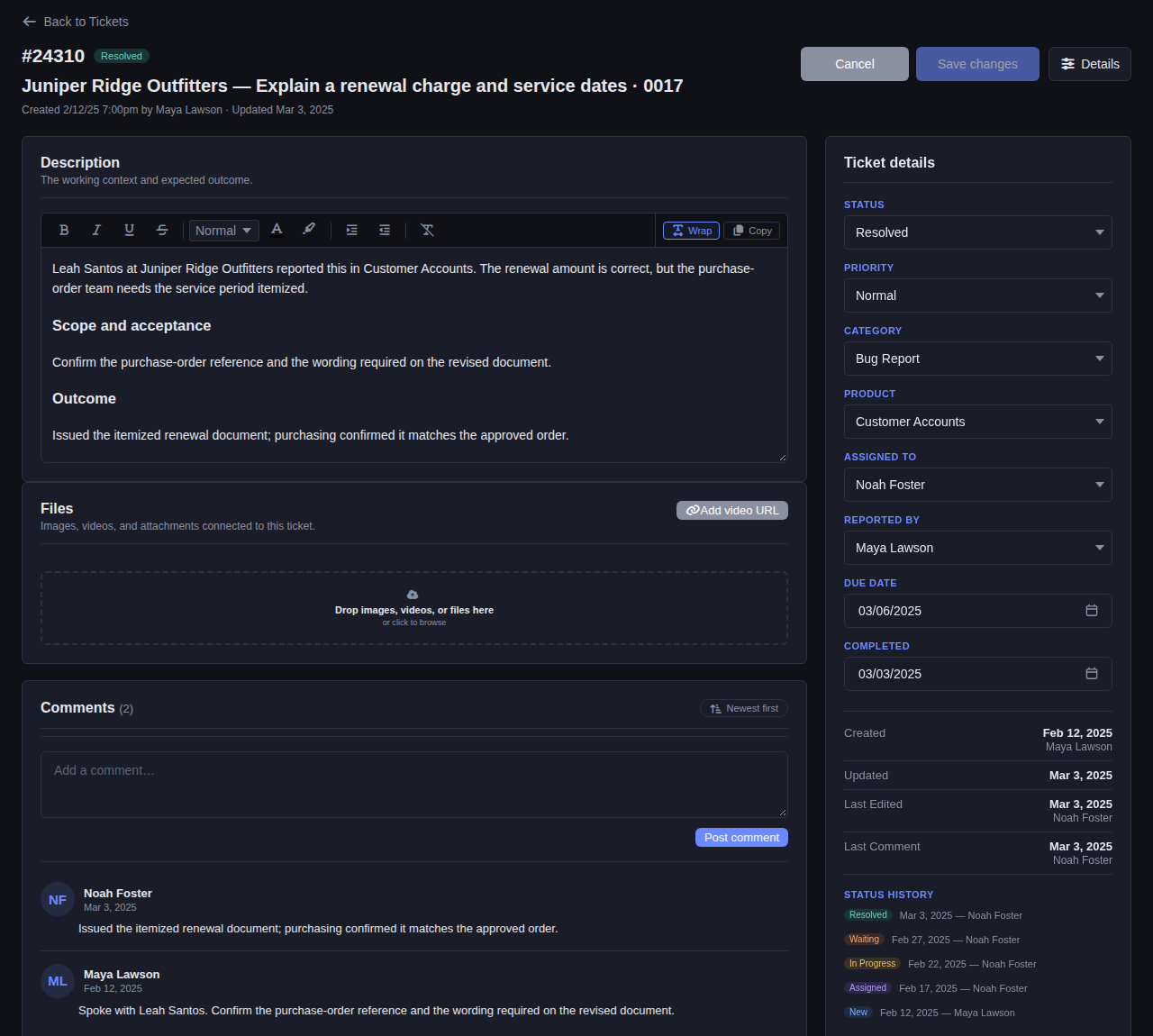
See what the customer needs, who owns it, the topic and due date, every reply from the team, and each step the ticket has taken.
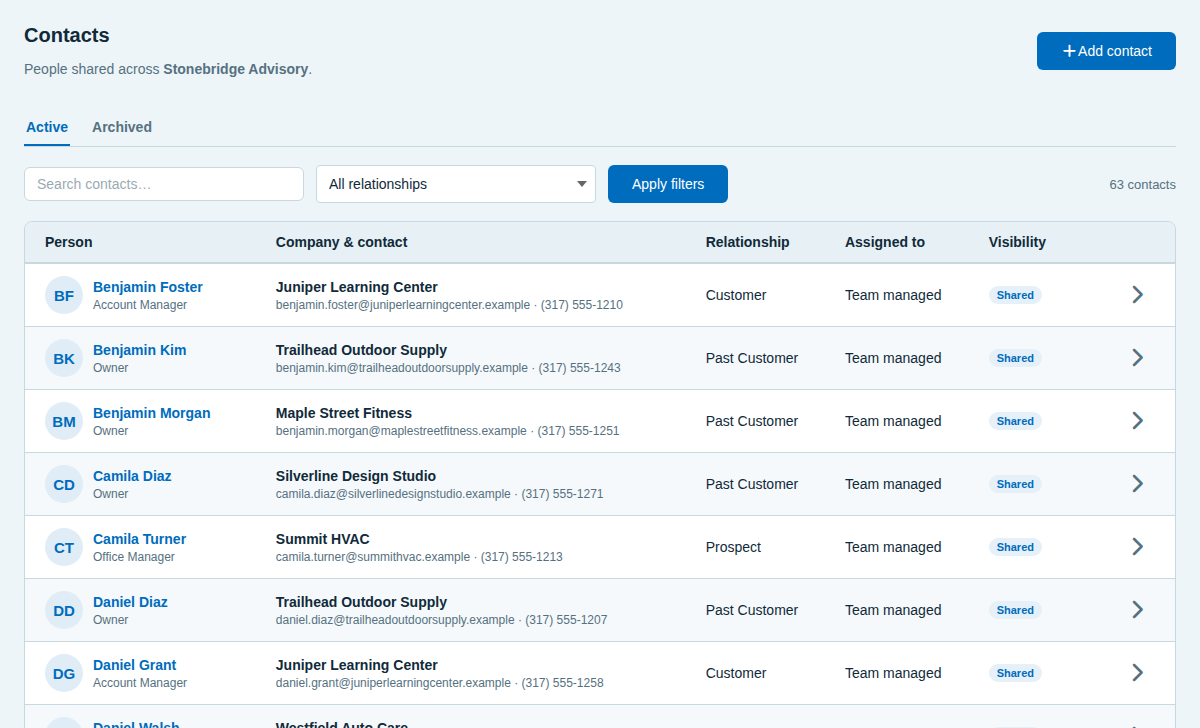
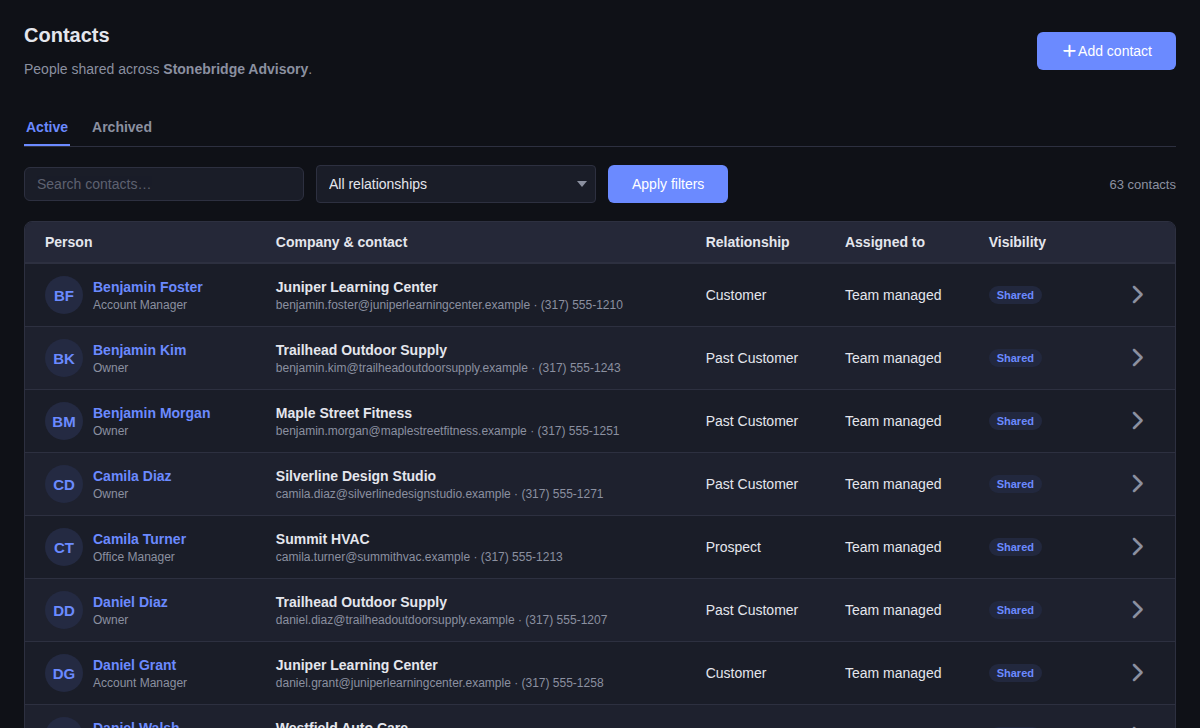
See each customer’s company, email, phone, and relationship. Share contacts with the team, or keep them private.
Answers, reminders, and a view of the workload sit beside the queue.
Keep standard replies, how-tos, and policies in shared notes, tagged and searchable.
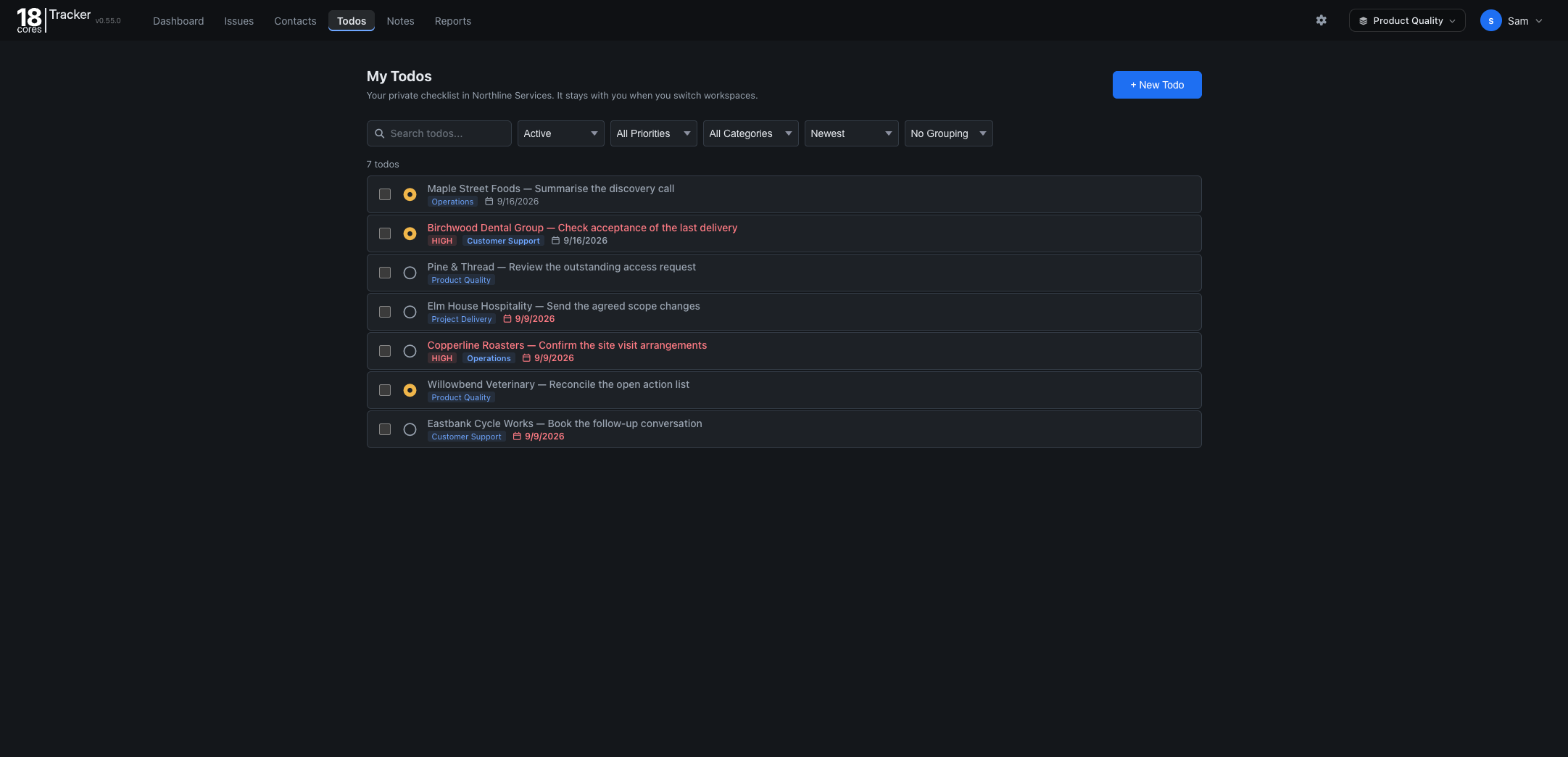
Remind yourself to check back with a customer, with a due date and priority.
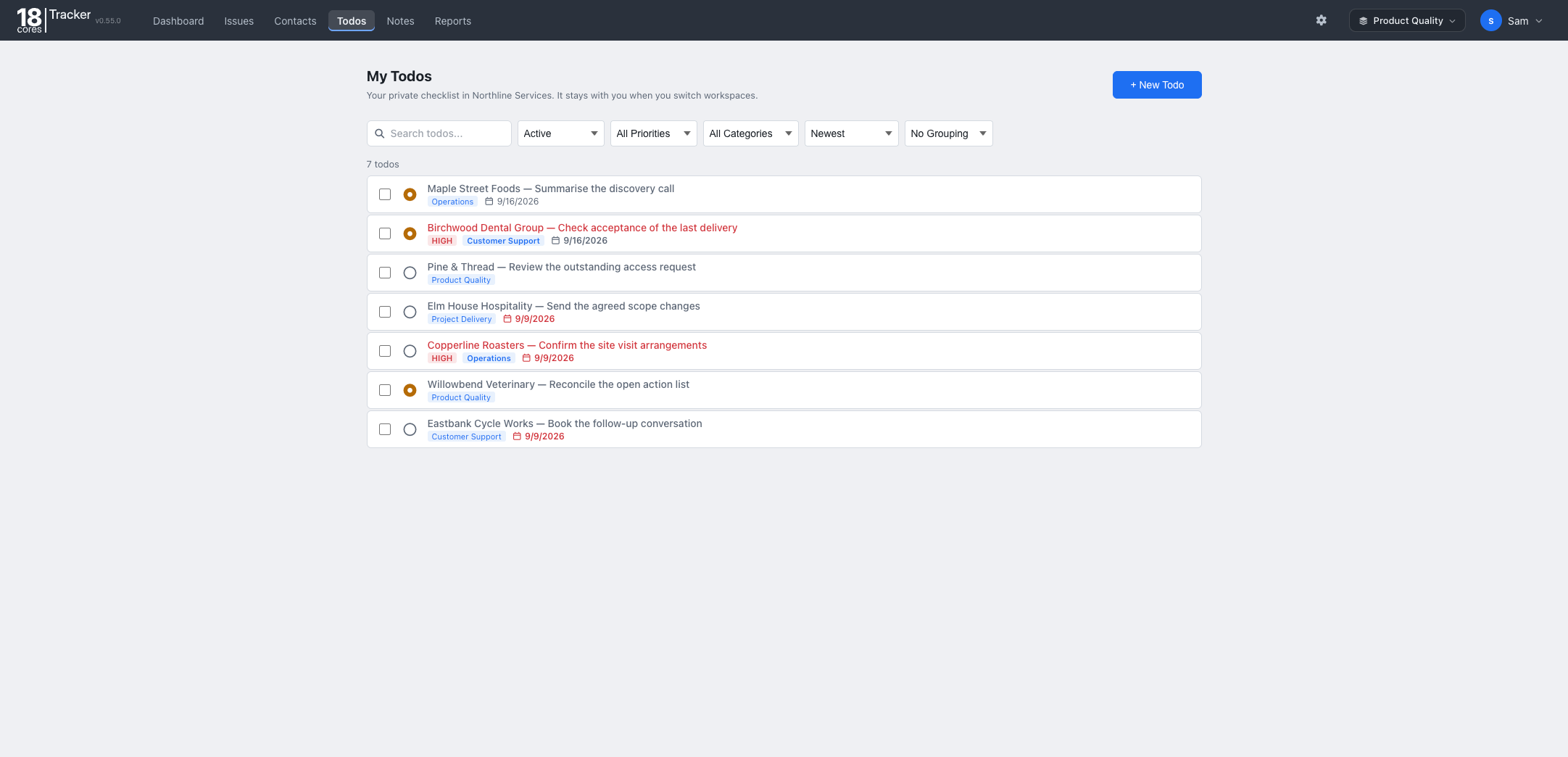
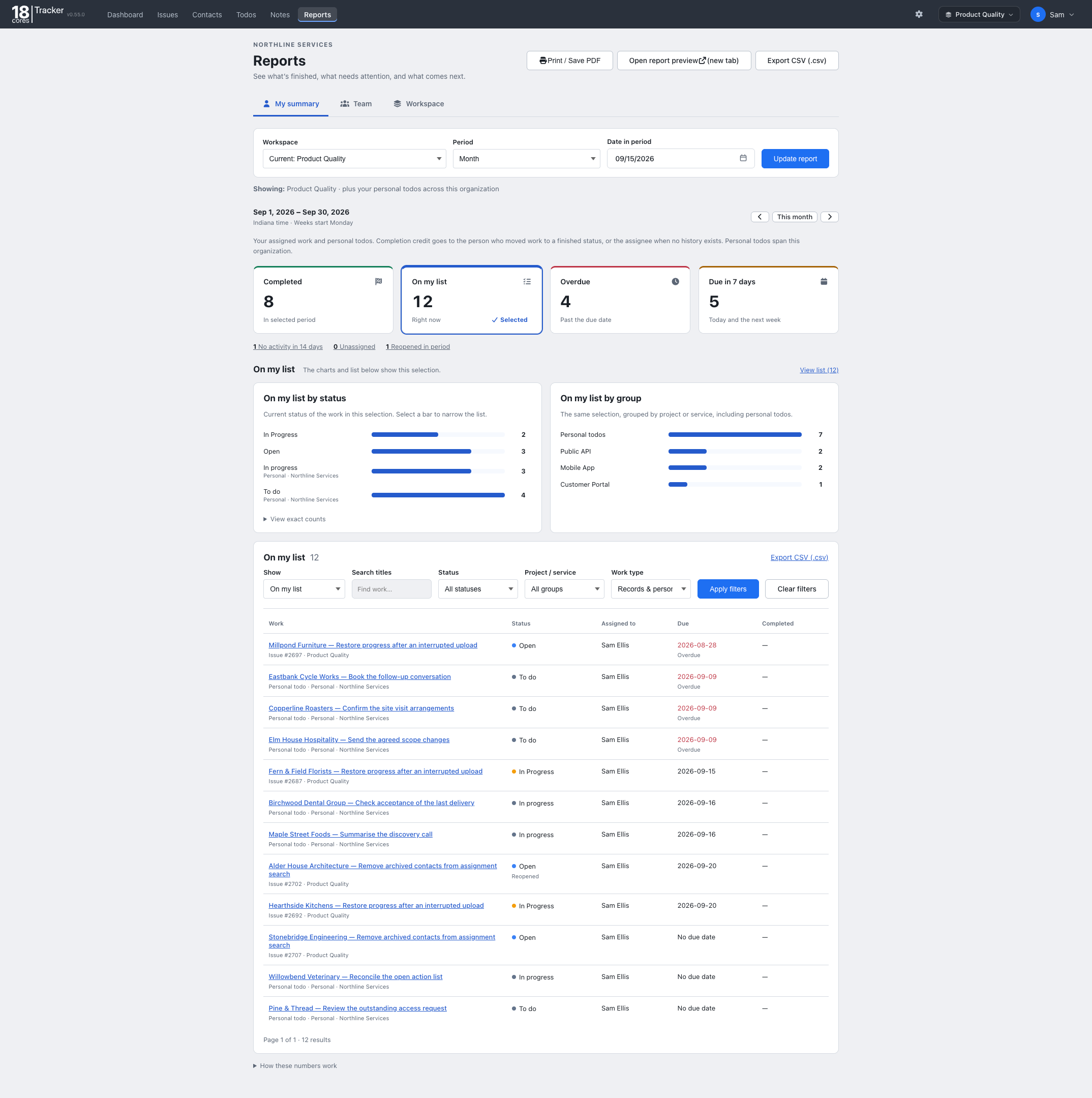
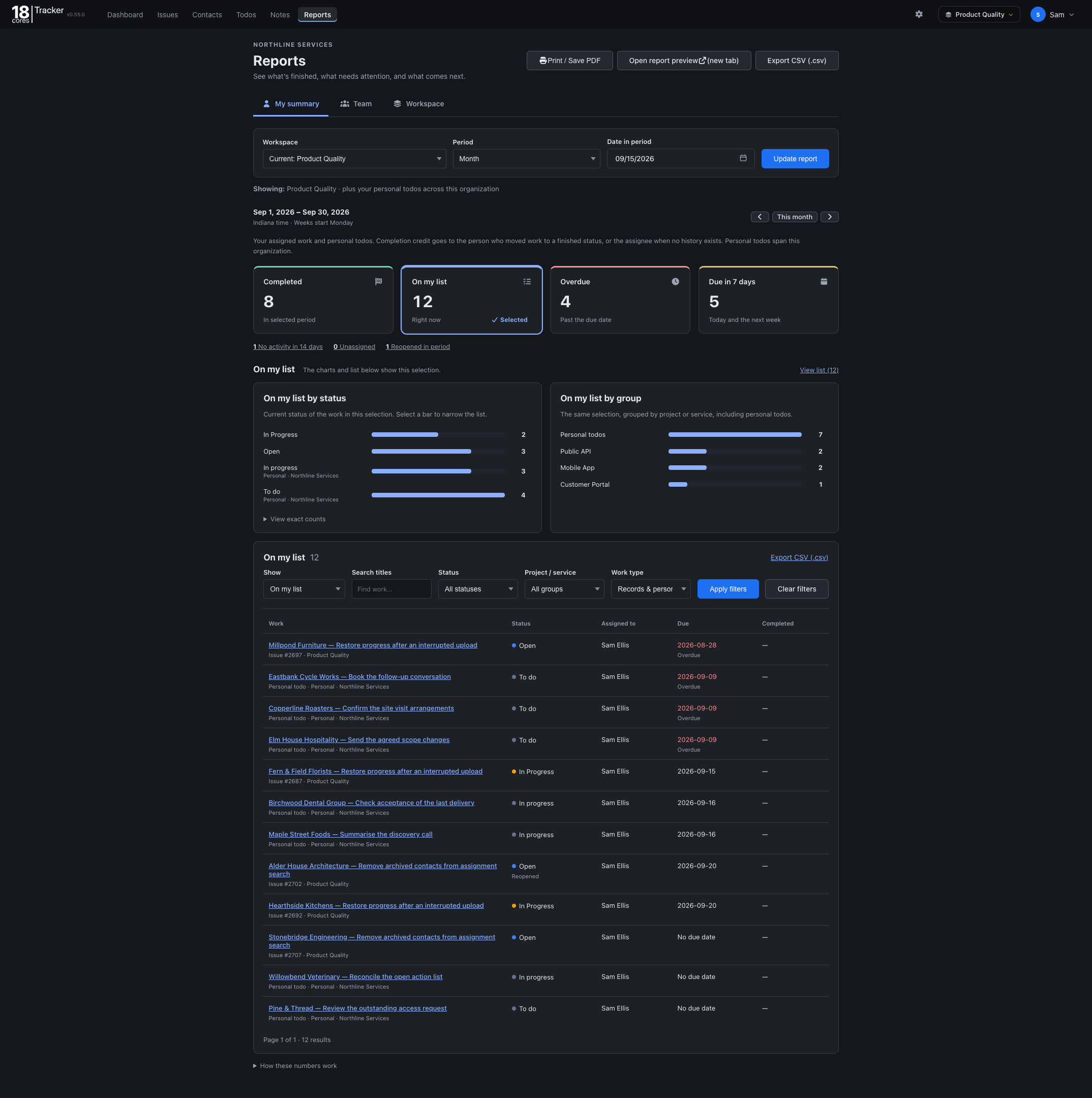
See what was resolved, what is overdue, and what is coming up for any period, and export it as CSV.
The Free plan covers up to 3 people, one workspace, and 1 GB of storage, with no credit card and no time limit. Upgrade when your team grows.
The same Tracker, set up for different work. On Starter and Pro, one organization can run several workspaces side by side.
Back to all templates